3 min read
© IE Online Media Services Pvt Ltd



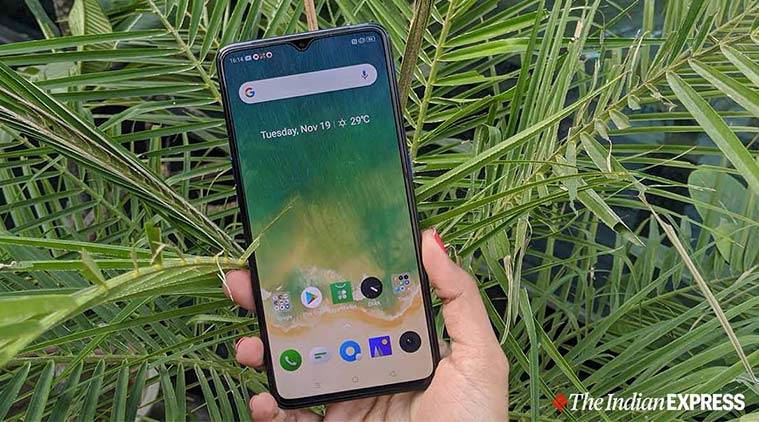 Realme phones now show ads but they can be removed. (Representation image)
It looks like Realme has also decided to follow Xiaomi’s path of showing advertisements in its ColorOS. The company confirmed this via an official blog post, although the good news is that there is an option for customers to disable these ads on their Realme phones.
Realme phones running ColorOS 6 and above versions will show ads from now on, though the company is calling these as ‘recommendation updates.’ The company claims that it will ensure protection of user privacy and compliance with relevant laws and regulations when showing such advertisements.
“To continue offering more surprises for you and maintain a healthy and sustainable business model, we have introduced commercial content recommendation in the OS. Realme phones with ColorOS and above will receive such recommendation updates,” Realme notes in an official blog post.
As part of this content recommendation, ColorOS on Realme phones will promote some apps and commercial links. “The content recommendation in the OS will appear in two places — the phone manager app and the security check page after installing new apps,” notes the blog.
Rival Xiaomi’s phones also show ads, which has been a complaint point about the MIUI software on these phones. With the latest MIUI 11 software, Xiaomi has streamlined the system and made it easier to switch off ads, but they are still present.
Only Realme phones running on ColosOs 6 and above versions will get ads or content recommendations. There are two ways to disable these.
First, users can disable advertisements at the time of setting up the phone. Just disable the Content recommendation option, when setting up the phone.
To remove ads from Realme phone after it has been setup, head to the Setting menu first.
Open the Setting menu, scroll down and click on the “Additional Settings” option.
Next, click on the “Get Recommendation” and disable the option.
Following this process, you will be able to disable the ads coming from third-party applications.
Using a Redmi phone and tired of the ads? Here’s how you can disable ads
Story continues below this ad
Realme phones currently run on Oppo’s ColorOS software. At the launch of the Realme X2 last month, the company India head Madhav Sheth announced Realme OS and said that phones will launch with the new operating system in 2020. Sheth confirmed that Realme OS is in the works.
He didn’t reveal launch details about the Realme OS or information about the first phone that will run the software. We can expect Realme to talk about the Realme OS and provide more details in the days to come.