2 min read
© IE Online Media Services Pvt Ltd



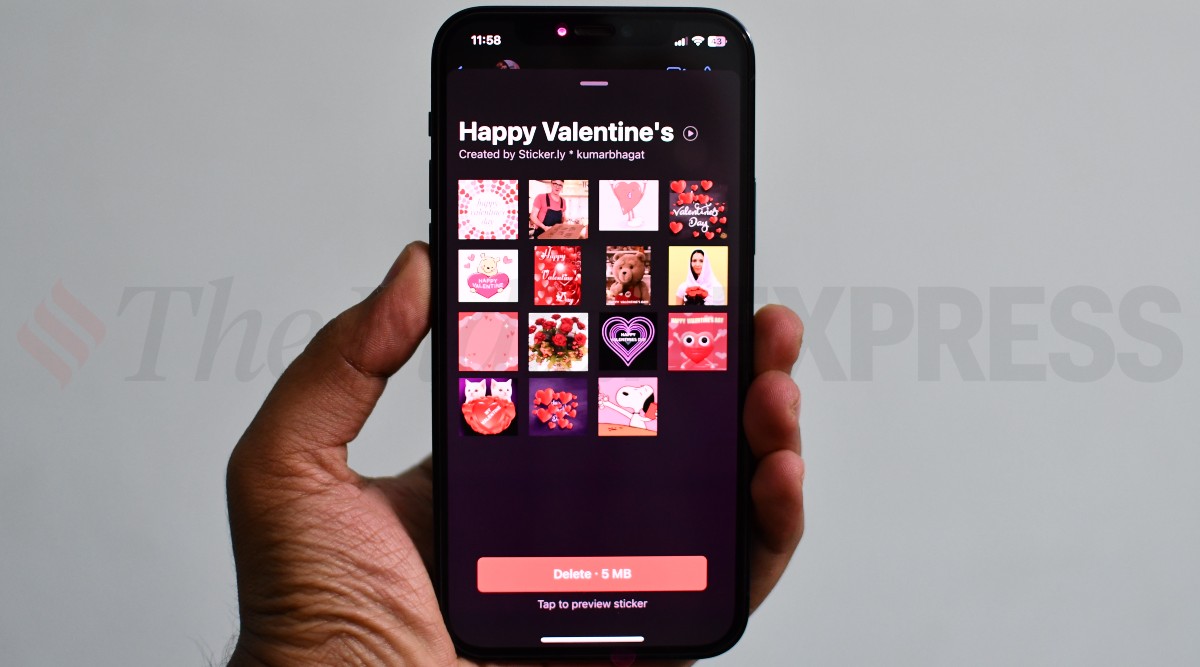 Valentine's day sticker pack downloaded from Sticker.ly app on an iPhone (Image credit: Vivek Umashankar / Indian Express)
 Valentine’s day is just around the corner. While there are many ways of conveying love to your partner, the easiest way to do this is by sharing specially-made valentine’s stickers on WhatsApp. This can be done on both Android and iOS devices, that too, for free. Here is how you can access and share Valentine’s day stickers with your loved ones on WhatsApp. You can also check out our other WhatsApp sticker tutorials for Independence Day, Deepavali, New Year, and more.
Open WhatsApp on your Android or iOS device and then click on the contact where you want to share Valentine’s day stickers. Then click on the plus icon to access all the first-party sticker packs on WhatsApp and look for stickers that either say love or Valentine’s day.
Next, click on the download icon, which will download the entire sticker pack to your phone, which can then be shared with anyone who is on WhatsApp.
Similarly, you can also download third-party WhatsApp sticker apps from Apple App Store and Google Play Store such as Sticker.ly, Sticker Maker + Stickers, Stickles, and Wsticker for chat apps. These apps are available on both platforms for free and offer an extensive range of stickers, including the one with Valentine’s theme.
Once you have downloaded Valentine’s day sticker pack, go to the specific WhatsApp chat and just share a sticker from the menu. You can send an individual sticker or can also share multiple Valentine’s day stickers at the same time.