


© IE Online Media Services Pvt Ltd
Tags:


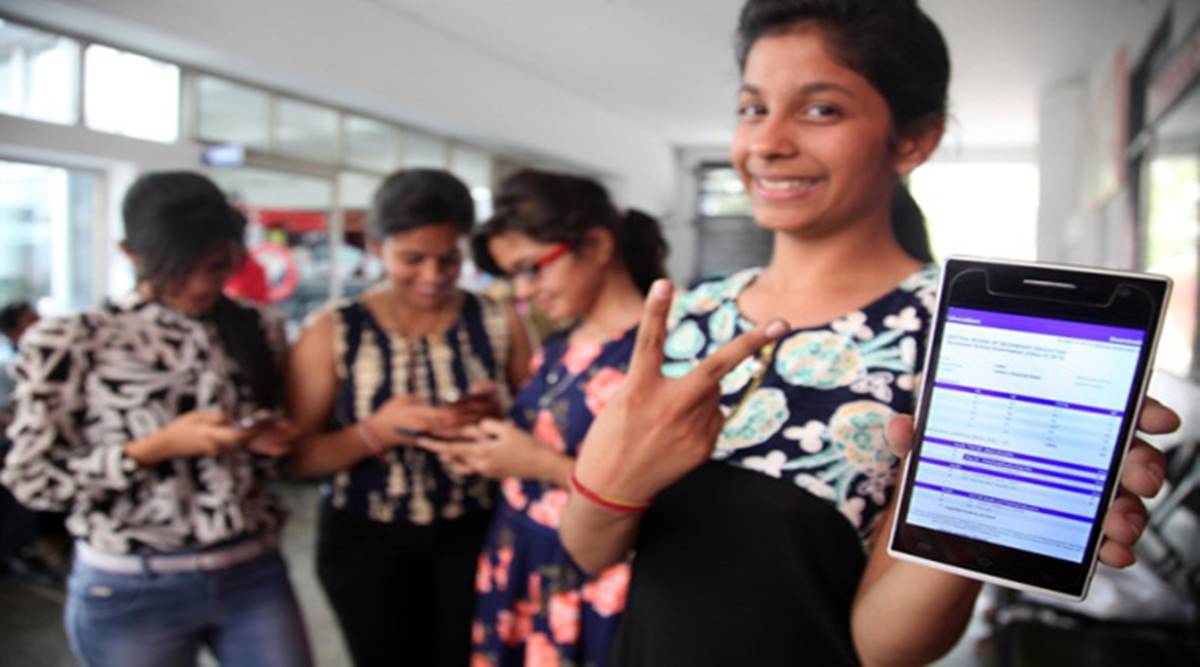
Like last year, tech-giant Microsoft will be hosting Central Board of Secondary Education (CBSE) class 10 and class 12 results through SMS organizer app. To be able to avail this facility, the students have to pre-register on SMS Organizer. Once CBSE results are announced, students or their parents will get the result even if they are not connected to the internet.
LIVE Updates | CBSE to release class 12 results on May 2

For the last three years, Microsoft has been partnering with CBSE to display results on http://www.bing.com, said the company in a release.
Step 1: On your Android phone, download SMS Organizer app from the Google Play.
Step 2: Click on the notification from the app, to pre-register.
Step 3: Enter the required details – roll number, school code, and date of birth to complete the registration process.
Read | How to check CBSE Class 12 results 2019
Step 4: When the CBSE results are declared, the students can receive your score card on the app.
This year too, Microsoft has added an option where students can share CBSE results card with friends and family with ease via other social media and instant messaging apps.
View | CBSE Class 12 results
The Class 12 results will be announced first, following which the CBSE will declare the Class 10 results after two to three days.”Besides app, the students can check the result through the official websites, cbse.nic.in, cbseresults.nic.in and results.nic.in.


