2 min read
© IE Online Media Services Pvt Ltd



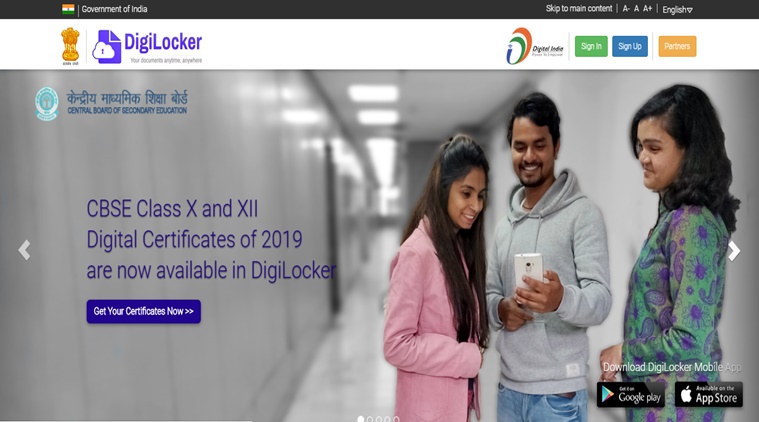 Documents such as mark sheet, migration and passing certificate from DigiLocker can be furnished and are acceptable as originals for admission to undergraduate programmes. (Image source: website screengrab)
The students from the Central Board of Secondary Education (CBSE), who appeared for Class 10 and 12 board examinations this year and previous years, can access and download their mark sheets, migration certificates, and other educational documents via DigiLocker at https://digilocker.gov.in/.
CBSE announced Class 12 results on May 2 whereas Class 10 results were declared on May 6, 2019. Students require either a phone number or their Aadhaar number to register on DigiLocker in order to access their documents which then can be downloaded. Documents such as mark sheet, migration and passing certificate downloaded from DigiLocker can be furnished and are acceptable as originals for admission to undergraduate programmes.
1. Students can visit the official website on digilocker.gov.in or through UMANG app.
2. On the website, students first need to sign up using their mobile phone number on which they will receive the message with the account credentials.
3. After entering their phone number, they need to enter their Aadhaar number and CBSE roll number.
4. Upon successful registration, students can check their mark sheets, migration certificate and pass certificate.
The documents can be downloaded or shared with requester which then can be verified by them. CBSE has already released the documents for class 12 Result 2019. The printed copy of their documents will be provided to the students from their respective schools soon.
Apart from CBSE, CISCE documents are also released on DigiLocker for ICSE and ISC results.