4 min read
© IE Online Media Services Pvt Ltd



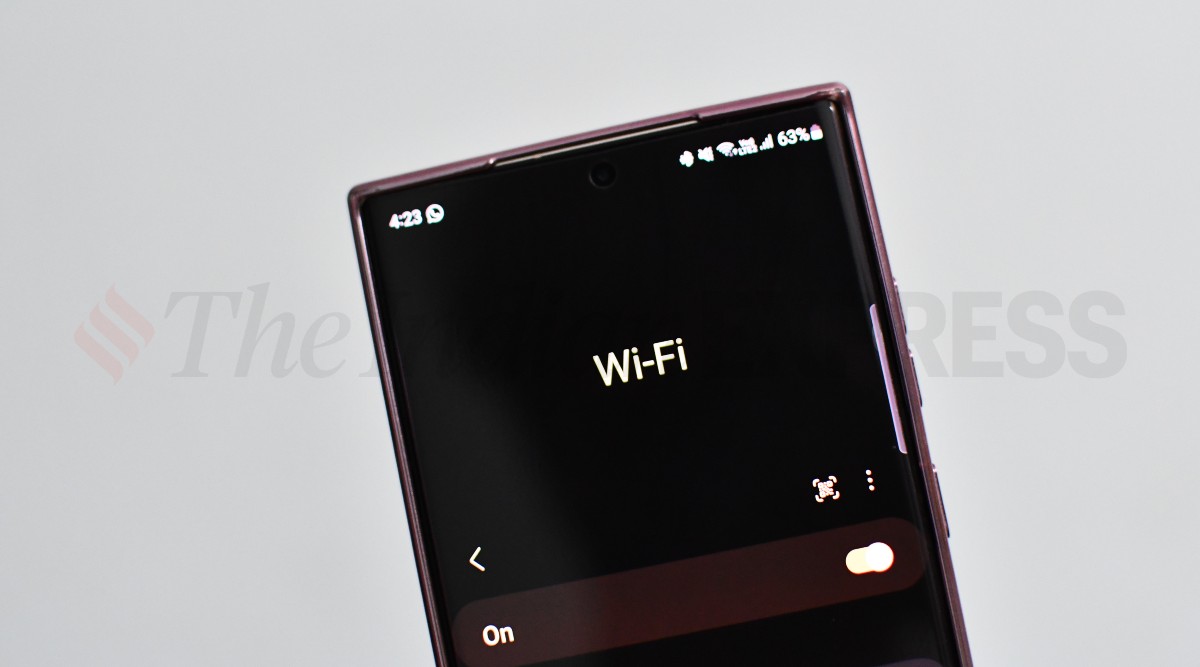 Most modern flagship smartphones now support up to Wi-Fi 6E network (Image credit: Vivek Umashankar / Indian Express)
 Have you ever wondered why you never get the speed advertised by a broadband provider on your Wi-Fi network? While your ISP (internet service provider) might not be literally lying to you regarding the upload and downloading capabilities of their network, they just use a smart way to upsell their product to make it look more enticing to the end user.
Here are some interesting facts about broadband and Wi-Fi network.
When an ISP markets a plan, it usually mentions the maximum download speed of its network in bits, where, 8 bits are considered one byte. However, when you try to download a movie or your favourite high-resolution album from Apple Music, these apps show network speed in bytes. So, when you divide 100Mbps by 8, you will get a maximum download speed of 12.5MBps and this is the maximum download speed one can access on a 100Mbps plan.
Besides, when you download content from a source, the server where the file is hosted also needs to have a similar upload speed as your download. If the file is hosted on a slower network, you will take a lot of time to download the same despite having a higher download speed.
Plugging in the ethernet cable to your PC, laptop or smart TV is the best way to get the highest download and upload speed. When you connect the same ethernet to a Wi-Fi router, you might notice lower download and upload speeds and here is why.
When you plug an ethernet cable directly into your device, your device is hardwired to the network provider, which reduces signal loss to a great extent. When you use the same via the Wi-Fi router, it has to convert it to a radio wave, which is then received by your smartphone or computer. While routers have gotten better in terms of network efficiency, a lot of that is between the router and your device will interfere with the signal and make it weak, which will reduce the download and upload speed.
There are also different types of Wi-Fi networks. There is 2.4GHz, the most common with a better range with a maximum data transfer speed of up to 600 Mbps, which varies from router to router. Then there is 5GHz, which is widely used these days that offer up to 1,300 Mbps of download speed at the cost of range. Then there is the latest Wi-Fi 6 and 6E standard that can offer up to 5.4Gbps download speed. Again, to achieve these speeds, you also need a more premium broadband plan and routers with Wi-Fi 6E capability are also on the expensive side when compared to 5GHz routers.
While the internet speed cannot be increased over the ISP cap, you can still enhance your Wi-Fi performance by following these steps