2 min read
Stay updated with the latest - Click here to follow us on Instagram
© IE Online Media Services Pvt Ltd



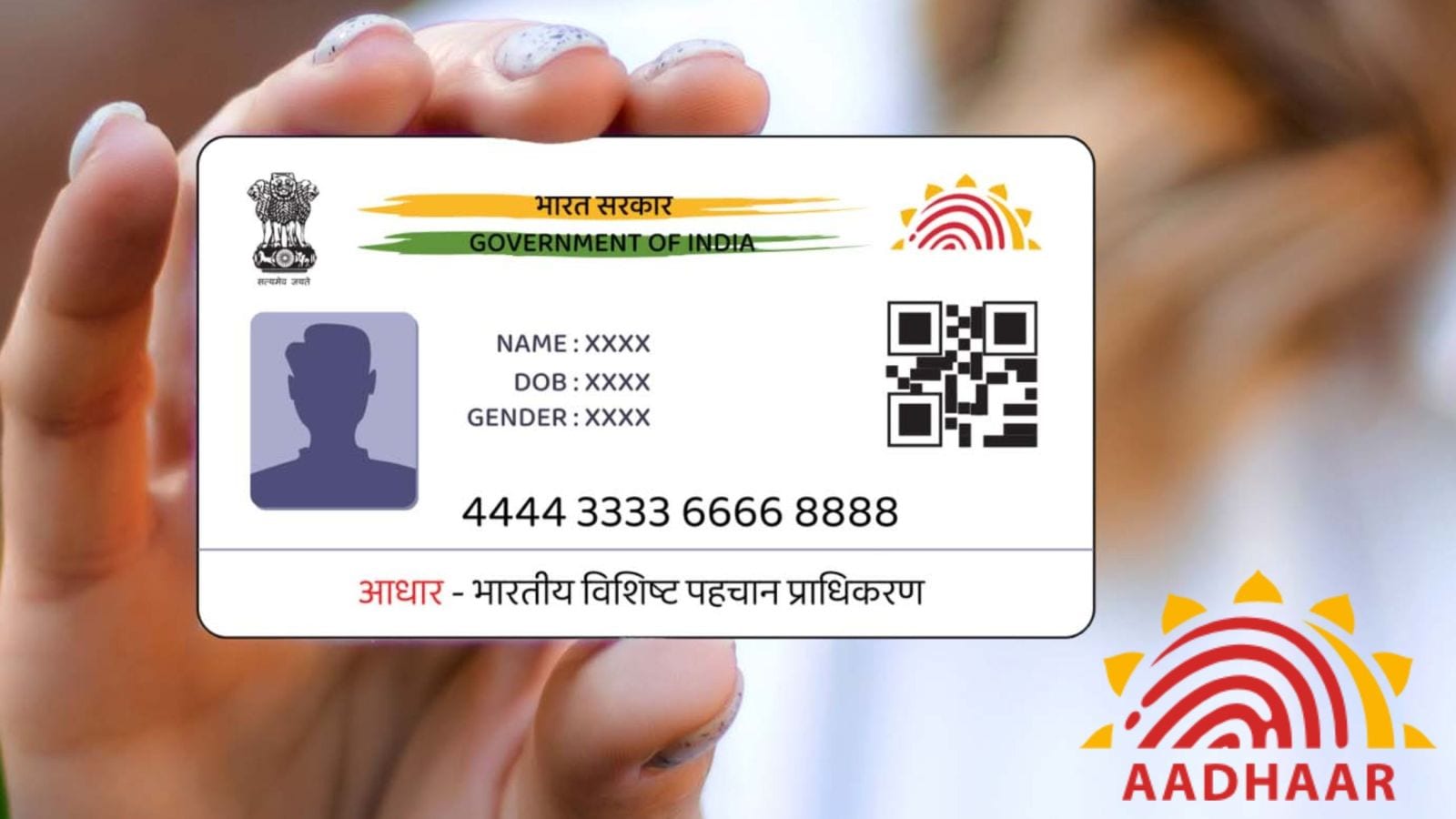 You can easily retrieve your Aadhaar number or EID using UIDAI’s "Retrieve UID/EID" service.
The Aadhaar card is one of the most important identity documents in India. Since it is linked to your bank account, mobile number, PAN, and several other essential services, losing or misplacing it can be stressful. However, the Unique Identification Authority of India (UIDAI) offers simple online and offline methods to help you retrieve your Aadhaar details, whether it’s your Aadhaar number (UID) or Enrolment ID (EID).
The first step is to always go to the police station and file an FIR. If your Aadhaar card is lost or stolen, it is advisable to file an FIR. An FIR helps legally document the loss and offers protection against potential misuse of your Aadhaar details.
Retrieve Aadhaar Details Online (If Mobile or Email Is Linked)
You can easily retrieve your Aadhaar number or EID using UIDAI’s “Retrieve UID/EID” service.
Here are the steps:
– Visit: https://myaadhaar.uidai.gov.in/retrieve-eid-uid
– Select whether you want to retrieve the Aadhaar number (UID) or Enrolment ID (EID).
– Enter your full name (as per Aadhaar), your registered mobile number or email ID, and the Captcha.
– Complete OTP verification.
– After authentication, your Aadhaar number or EID will be sent to your registered mobile number via SMS. This service is free of cost.
Retrieve Aadhaar Without Mobile/Email Link
If your mobile number or email is not linked to Aadhaar, you can still retrieve your details through UIDAI’s offline options.
– Visit an Aadhaar Enrolment Centre.
– Ask the operator to help you retrieve your Aadhaar using the Print Aadhaar service.
You can also call UIDAI’s Toll-Free Number (1947) and provide your demographic details in order to get your Aadhaar Card details.
Stay updated with the latest - Click here to follow us on Instagram