3 min read
© IE Online Media Services Pvt Ltd



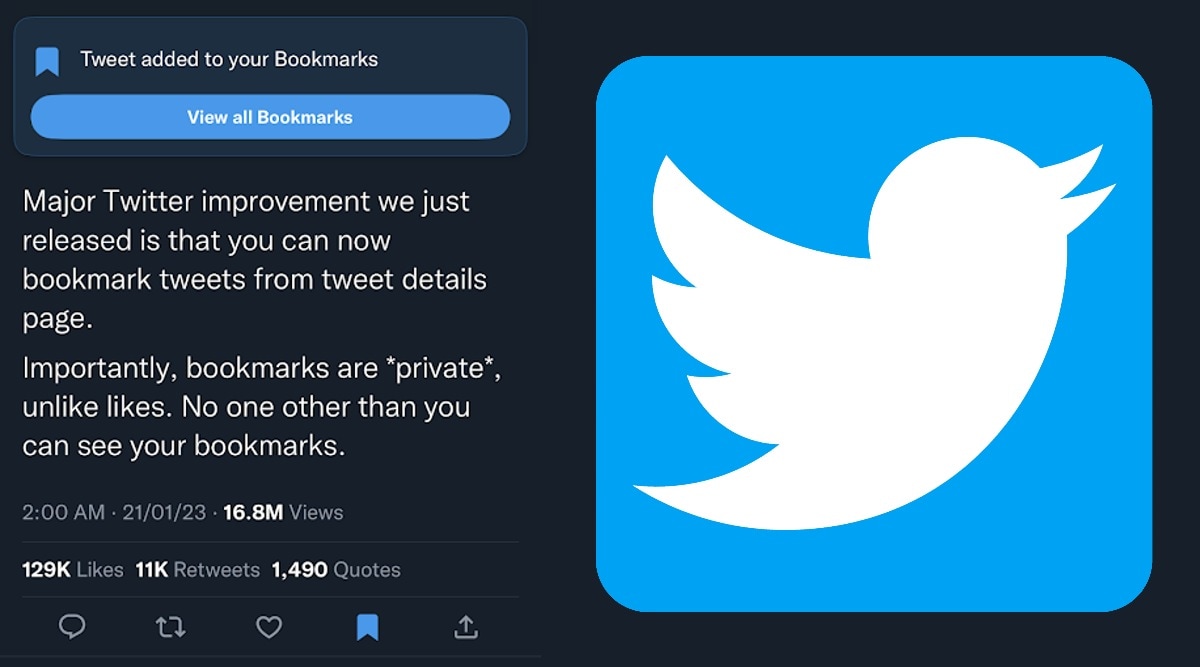 Twitter just made it easy to bookmark tweets on Android and iOS devices.
 Bookmarking a tweet on Twitter is not a new feature. However, the micro-blogging site has been tweaking around the placement of bookmarking options on both the Android and iOS versions of the Twitter app right after announcing the annual Twitter Blue subscription plans. Here is how you can bookmark important tweets on your smartphone.
Make sure you have updated the Twitter app on your smartphone. Once the latest update has been installed, open a tweet that you want to bookmark and look for the bookmark symbol, which is right next to the like button.
Bookmarking a tweet is an important feature for those who like to go through a specific tweet after a while. Unlike liking a tweet, which will be available for everyone, bookmarked tweet will only be visible to the user who has bookmarked it.
While some users are welcoming the placement of the bookmark option, others are not happy about the positioning of it. In the coming days, the original tweeter will be able to use see the number of bookmarks a post has received. Elon Musk has even confirmed that bookmarking a tweet will be considered as a “quite like” and will be reflected in the number of likes.
Major Twitter improvement we just released is that you can now bookmark tweets from tweet details page.
Importantly, bookmarks are *private*, unlike likes. No one other than you can see your bookmarks.
— Elon Musk (@elonmusk) January 20, 2023
To access tweets that have been bookmarked, click your profile picture and access the bookmark from the menu. This will have all the bookmarks. Right now, there is no option to clear individual bookmarks. However, one can clear all the Twitter bookmarks at once by clicking on the clear all bookmarks option.
 Bookmarked tweets can be accessed from the main menu.
Do note that, the web version of Twitter does not allow users to bookmark a tweet. However, one can still access all the bookmarked tweets even from the web version of Twitter.