


© IE Online Media Services Pvt Ltd
Tags:


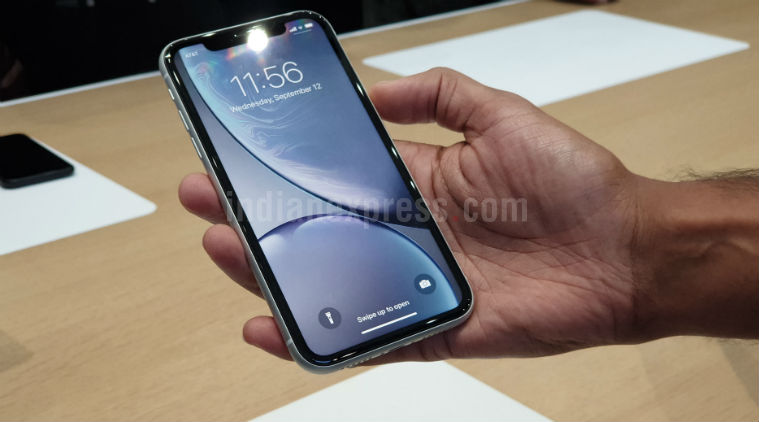
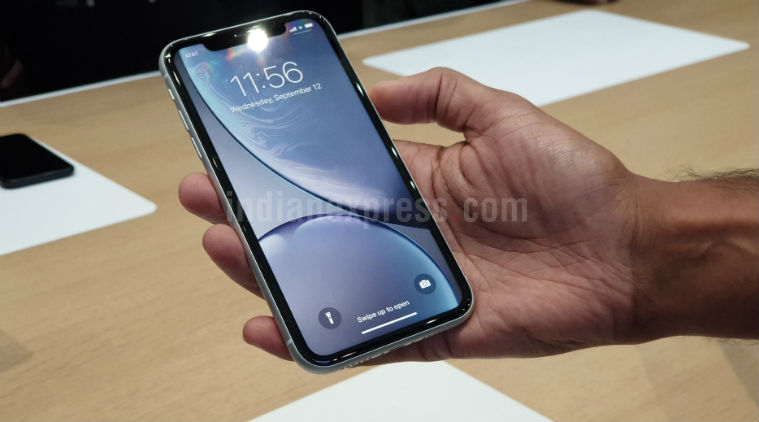
Smartphone users expect that they get to use their smartphone for a day with average usage without searching for a charging point to plug into. However, iPhone users have had issues with their smartphone batteries draining much before the expected time. Many Android smartphone owners have also started facing the same problem. But, there are a few easy tips and tricks which will help you maximise your smartphone battery’s life.
Most of us have the habit of plugging in the smartphone to charge when the battery percentage is low and we don’t want it to shut down. Some of us even leave the phone on charging for the night to save time in the morning. However, fully discharging and charging your iPhone may take a toll on its battery life in the long run. Try charging the device when the battery is half or lesser if you have a charging point nearby. Also, don’t charge your iPhone 100 per cent in a go. Instead, leave some space in the battery.


In order to extend the battery life, you can turn on auto-brightness which will adapt to the environment and increase or decrease the brightness accordingly. You can do it by going into Settings, then General followed by Accessibility where you will find the option of turning on auto-brightness. Also, try to use wif-fi most of the time for data consumption instead of your cellular network as it consumes less battery.
ALSO READ | Instagram Reels: Tips to create interesting TikTok-style 15 seconds videos
Not just iPhone users but android users face the problems of the battery draining much before than expected. There have been smartphones with large batteries but with a few tweaks, you can get more from your smartphone’s battery.
This is a tip for both android and iPhone users. Nowadays, most apps have your location even when they are running in the background. You can go into the settings of your smartphone, then tap on the location and then disable the ‘Location service’ to save battery.
Many apps run in the background and drain a substantial amount of your smartphone’s battery. You need to exit the application properly or clear it from the recent items. You can also restrict these apps by going into settings, then tapping on apps. Then, you have to select a particular app, go to the Power Saver or Battery option, and select “Don’t Run in Background”.
Many apps have rolled out their dark mode to help users conserve their smartphone’s battery. Applying a dark theme on your device will minimise the battery usage. Also, turn on dark mode in apps where the feature is available like Instagram, WhatsApp etc.


