3 min read
© IE Online Media Services Pvt Ltd



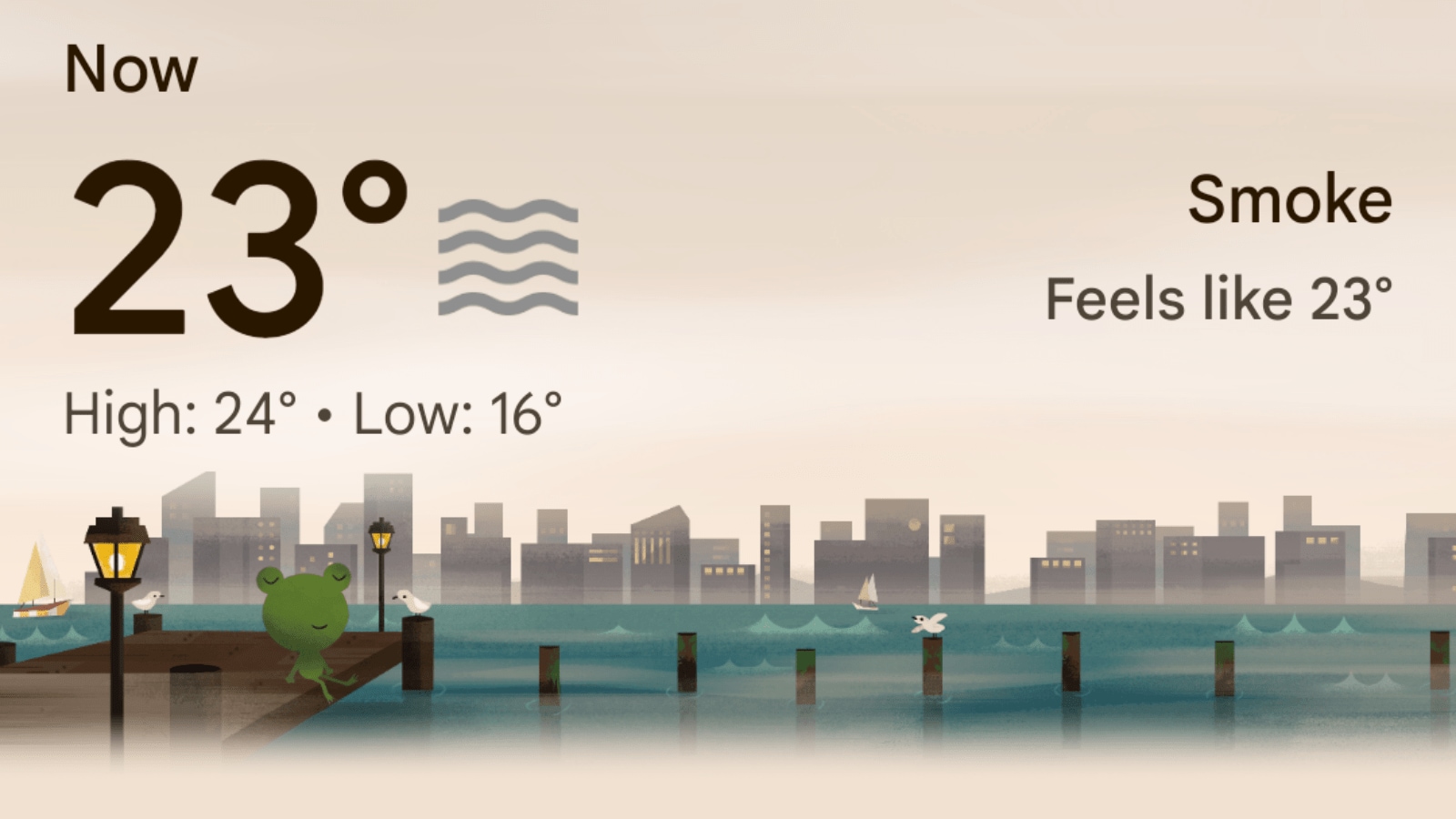 The new Google weather app. (Express image)
 Android users have a lot of options when it comes to weather apps, but did you know that Google has its own hidden weather app that you can use? This app has recently been updated with a Material You design that makes it more attractive and user-friendly.
However, you won’t be able to find it on the Play Store, as it is not a standalone app, but rather a part of the Google app. Don’t worry, though, as there is a simple way to install it on your phone. Here’s how.
You may have seen Google’s Weather widget before. It has a simple and informative user interface that is easy to use. However, it can also take up some space on your home screen. If you prefer a more minimalistic approach, you can use Google’s Weather app instead.
To get started, you need to have the Google app installed first. Chances are it’s already installed on your Android phone. But if on the rare chance it’s not, you’ll find it on the Google Play Store.
 (Express image)
Once that’s done, follow these steps to get Google’s Weather app:
– Open the Google app and tap the Search bar.
– Type “weather” and hit the Search button.
– Tap the three-dot icon at the top-right corner of the Weather card and choose Add to home screen.
– Select Add to home screen from the pop-up to add Google’s Weather app to your home screen.
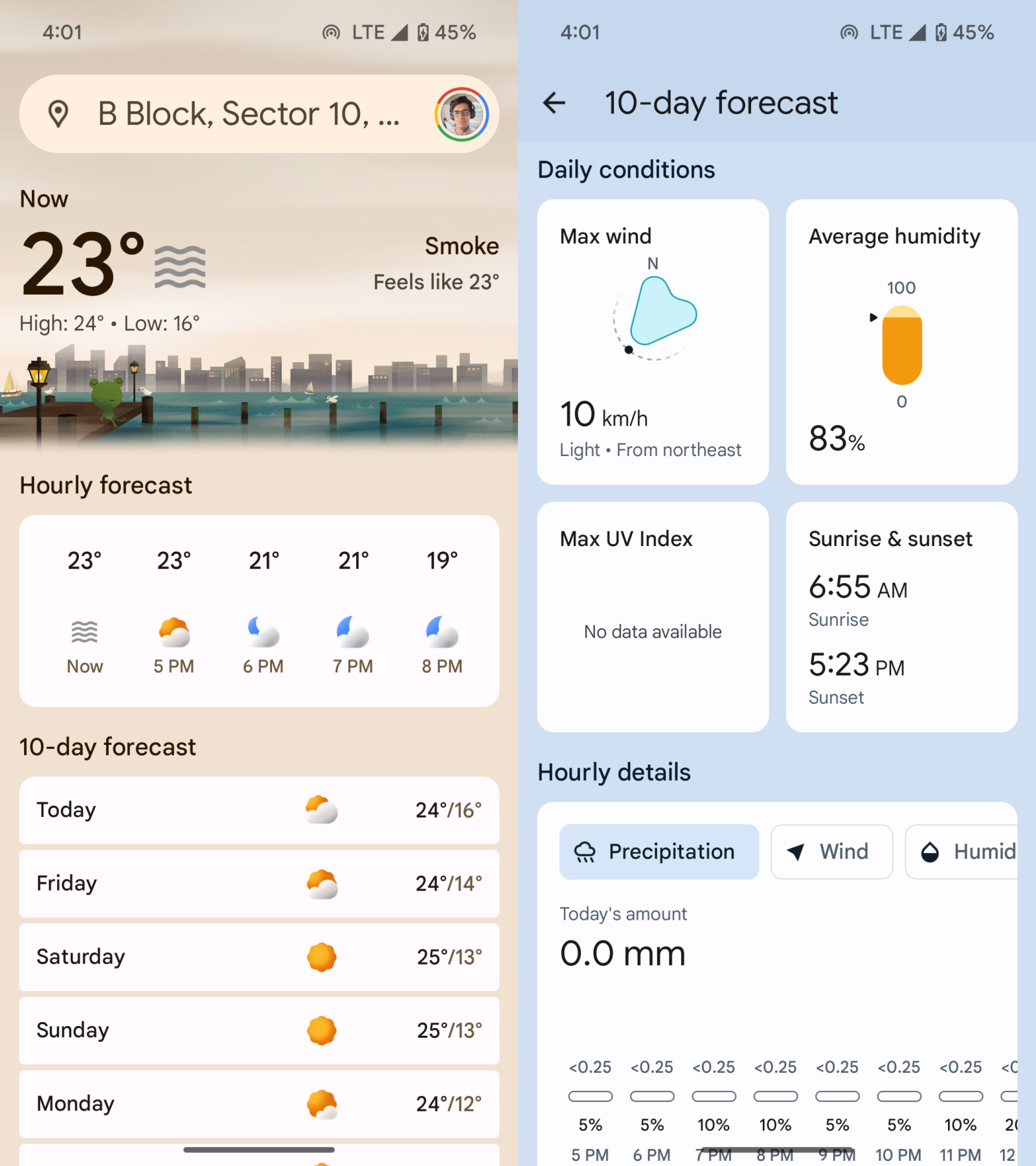
That’s it. You now have Google’s Weather app on your phone. You can tap on it to open it and see the current weather, the hourly forecast, the 10-day forecast, and other details. Alternatively, you can also launch this through the At a Glace widget if you already have it on the home screen.
Removing the app is easy as well. Since this is more of a shortcut rather than an actual app you’ll not find it anywhere on your installed apps list. Instead, all you need to delete it is long-press the Weather app icon and drag it to the bin icon atop to remove it.
That said, an actual app may be in the works. According to some reports, Google may be planning to add a separate entry point for this weather app on the Google Pixel launcher. This may be a Pixel-exclusive feature, but it could also inspire a similar app for other Android phones in the future.