As more families choose to stay home and avoid stepping out because of the coronavirus outbreak, the usage of internet data has seen a dramatic increase. With millions of people working from home and family members spending more time streaming TV shows and movies, doing live video chats and watching live news, a new situation of internet overload has emerged.
In fact, the European Union has asked Amazon, Netflix and YouTube to switch to SD streaming during peak hours. Although the move is temporary, it’s a reminder that internet networks are overloaded and there might be a situation when home broadband speeds dwindle further due to surge in demand. Industry experts are warning people to monitor their broadband usage to prevent internet overload as no one knows when the coronavirus pandemic will subside.

Here are some easy to do tips to keep your broadband usage in check.
Run a speed test
Before anything else, you need to know how fast your internet is. A speed test will verify that your ISP is able to deliver the speed that is promised. You never know the service provider is charging more for the plan which you have opted for. If that’s the case, then you should call your ISP and ask to fix your internet speed. The best way to do so is by visiting Ookla’s Speedtest.net.
Here’s how to check your home broadband speed
*Connect your computer to Wi-Fi or use a router using an ethernet cable.
*Open any browser, be it Chrome or Firefox.
*Navigate to Speedtest.net
The benefit of Speedtest.net is that it will show your download and upload speed. This is the easiest way to measure your internet speed. Keep in mind that internet speeds fluctuate many times a day, so it’s advisable to do multiple tests in order to find your connection speed.
READ: How to check internet speed and fix it if slow
Story continues below this ad
But it’s not enough to check your broadband speed alone. These days people spend more time on their phones and binge on Netflix, watch YouTube videos or stream music through apps. So it is important to test how much internet speed you get on a phone. Ookla offers the Speedtest app for iPhone and Android.
Whether you are planning to switch to a new internet provider or continuing with an existing ISP, keep track on how much internet speed and data you need now and in the near future. (Image credit: Pixabay)
Choose your ISP carefully
Now that you know how fast or slow your internet connection speed is, you can easily decide on whether you want to continue with the existing ISP or switch to another ISP.
Do not jump the gun and decide to change your ISP immediately. If you found out that you are not getting the speed promised by your ISP, call the customer care number and try to fix the issue. If your ISP can’t solve the issue, check out other ISPs in your area and compare plans, what is the monthly data cap before you sign it, promised upload and download internet speeds and customer service. Estimate a rough internet bill in your mind, before finalising your next internet provider.
Netflix offers the Rs 199 mobile-only that gives you access to all the content at SD instead of the standard HD resolution.
Time to manage your internet use
Whether you are planning to switch to a new internet provider or continuing with an existing ISP, keep track on how much internet speed and data you need now and in the near future. This will help you monitor your usage of internet and broadband consumption at home. There are three ways to do it. The simple way is to compare the old and current bill. It can be done by logging into the internet service provider’s website.
5 tips to boost Wi-Fi signal during working from home
Story continues below this ad
Another way is to figure out how fast your internet speed is currently and monthly data consumptionon. You cannot deny the fact our broadband usage and reliance on the internet has increased. And on top of it, we use multiple connected devices at our homes, including our smartphones which are always connected to Wi-Fi. The point to remember here is that one connection is shared with all the devices to your network. The more devices you own, the more speed you will need.
The decision to increase the internet speed or to opt for a broadband plan with extra data also depends on how you and your family consume the internet. In a household, where the entire family binge-watches Netflix and where kids own PlayStation or multiple laptops and mobile devices, we are looking at the activities that require more data, thus requiring a faster internet to support streaming and gaming. And if we consider a household with two family members that casually browse the internet but are more into social media, we are looking at the entire set of activities. They might not need a Giga speed internet connection or a plan with unlimited data. For them, even a broadband plan with 20Mbps speed and 100GB a month would be sufficient.
Estimate a rough internet bill in your mind, before finalising your next internet provider. (Image credit: Pixabay)
Here are some data saving tips you should try
Download movies in SD instead than HD: If you stream or download movies from platforms Netflix or Amazon Prime Video on smartphones, you can save some data by choosing SD over HD. You probably won’t notice the difference when watching a movie in SD over HD on a smaller screen. Netflix has, in fact, offers the Rs 199 mobile-only that gives you access to all the content at SD instead of the standard HD resolution.
Stop videos from automatically playing on Facebook: The Facebook app consumes a lot of mobile data in the background, thanks to those autoplaying videos, but you can stop them from playing.
Story continues below this ad
Here’s how to stop videos from automatically playing on Facebook on smartphones
*Open your Facebook app.
*Tap the three stacked lines at the bottom of the screen.
*Select “Settings & Privacy” followed by “Settings.”
*Scroll down and tap “Media and Contacts.”
*Select “Autoplay.”
*Choose “Never Auto-play Videos.”
Use Wi-Fi when possible: Turn off Wi-Fi when you are not using them. You can check whether your laptop, iPad or smartphone is not using Wi-Fi by looking for the Wi-Fi symbol that is characterised by three curved lines at the top of your phone screen. If you do not see that symbol, you can go to the phone’s settings for what Wi-Fi networks are available nearby. Similarly, switch off cellular data on smartphones when you are at home and instead log in to a stable Wi-Fi connection.


 7 min read


 The decision to increase the internet speed or to opt for a broadband plan with extra data also depends on how you and your family consume the internet. (Image credit: Pixabay)
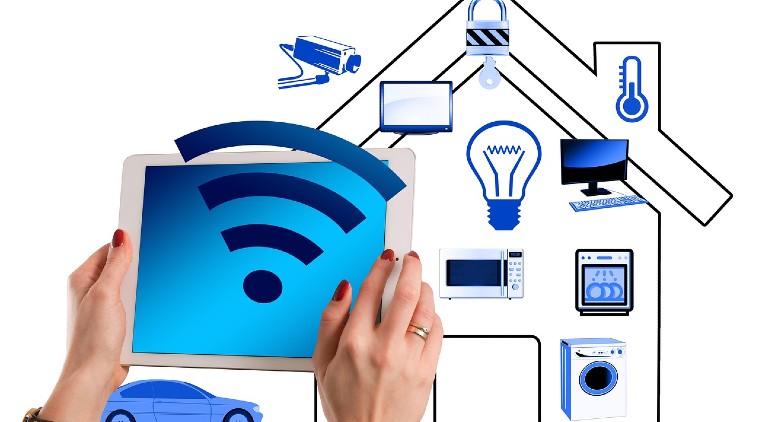 Whether you are planning to switch to a new internet provider or continuing with an existing ISP, keep track on how much internet speed and data you need now and in the near future. (Image credit: Pixabay)
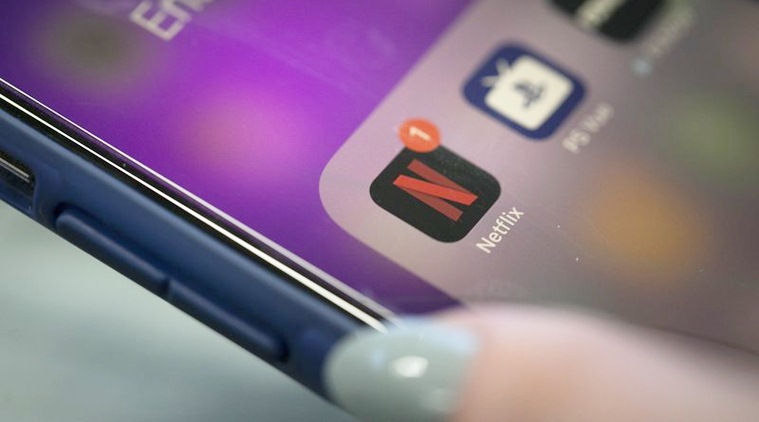 Netflix offers the Rs 199 mobile-only that gives you access to all the content at SD instead of the standard HD resolution.
 Estimate a rough internet bill in your mind, before finalising your next internet provider. (Image credit: Pixabay)