3 min read
© IE Online Media Services Pvt Ltd



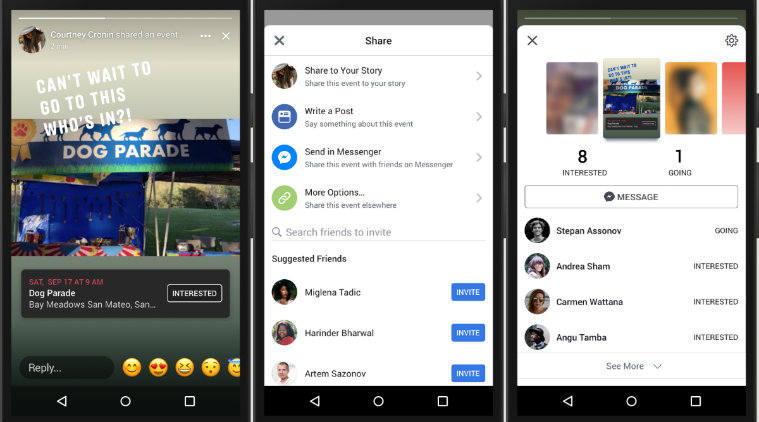 The new features include an option to “Share to Your Story” when a user is visiting an event page.
Facebook has announced that it is rolling out its new ‘events in stories’ feature along with new stickers and frames. The company has said it is rolling these out because of the popularity of events like International Women’s Day and Women’s History Month on its platform.
The company said it hopes these new features will help people share the women’s events that matter most to them, build excitement and rally friends to support and celebrate the contributions that women around the world make to their communities every day.
The new features include an option to “Share to Your Story” when a user is visiting an event page. This will help people share the events with their friends and see if they want to attend the event or not. The company has added tappable stickers for stories that will allow users to respond to friends’ stories if they are interested. A list of friends who responded will then be generated and shown to the user.
Here’s how you can use the new events in stories feature on Facebook: