2 min read
© IE Online Media Services Pvt Ltd



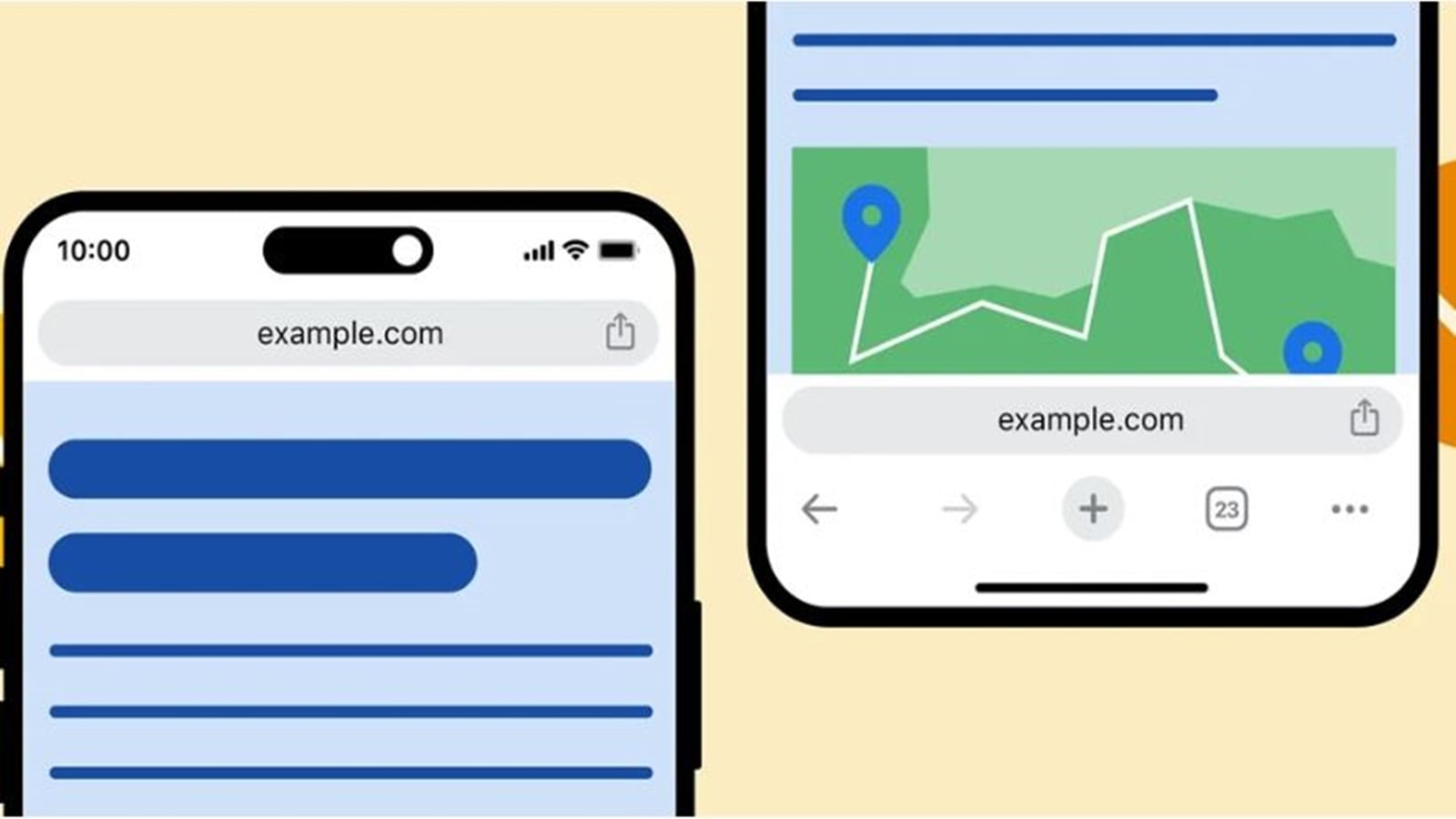 Apple decided to move the Safari address bar from top to bottom 2 years ago. (Image Source: Google)
 Google often adds new features and functionalities to its popular internet browser – Chrome. Recently, the tech giant added a new option that lets users move the address bar to the bottom of the screen, similar to how it looks on Apple’s Safari.
Initially spotted earlier this year in a beta version of the browser, the option to move the address to the bottom is now rolling out to everyone on Chrome 119.
By default, Chrome still places the address bar at the top of the screen, meaning you will have to manually move to the bottom. Here’s how to do it in a few seconds.
 You can change the position of the address bar in just one tap. (Express Photo)
1. Open Chrome on your iPhone and long-press on the address bar.
2. Alongside the ‘Copy Link’ option, you will see a new ‘Move Address Bar To Bottom’ button. Press on it and the address bar will now appear on the bottom of the screen.
Google also seems to have buried the option in Chrome settings. The alternate method requires users to tap the three-dot menu on the bottom bar and head over to ‘Settings’.
Now, tap on ‘Address Bar’ and you will have the option to move it either to the top or the bottom. Tap on the ‘Done’ button on the top right and you are good to go.
If the aforementioned options are not available on your iPhone, try updating the Chrome app or wait for some time, since Google seems to be gradually rolling out the feature.