3 min read
© IE Online Media Services Pvt Ltd



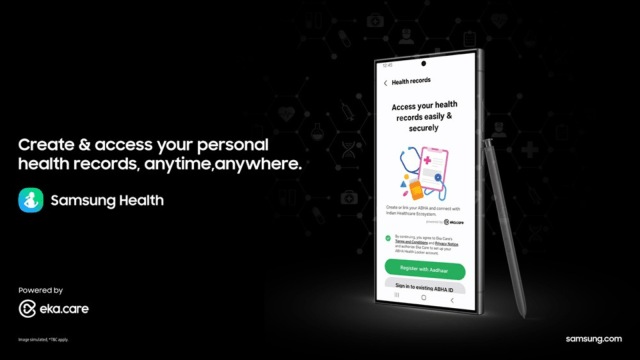 Samsung's new Health Records feature retrieves your medical data from your Ayushman Bharat Health account. (Image Source: Samsung)
Samsung says the new feature was developed in collaboration with Eka Care, which is one of India’s leading ABDM-certified integrators. To use the new feature, simply open the Samsung Health app on your phone and scroll down a bit on the home tab to find the option named ‘Health Records.’
If you already have an ABHA account, simply enter your phone or Aadhaar number. For those who haven’t signed up for the service, the app also offers the option to sign up. When you create or sign in to your account, Samsung Health will ask if you want to manually upload your health record documents or retrieve them from your provider.
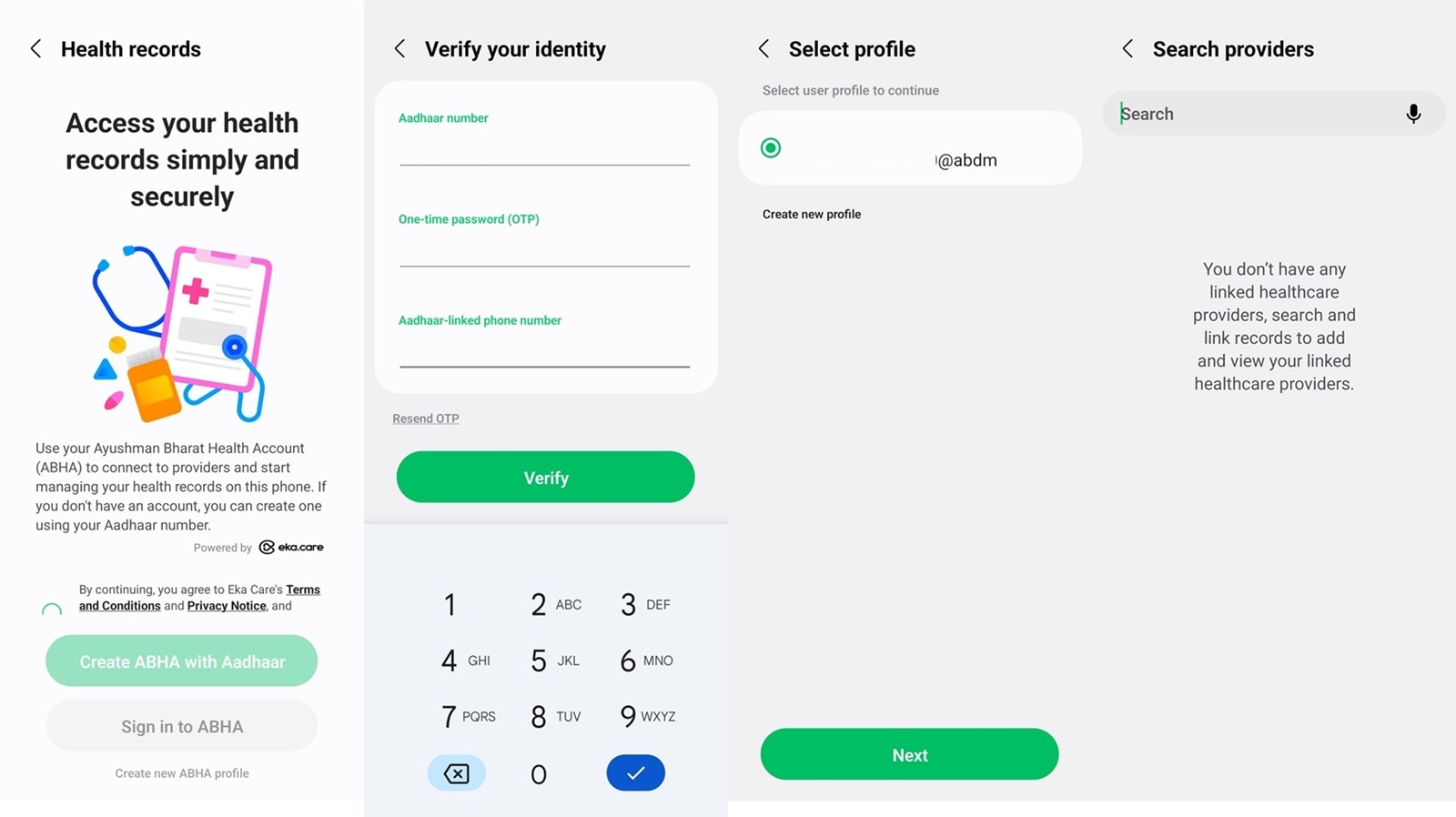 Samsung Health also helps you create an Ayushman Bharat Health account. (Express Photo)
Once done, Samsung Health users will be able to access their medical history, prescriptions, hospital visits, lab results and more from within the app. The new feature is aimed at eliminating the need to carry physical papers, as all your medical records will now be accessed from your phone. Samsung says users can also scan QR codes from the Samsung Health app to join a virtual queue in ABDM-compliant hospitals and minimise the wait time.
The new feature is useful if you often find yourself carrying a bunch of medical papers or visit hospitals every once in a while. With Health Records, not only can you eliminate the burden of carrying tons of paper but also access your health records on the go.
The South Korean tech giant recently revealed some new One UI 7 features for the Health app, which can give you a Sleep Environment report in the morning, recommend suitable sleep times and get suggestions for breathing exercises and medications.