


© IE Online Media Services Pvt Ltd
Tags:


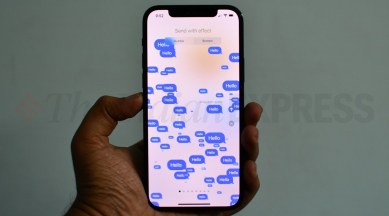
For Apple users, iMessage continues to be the most reliable messaging service. Over the years, Apple has added a lot of new features, which make texting on iMessage a lot more fun than sending a regular text message.
Here are five ways to send a message on your iPhone to your friends and family.


To send a message with a special effect, just long press on the send button and select the effect that you would like to add to your text message. From the same menu, you can also preview the effect.

You can also reply to a text message with the same effect. Long press on a message that you want to reply to, type your message, and then long press on the send button to access the effects. Again, this feature only works if the other person is also using an iPhone.
Don’t want to reply using a text message, then you can also react using an emoji or a Memoji, and it’s really a fun way to keep the conversations interesting.
iMessage also lets you edit the message that you have sent in a hurry, although, once you edit it, it will be shown that the message has been edited, although the other person won’t be able to access the initial text message.


