


© IE Online Media Services Pvt Ltd
Tags:


Meta CEO Mark Zuckerberg launched his most ambitious Twitter rival, Threads by Instagram on Thursday. Available on Android and iOS platforms, the new microblogging platform has garnered over 10 million sign-ups in just a few hours, thanks to its easy onboarding process for existing Instagram users.
Within hours of its official launch, Threads is currently the number one social media app on the Apple App Store.


Meta’s Twitter alternative, Threads, is available in over 100 countries. Users can quickly sign up for the platform using their Instagram credentials.
Here is an in-depth walkthrough on how to register on Threads, an app by Instagram.
Download the app from Google Play Store or Apple App Store
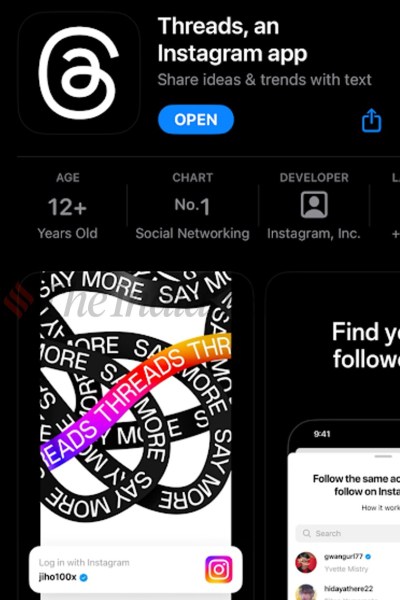
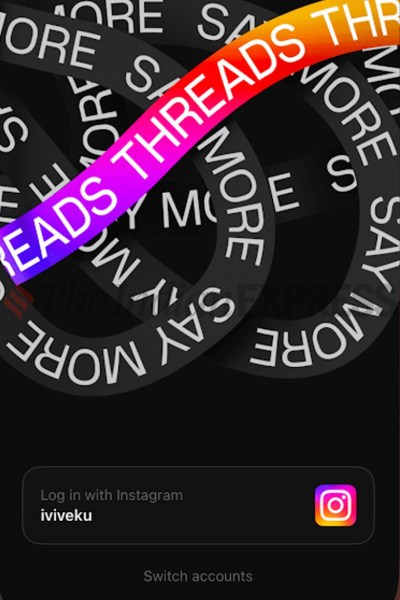
Click on login with Instagram and enter your credentials
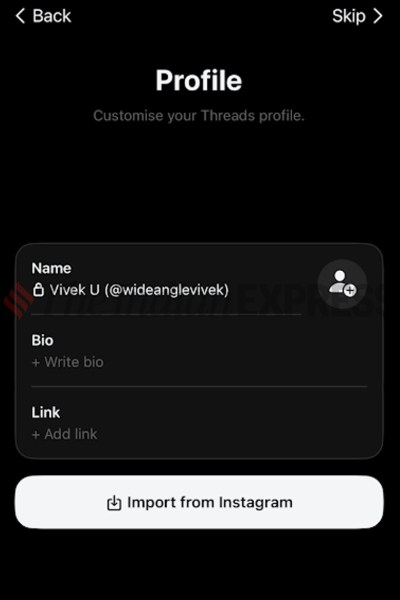
Input details such as profile photo, name, bio, and links or can also import from Instagram
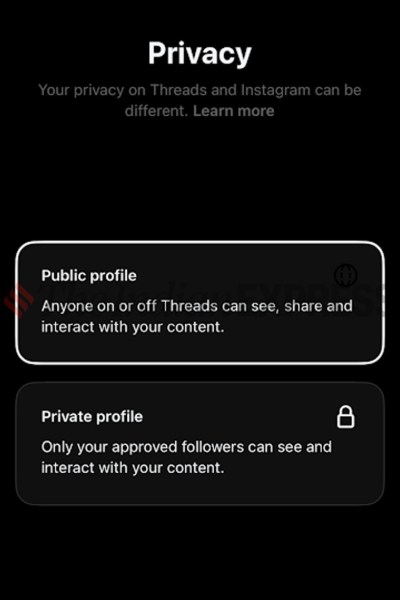
Select a Public or private profile (a private profile will only be visible to people you follow)
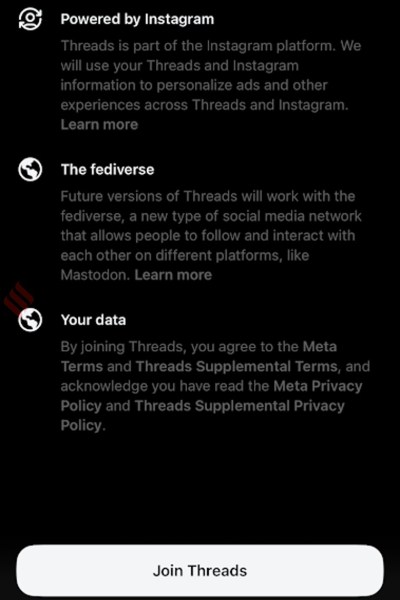
Click on Join Threads
If you can’t find the Threads app on the Google Play Store, just search for the same on Google and click on the official Play Store link to download it on an Android smartphone or tablet.


