Premium

Fake CAPTCHA scams: How “I’m not a robot” could infect your device

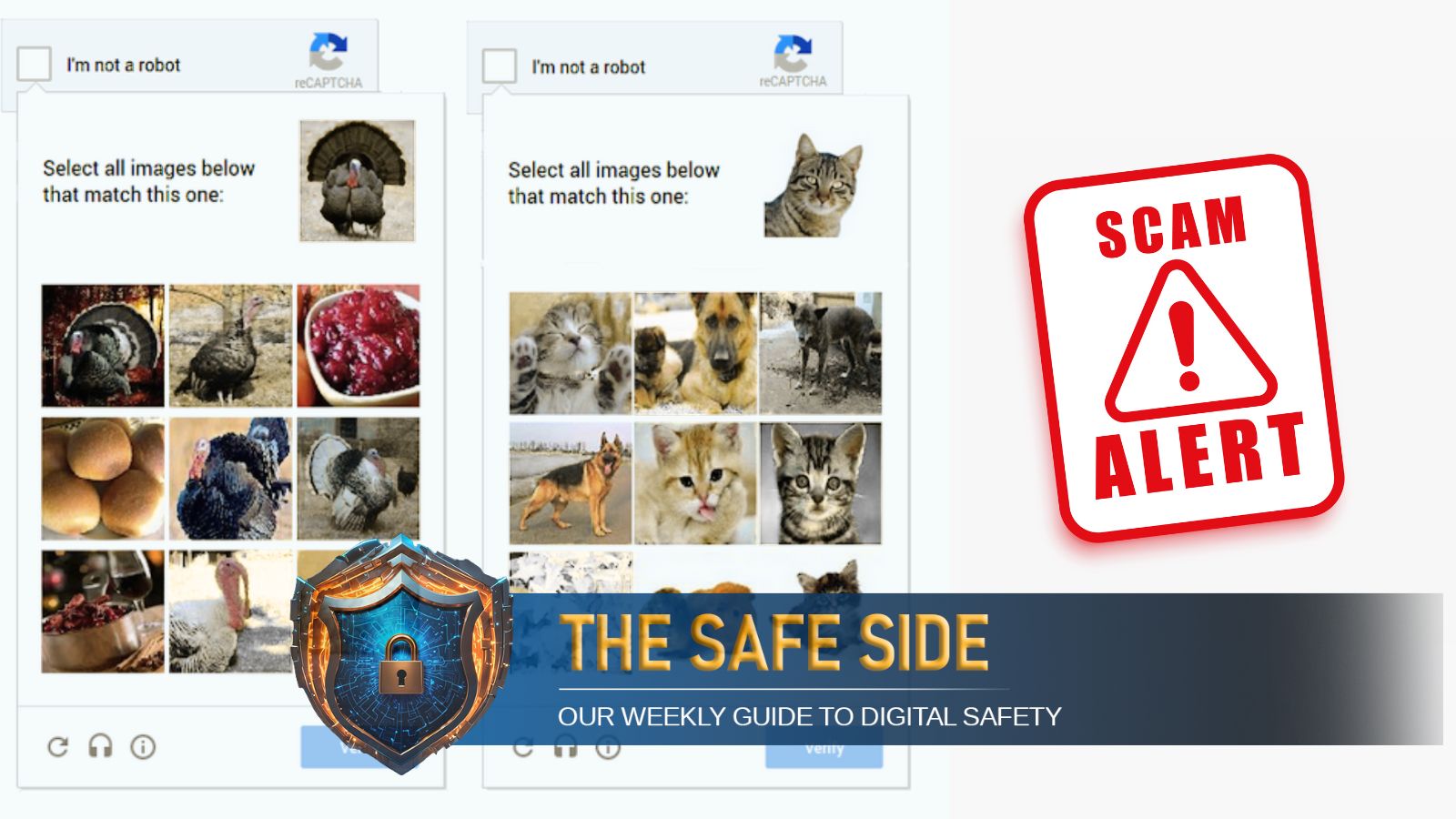
One of the latest tricks employed by cybercriminals is the fake CAPTCHA scam. These prompts look familiar, even harmless, but are designed to slip past your defences. Here’s how they work, and how to spot them.

Fake CAPTCHA scams are fooling users into downloading malware. Here’s how to spot them before they compromise your device. (Image: FreePik)Fake CAPTCHA scams are fooling users into downloading malware. Here’s how to spot them before they compromise your device. (Image: FreePik)

It usually starts with a harmless web search. You are attempting to locate a website for a product that you really liked, and as you click on the link, a familiar box pops up, asking you to prove you are not a robot. You see “I’m not a robot” written, and the checkbox. You have seen it so many times, so you don’t really give it much thought.

Sometimes, this could be a trap. One wrong click, and instead of proving you’re human, you could be opening the door to malware, and behind this, is a fake CATCHA scam.

What is a CAPTCHA?

CAPTCHA stands for “Completely Automated Public Turing test to tell Computers and Humans Apart.” It’s a security tool to confirm a user is human, not a bot.

CAPTCHAs may involve distorted text, image selection, audio cues, simple puzzles, or just ticking a checkbox (called reCAPTCHA). These may also be time-based.

What is a fake CAPTCHA scam?

Cybercriminals now mimic these tests to trick users into downloading malware.

“Fake CAPTCHAs are often distributed through compromised websites, malicious ads, or phishing emails,” said Zakir Hussain Rangwala, CEO of BD Software Distribution Pvt Ltd. “They may also appear on lookalike domains of popular sites, persuading users to enable browser notifications or download files under the guise of verification.”

According to CloudSEK’s Threat Research and Information Analytics Division (TRIAD), “A sophisticated tactic is being used to spread the Lumma Stealer malware, targeting Windows users through fake human verification pages.”
CloudSEK found that in this campaign, threat actors create phishing sites hosted on various providers, often leveraging Content Delivery Networks (CDNs) for faster distribution and added legitimacy. These sites display a counterfeit Google CAPTCHA page, designed to mimic the real verification process. These phishing sites instruct users to:

* Open the Run dialog (Win+R)

* Press Ctrl+V

* Hit Enter

Story continues below this ad

This action executes a hidden JavaScript function that copies a base64-encoded PowerShell command to the clipboard, and this, when executed, downloads the Lumma Stealer malware from a remote server.

“Clicking a fake CAPTCHA itself isn’t the real danger; the problem begins when you follow the instructions it provides. For example, pasting commands into your terminal and executing them, or downloading a file to “prove” you’re not a robot, can put you at serious risk. Always avoid carrying out such instructions,” said Anshuman Das, cybersecurity researcher at CloudSEK.

How can an average user differentiate between a real and a fake CAPTCHA?

Deependra Singh, cyber expert, Betul Police (MP), and Rangwala outlined key differences between genuine and fake CAPTCHAs.
Legitimate CAPTCHAs appear on trusted websites and involve straightforward tasks such as selecting images, entering distorted text, or ticking a checkbox. Fake ones, on the other hand, often demand unrelated actions like clicking “Allow” for notifications, downloading files, or providing personal or financial information. A quick way to spot a fake is to check the site’s address for misspellings, unusual characters, or unfamiliar domains. Another red flag is if the CAPTCHA appears as a random pop-up rather than being embedded directly within the webpage.

What to do if you suspect you have encountered a fake CAPTCHA

📌Exit the site immediately.

📌Disconnect from the internet.

📌Run a full antivirus scan.

📌Clear browser cache and cookies, and remove suspicious extensions.

📌Change passwords for critical accounts using a secure device.

📌Delete any downloaded files without opening them.

Story continues below this ad

“Industries like e-commerce and online gaming face higher risks,” Rangwala warned. “These attacks can steal credentials, install spyware, or allow remote access.”
Singh’s advice is simple: “Avoid clicking unknown links and always check the URL. One wrong click can cost you both your money and your privacy.”

Ankita Deshkar is a Deputy Copy Editor and a dedicated fact-checker at The Indian Express. Based in Maharashtra, she specializes in bridging the gap between technical complexity and public understanding. With a deep focus on Cyber Law, Information Technology, and Public Safety, she leads "The Safe Side" series, where she deconstructs emerging digital threats and financial scams. Ankita is also a certified trainer for the Google News Initiative (GNI) India Training Network, specializing in online verification and the fight against misinformation. She is also an AI trainer with ADiRA (AI for Digital Readiness and Advancement) Professional Background & Expertise Role: Fact-checker & Deputy Copy Editor, The Indian Express Experience: Started working in 2016 Ankita brings a unique multidisciplinary background to her journalism, combining engineering logic with mass communication expertise. Her work often intersects regional governance, wildlife conservation, and digital rights, making her a leading voice on issues affecting Central India, particularly the Vidarbha region. Key focus areas include: Fact-Checking & Verification: As a GNI-certified trainer, she conducts workshops on debunking deepfakes, verifying viral claims, and using OSINT (Open Source Intelligence) tools. Cyber Law & IT: With postgraduate specialization in Cyber Law, she decodes the legalities of data privacy, digital fraud, and the evolving landscape of intellectual property rights. Public Safety & Health: Through her "The Safe Side" column, she provides actionable intelligence on avoiding "juice jacking," "e-SIM scams," and digital extortion. Regional Reporting: She provides on-ground coverage of high-stakes issues in Maharashtra, from Maoist surrenders in Gadchiroli to critical healthcare updates and wildlife-human conflict in Nagpur. Education & Credentials Ankita is currently pursuing her PhD in Mass Communication and Journalism, focusing on the non-verbal communication through Indian classical dance forms. Her academic foundation includes: MA in Mass Communication (RTM Nagpur University) Bachelors in Electrical Engineering (RTM Nagpur University) Post Graduate Diploma (PGTD) in Cyber Law and Information Technology Specialization in Intellectual Property Rights Recent Notable Coverage Ankita’s reportage is recognized for its investigative depth and emphasis on accountability: Cyber Security: "Lost money to a scam? Act within the 'golden hour' or risk losing it all" — A deep dive into the critical window for freezing fraudulent transactions. Public Health: "From deep coma to recovery: First fully recovered Coldrif patient discharged" — Investigating the aftermath of pharmaceutical toxins and the healthcare response. Governance & Conflict: "Gadchiroli now looks like any normal city: SP Neelotpal" — An analysis of the socio-political shift in Maoist-affected regions. Signature Beat Ankita is best known for her ability to translate "technical jargon into human stories." Whether she is explaining how AI tools like MahaCrimeOS assist the police or exposing the dire conditions of wildlife transit centres, her writing serves as a bridge between specialized knowledge and everyday safety. Contact & Follow X (Twitter): @ankita_deshkar Email: ankita.deshkar@indianexpress.com   ... Read More


Latest Comment
Post Comment
Read Comments
Advertisement
Loading Taboola...
Advertisement