


© IE Online Media Services Pvt Ltd
Tags:


Microsoft began rolling out a new version of Windows 11 (Preview Build 26120.2992 (KB5050083)) on January 17. This version introduces new Copilot+ AI experiences, including the highly anticipated Windows Search, which allows users to search for photos, documents, settings, and more using simple and contextual text prompts. Currently, it is being rolled out to Snapdragon X Plus/Elite-powered Copilot+ branded PCs, and the update will soon be available for Intel and AMD-powered Copilot+ PCs as well.
Compared to the current version of Windows Search, the AI-powered Windows Search utilizes both semantic indexing and traditional indexing.


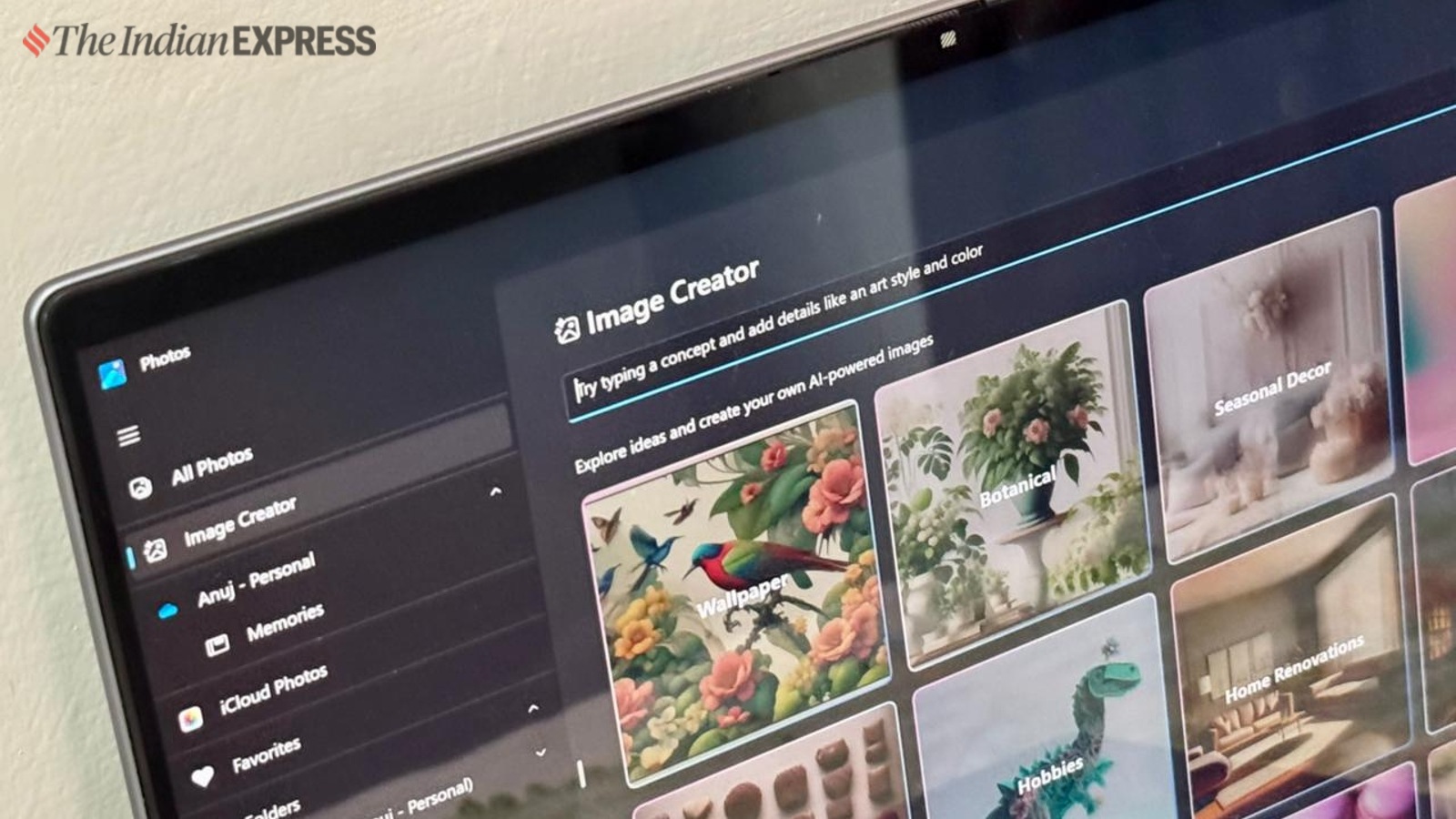
Example: Find me all the images of the red car or find the images of the birthday celebration from last year.
Similarly, while searching for a document, users can search using the specific lines of text on the document rather than just using the file name.
Windows Search currently supports Chinese, English, French, German, Japanese, and Spanish. It is compatible with file formats such as .txt, .pdf, .docx, .doc, .rtf, .pptx, .ppt, .xls, and .xlsx for documents, as well as .jpg/.jpeg, .png, .gif, .bmp, and .ico for images.
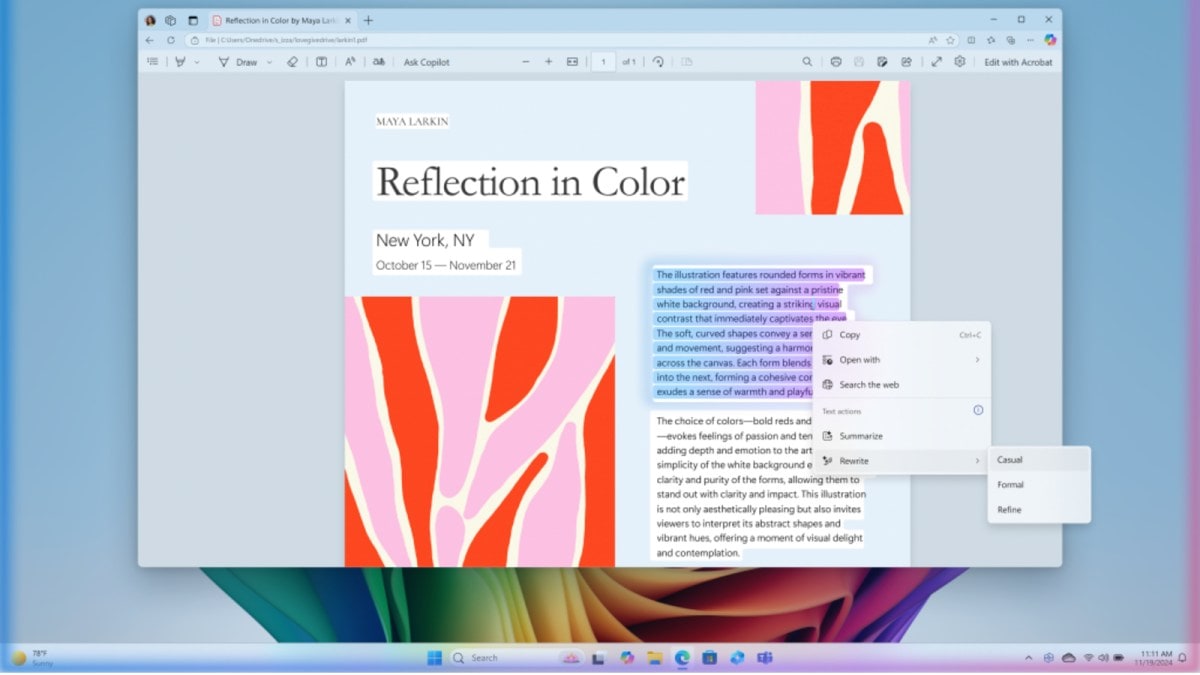
Another feature introduced in the latest Windows 11 update is “Refine,” which functions similarly to Apple Intelligence’s writing tools. This feature allows users to select a block of text in any app to rewrite or proofread it. Users can access this functionality by pressing Win + Click.
The update also includes minor adjustments to File Explorer, Magnifier, and Task Manager.


