West Bengal voter list: EPIC-mobile number link mandatory for online submission of SIR forms | Step-by-Step guide to link your EPIC and mobile number
West Bengal voter list, SIR Form: The Election Commission of India (ECI) has enabled online submission of the Special Intensive Revision (SIR) 2026 electoral roll in West Bengal.
Written by Anish MondalUpdated: November 12, 2025 03:08 PM IST
3 min read
Whatsapp
twitter
Facebook
Reddit
Enumeration forms and other materials for SIR being distributed to BLOs in Kolkata (Express Photo by Partha Paul)
West Bengal voter list, West Bengal SIR 2026: The Election Commission of India (ECI) has enabled online submission of the Special Intensive Revision (SIR) 2026 electoral roll in West Bengal. This move is expected to greatly benefit individuals who reside outside the state for reasons such as higher education, employment, etc.
However, to submit the SIR enumeration forms online, the EC has made the linking of EPIC and mobile number mandatory. An EPIC (Electors Photo Identity Card) is a 10-digit unique identification number issued by the EC. According to the commission, all voters are required to fill and submit the enumeration form to BLO or online.
Anish Mondal is a journalist with over nine years of experience covering the railways and roadways. Currently a member of the Indianexpress.com editorial team, Anish specializes in high-impact sectors.
Professional Journey
Anish began his career at the public broadcaster Rajya Sabha Television (now Sansad TV), where he developed a foundational understanding of legislative processes and national governance. In 2018, he transitioned to digital financial journalism at FinancialExpress.com, spending nearly six years refining his expertise in market trends and corporate reporting. Before joining The Indian Express in 2025, he served as a key contributor at ETNowNews.com.
Education & Expertise
Anish’s reporting is backed by a rigorous academic background in communication and the humanities:
Master of Journalism and Mass Communication (MJMC) – Apeejay Stya University
Post Graduate Diploma in Journalism and Production (PGTVRJP) – Apeejay Institute of Mass Communication
Bachelor of Arts (English Honours) – University of Calcutta
Areas of Coverage
Connectivity: Detailed reporting on the expansion of Indian Railways and National Highway networks. ... Read More


 3 min read





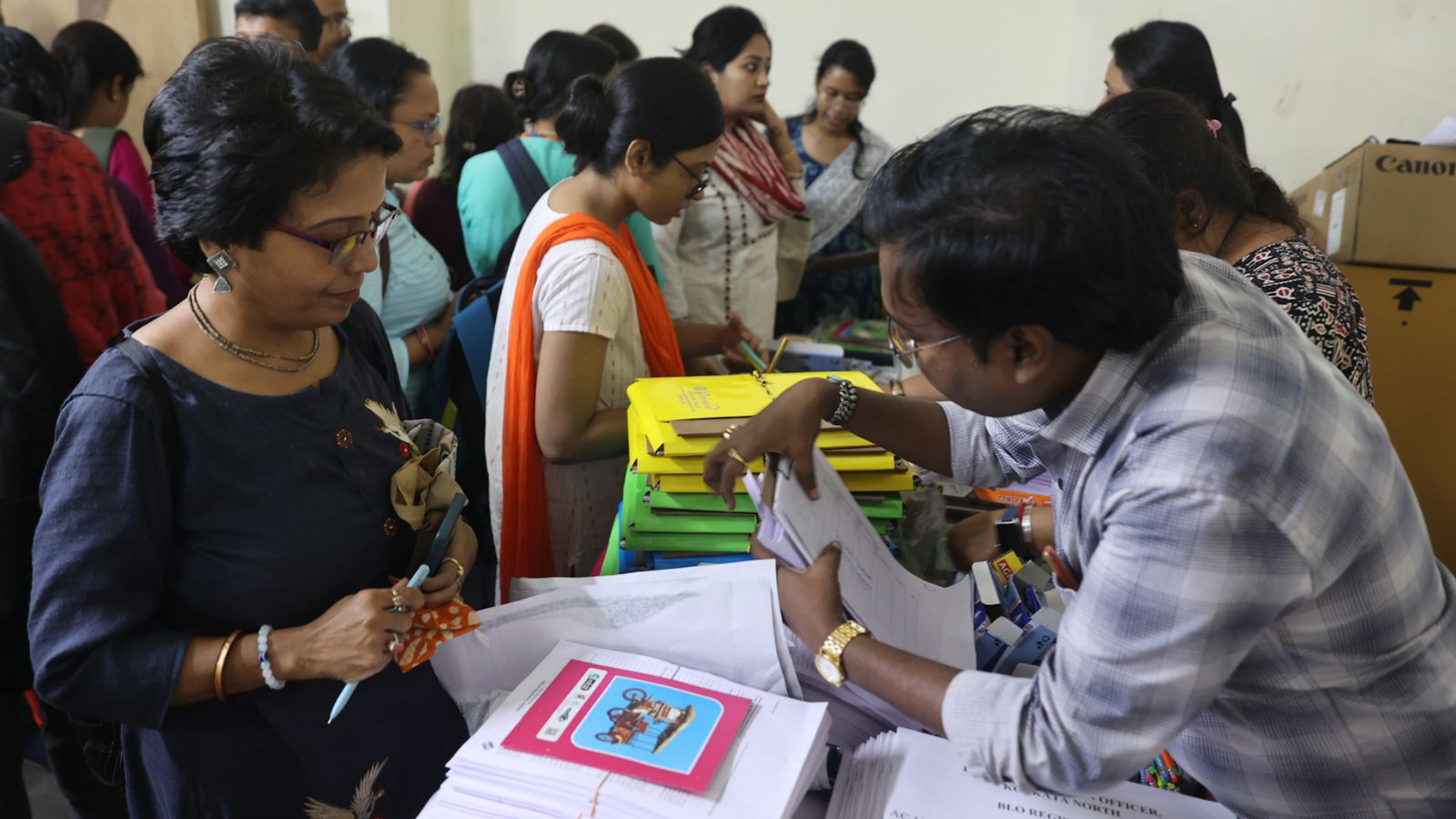 Enumeration forms and other materials for SIR being distributed to BLOs in Kolkata (Express Photo by Partha Paul)