4 min read
Stay updated with the latest - Click here to follow us on Instagram
© IE Online Media Services Pvt Ltd



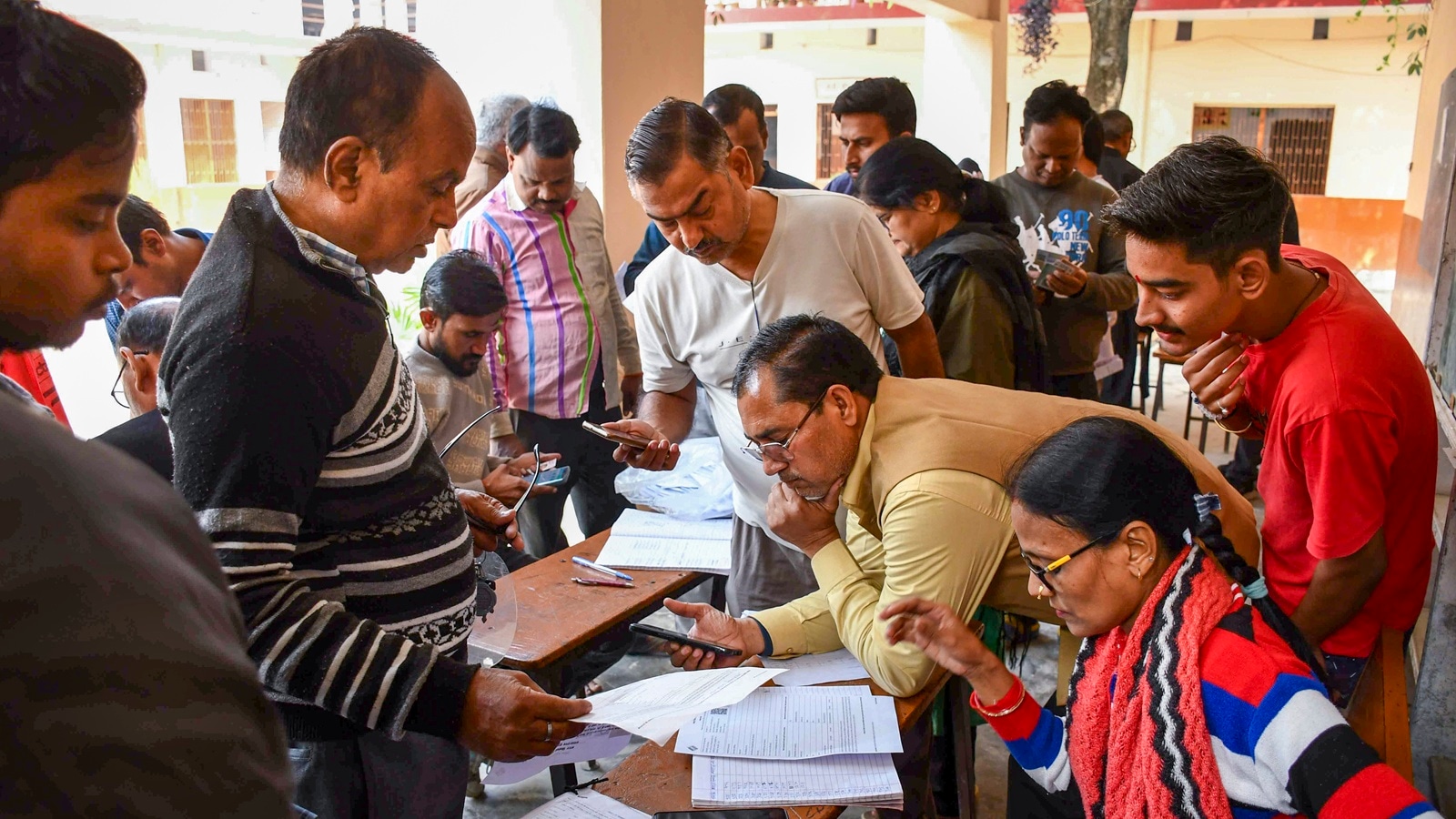 Booth Level Officers check and collect enumeration forms as voters arrive to submit them for the special intensive revision (SIR) of electoral rolls. (PTI Photo)
SIR Form Online: The Special Intensive Revision, or SIR, enumeration form is available online. Unlike the offline process, the online SIR system is entirely managed by the Election Commission of India (ECI). Electors will not need to download a form. They will click a dedicated link on the ECI/CEO West Bengal website or the ECINET app and fill in the details directly.
The SIR form fill-up deadline has been extended from December 4 to December 11
The online filling out of the enumeration form is easily accessible to users. To initiate the process, citizens simply need to navigate to the “Services” section of the portal and select the clearly marked “Fill Enumeration Form” option to complete the necessary documentation for the electoral roll revision online.
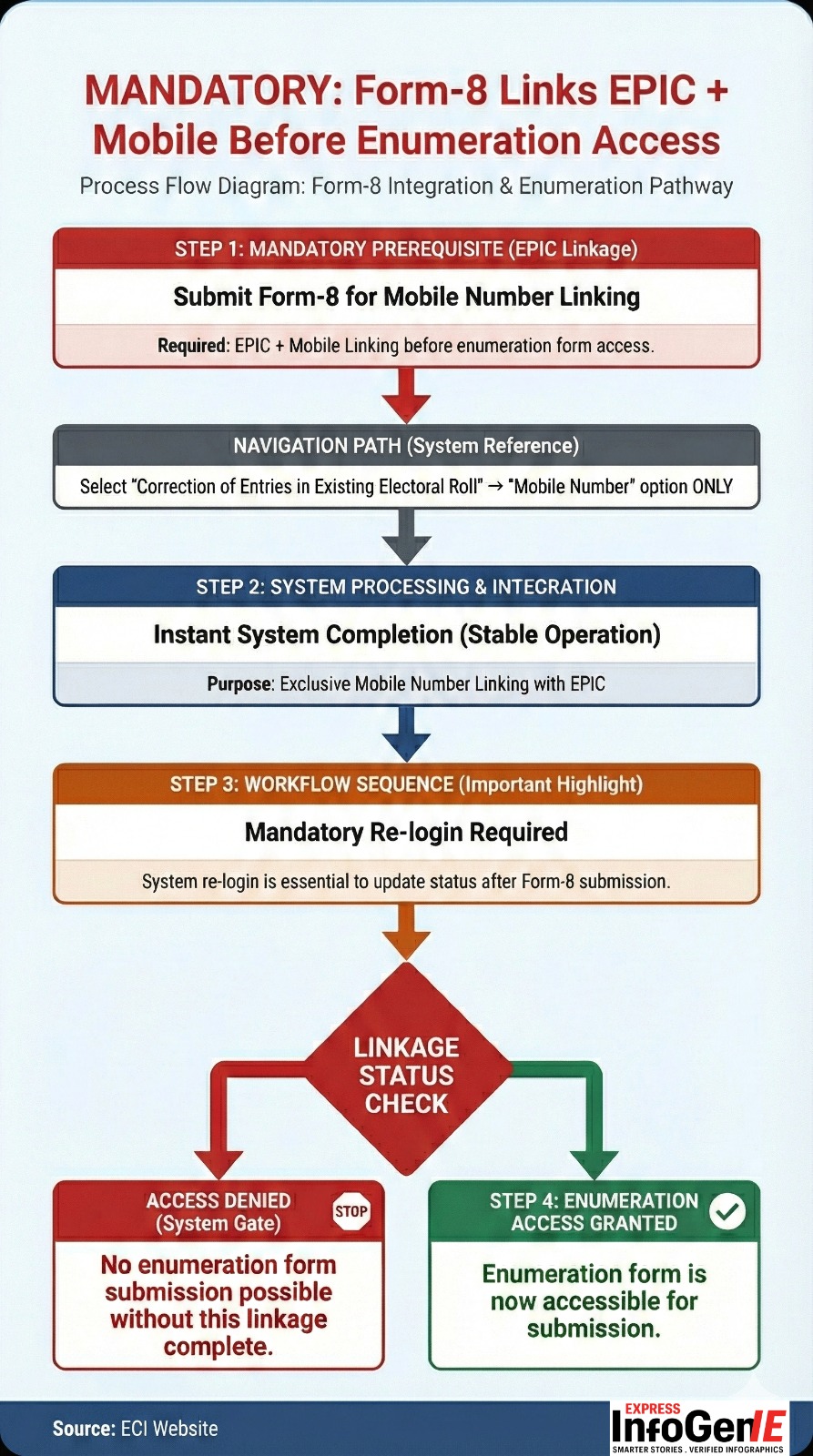 Process Flow Diagram: Form-8 Integration and Enumeration Pathway. Source: ECI Website
However, to submit the SIR enumeration forms online, the EC has made the linking of EPIC and mobile number mandatory. An EPIC (Electors Photo Identity Card) is a 10-digit unique identification number issued by the EC. According to the commission, all voters are required to fill out and submit the enumeration form to the BLO or online.
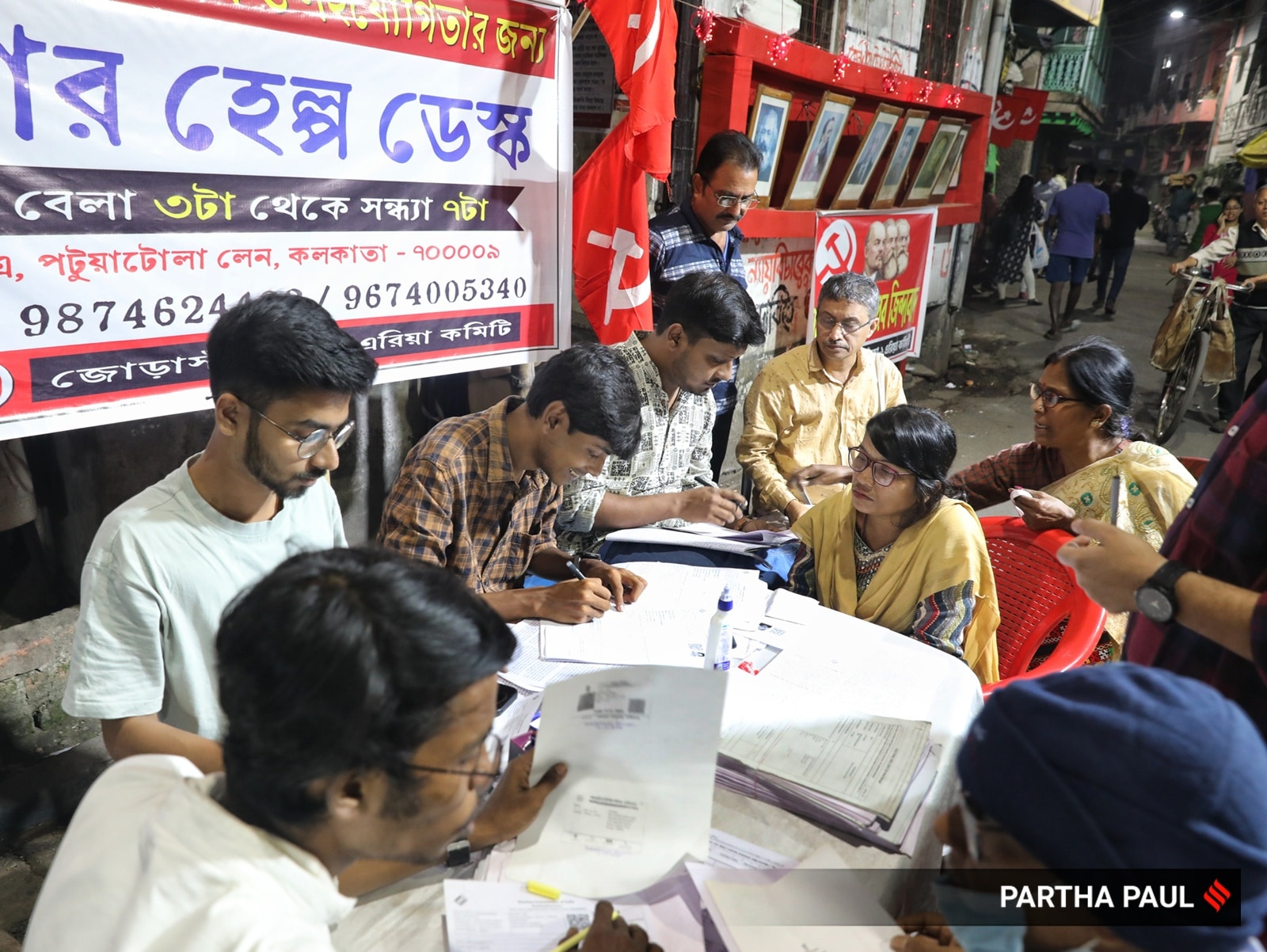 CPIM Jorasanko-1 Area Committee members at Patuatola Lane are helping residents navigate the SIR form process. (Express photo by Partha Paul)
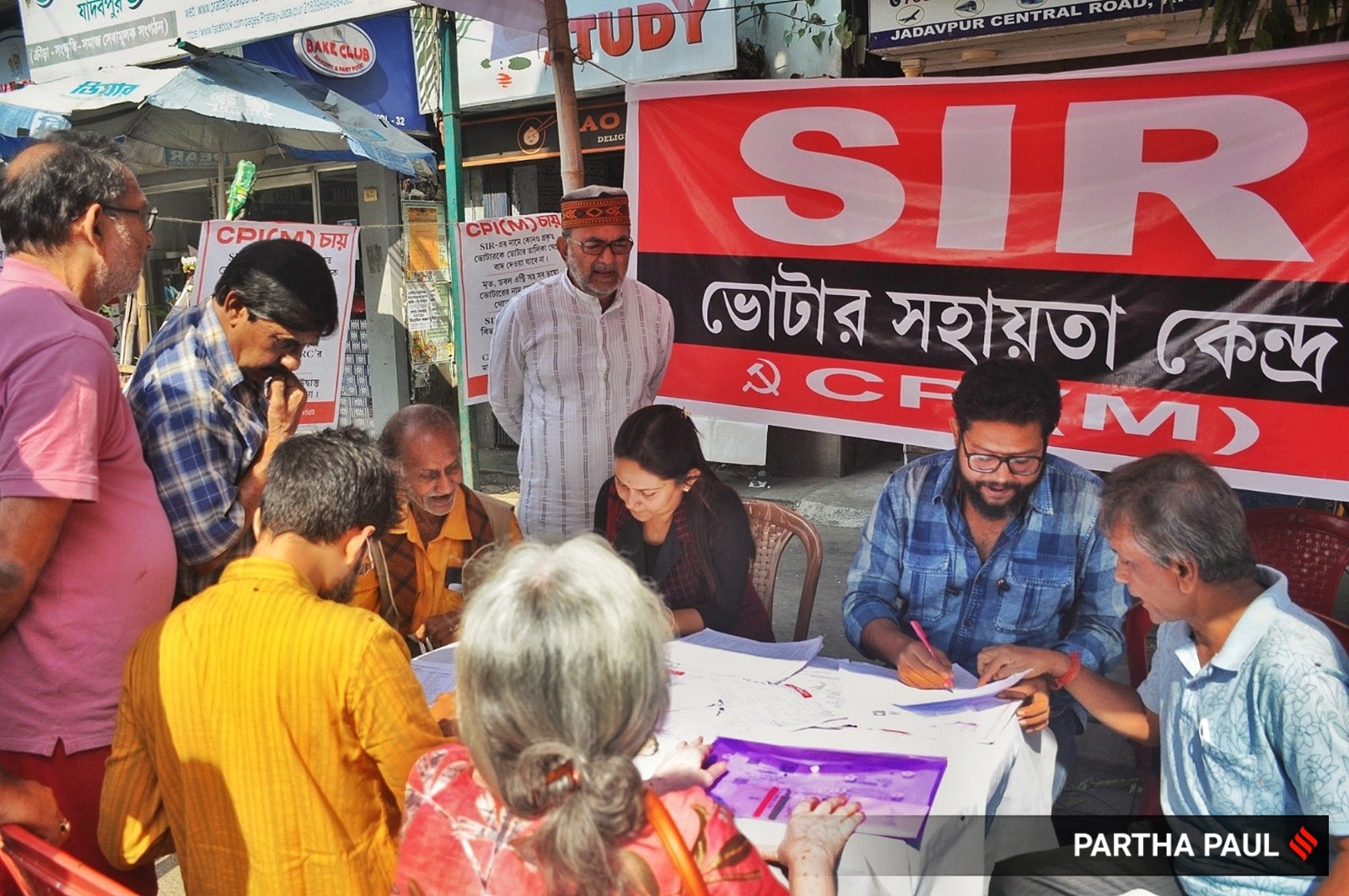 Former CPI(M) MP and former Mayor of Kolkata, Bikash Ranjan Bhattacharyya, visits the SIR Help Desk camps organized by CPI(M) in Jadavpur. (Source: Express Photo by Partha Paul)
Once you have submitted your enumeration form to your Booth Level Officer (BLO) or filled it online, you can verify whether it has been uploaded to the Election Commission portal. Here’s how:
Stay updated with the latest - Click here to follow us on Instagram