2 min read
© IE Online Media Services Pvt Ltd



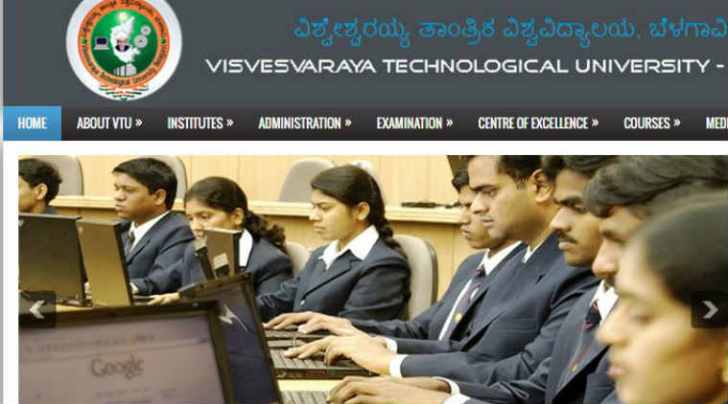 VTU results 2017: Enter your roll number to view the results
VTU results 2017: Visvesvaraya Technological University (VTU) has released the results of 3rd semester CBCS examination. The examination was held in month of December/ January 2017. The candidates can check the VTU 3rd semester results on the official website. The results of Belagavi and Kalaburagi have been released.
The students can check the results from vtu.ac.in by following the steps written below:
Steps to check VTU 3rd semester results 2017
Visit the official website mentioned above
On the homepage, click on results section under the examination tab
Click on VTU Results 2017.
There will be an option for CBSC results
A new page will open
Read | VTU 3rd semester CBCS results 2017 for all regions declared, check now
Enter all the required details like the semester and the university seat number in the provided fields.
Click on submit button.
The results will appear on the screen.
Download and take a printout for further reference.
In 2015, Visvesvaraya Technological University (VTU) had introduced the Choice Based Credit System (CBCS). The aspirants who wish to take admission in the university has to pass the exam.