


© IE Online Media Services Pvt Ltd
Tags:



The integrated security features on PCs running on Windows 11 OS offer virus and threat protection along with ransomware protection for free. Once enabled, a PC will become more secure and less prone to ransomware attacks, which have become rampant these days. Here is how you can enable ransomware protection on Windows 11 PCs to protect them from online threats.
Note that ransomware protection is disabled by default for those who don’t use OneDrive, and once enabled, it changes the way a PC functions. Additionally, it comes with integrated data recovery capability, but to use these features, one needs a lot of cloud storage on OneDrive and Microsoft offers free 5 GB of storage for every account.

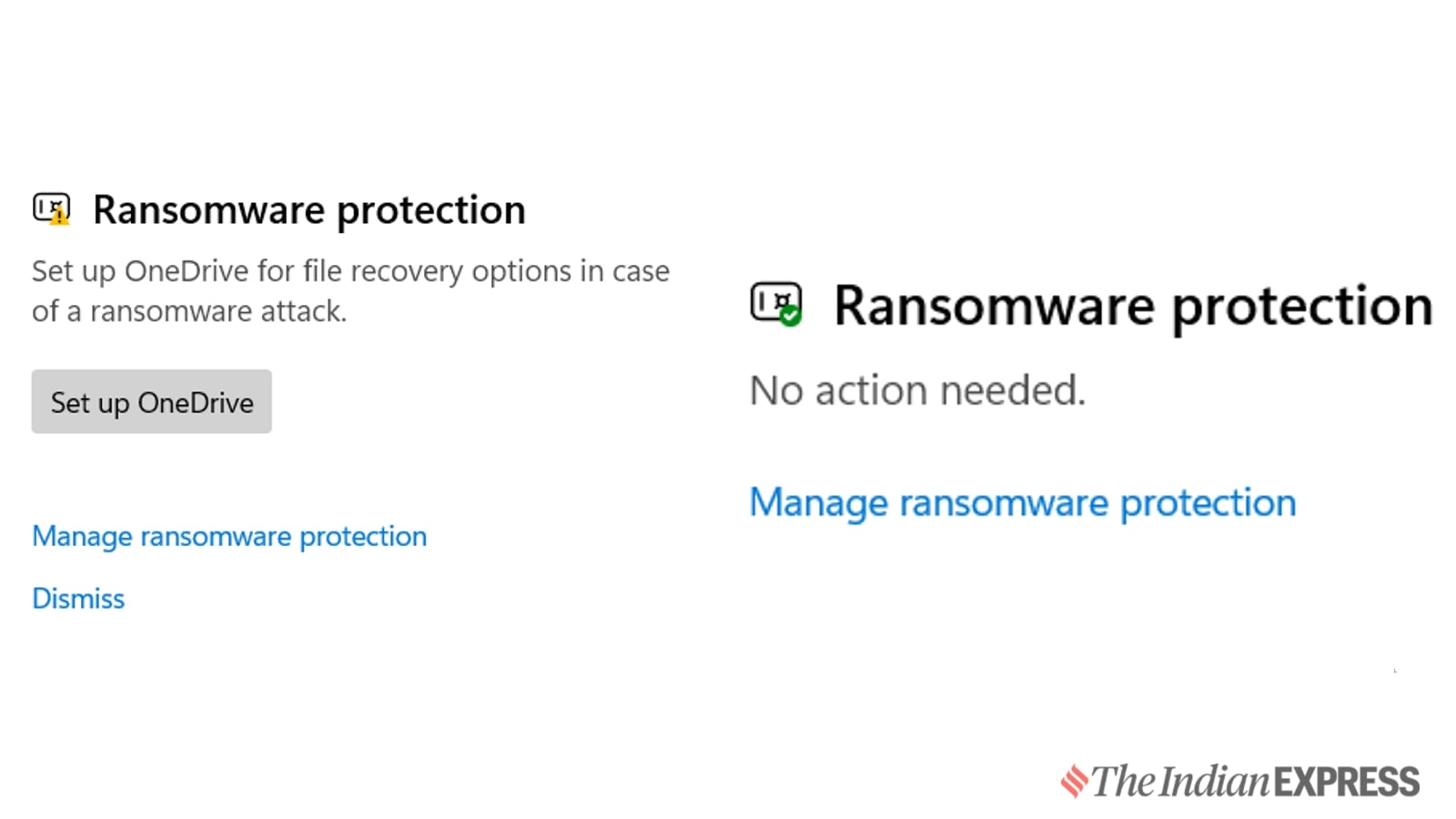

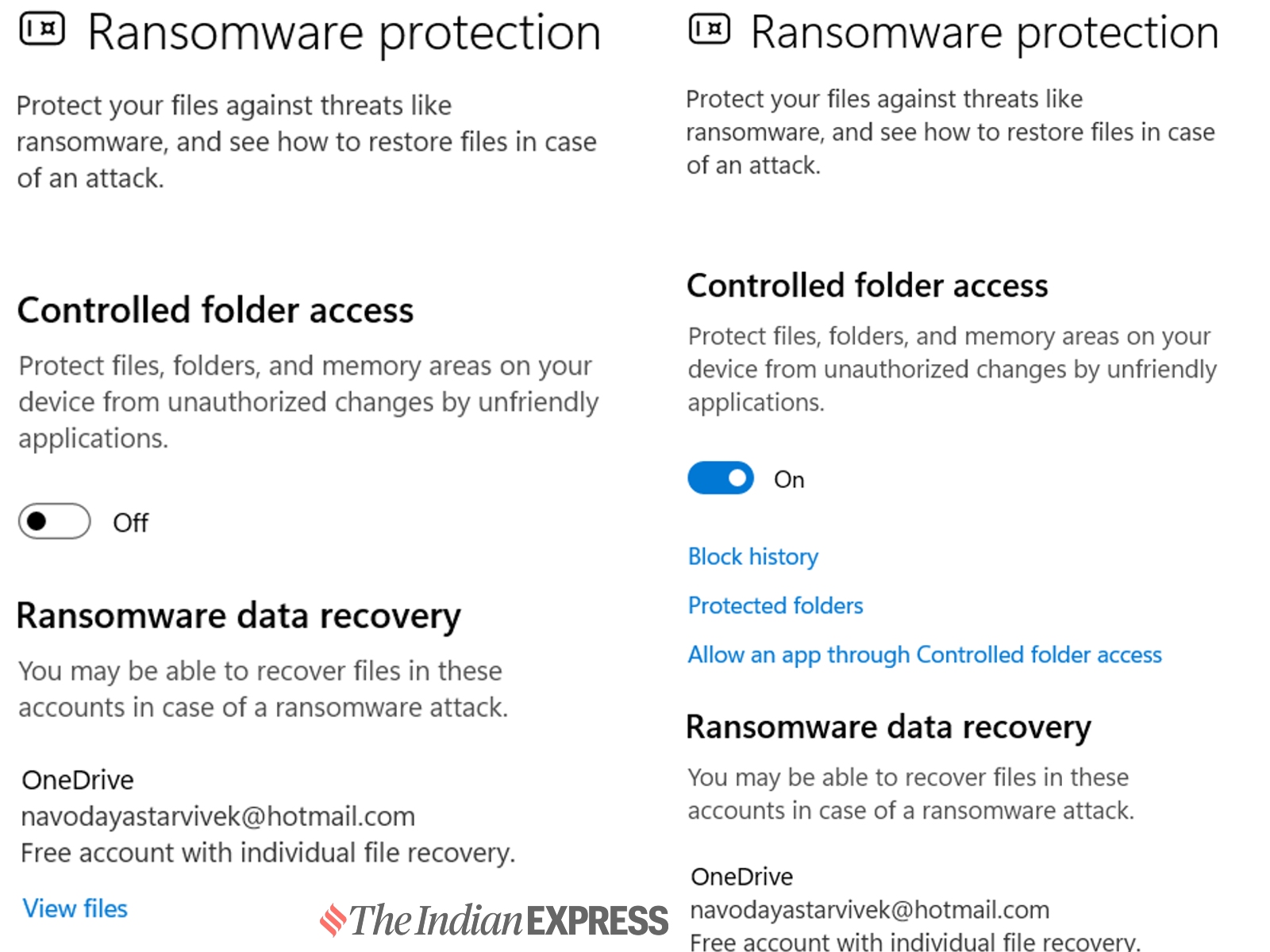
Next, go to Manage ransomware protection and enable controlled folder access. Once enabled, it will automatically protect all files stored on the device and block unauthorized apps from accessing the data.
There is also an option to create protected folders, and one can whitelist certain apps via controlled folder access. If you are using a third-party antivirus solution, the settings to enable ransomware protection might vary.


