2 min read
© IE Online Media Services Pvt Ltd



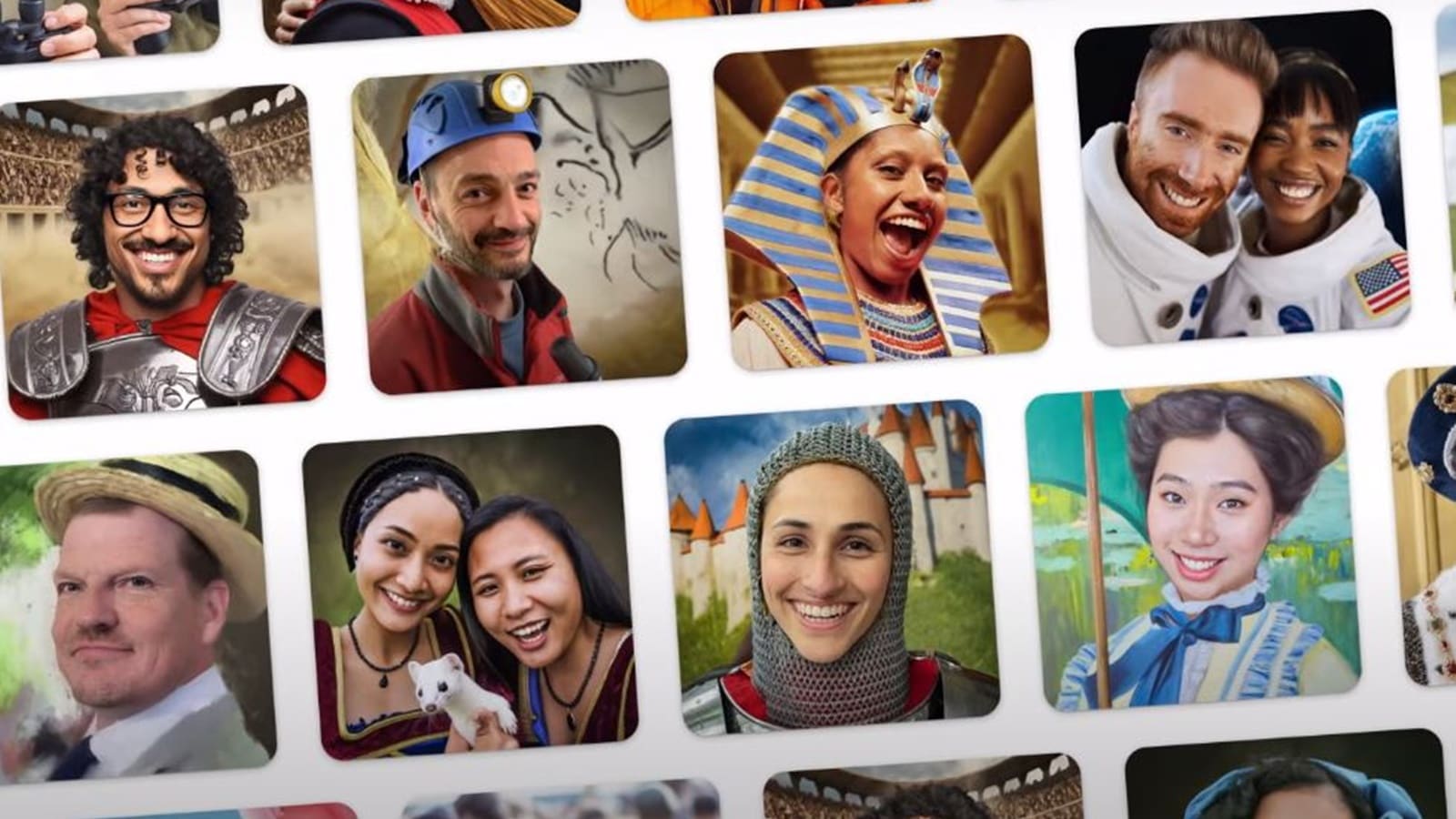 The feature is available as part of the Google Art and Culture app. (Image Source; Google/YouTube)
Google is rapidly adding generative AI to everything, be it writing emails or editing photos. The tech giant yesterday announced that a new feature called Art Selfie 2 in the ‘Art & Culture’ app now lets users click a selfie and imagine themselves in various popular paintings.
In a blog post, Google said the generative AI-powered feature currently has ‘more than 25 historical and cultural styles’ to choose from, with more coming soon. Art Selfie 2 lets users click a selfie either alone or with their friends, which can then be used to blend their faces in the scenario of their choice.
Users will be able to choose styles like an explorer on Mount Everest, a medieval knight in armour and an ancient Egyptian Pharoah to name a few. It also presents you with facts while the image is being generated. When the image is ready, users can download it and get more information like artistic movements, places and history of the theme they have chosen by pressing the ‘Read More’ button.
1. To use the feature, open the Google Play Store on your device and find and download the ‘Google Art & Culture’ app.
2. Launch it and you might see the Art Selfie 2 feature on the home screen. In case you don’t, head over to the Play tab from the bottom bar and you will see it.
3. Now, tap on the Play button that appears on the right side and grant the camera permission.
4. Click a selfie and you will see the option to add the artistic look of your choice.
5. Once Google is done adding the effect, you will be able to download the image and share it with others or apply a new style.
Google says it does not save any selfies and that only the user can see it unless they share it with someone.