5 min read

© IE Online Media Services Pvt Ltd



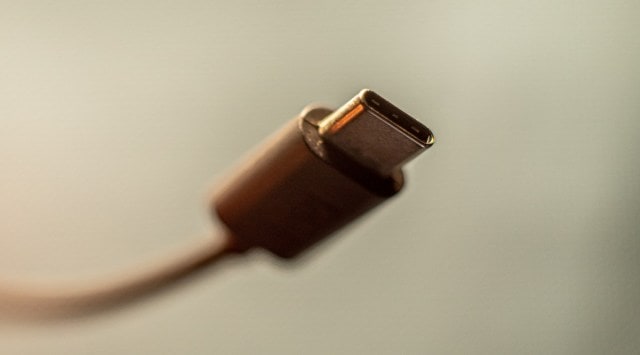 The reversible connector that's changing the game. (Image: Marcus Urbenz/Unsplash)
 USB Type-C is a versatile and powerful connector that has become the standard for most gadgets these days. It can handle data transfers of multiple gigabytes per second and charge devices at blazing-fast rates. Plus, it has a reversible design that makes plugging it in a breeze, unlike the old and bulky USB-A that always seemed to be upside down. It’s so cool that even Apple decided to ditch Lighting for it (EU regulation aside). Here’s everything you need to know about USB-C and why it’s a huge improvement.
Developed by the USB Implementers Forum (USB-IF), a group of over 700 companies that includes tech giants like Apple, Microsoft, Intel, and Samsung, USB-C is an extremely versatile port that can transfer data, charge devices, and even connect external monitors and peripherals with a single cable.
Unlike the previous USB connectors that were bulky, asymmetrical, and incompatible with each other, USB-C is sleek, symmetrical, and universal. It can replace the need for multiple cables and adapters, simplifying your digital life. That’s why the European Union has mandated that all devices use USB-C for battery charging by 2024.
USB-C is a versatile connector that can do a lot of things, depending on the devices and cables you use. It can transfer data, power, video, audio, and more, using a single reversible plug. Here are some of the things that USB-C can do:
* It can charge your devices faster than older USB standards, thanks to its support for Power Delivery (PD).
* It can connect to external monitors and TVs, using Thunderbolt, DisplayPort, or HDMI protocols, depending on the cable and adapter you use. Some USB-C monitors can also charge your laptop while displaying video.
* It can transfer data at high speeds, using USB 3.2 or Thunderbolt 4 standards, which can reach up to 20 Gbps or 40 Gbps respectively. This means you can connect to external hard drives, SSDs, docks, hubs, and more.
* It can deliver high-quality audio, using USB Audio Device Class 3.0 specification, which supports digital audio signals and noise cancellation. You can use USB-C headphones or adapters to listen to music or make calls.
The biggest reason behind USB-C being an upgrade is, undoubtedly, that it’s reversible. You can plug it in either way without worrying about damaging your device or the port. It also helps that it’s a universal standard, which means you can use the same cable and charger for different devices, such as laptops, smartphones, tablets, and headphones.
Thirdly, it supports faster data transfer and higher power delivery than previous USB versions, which means you can transfer files more quickly and charge your devices more efficiently. When we say fast, we say much faster – USB-C is approximately four times faster than USB-A when it comes to transfer speeds.
And finally as suggested above, USB-C is also capable of carrying video and audio signals, which means you can connect your device to a monitor or a TV with a single cable.
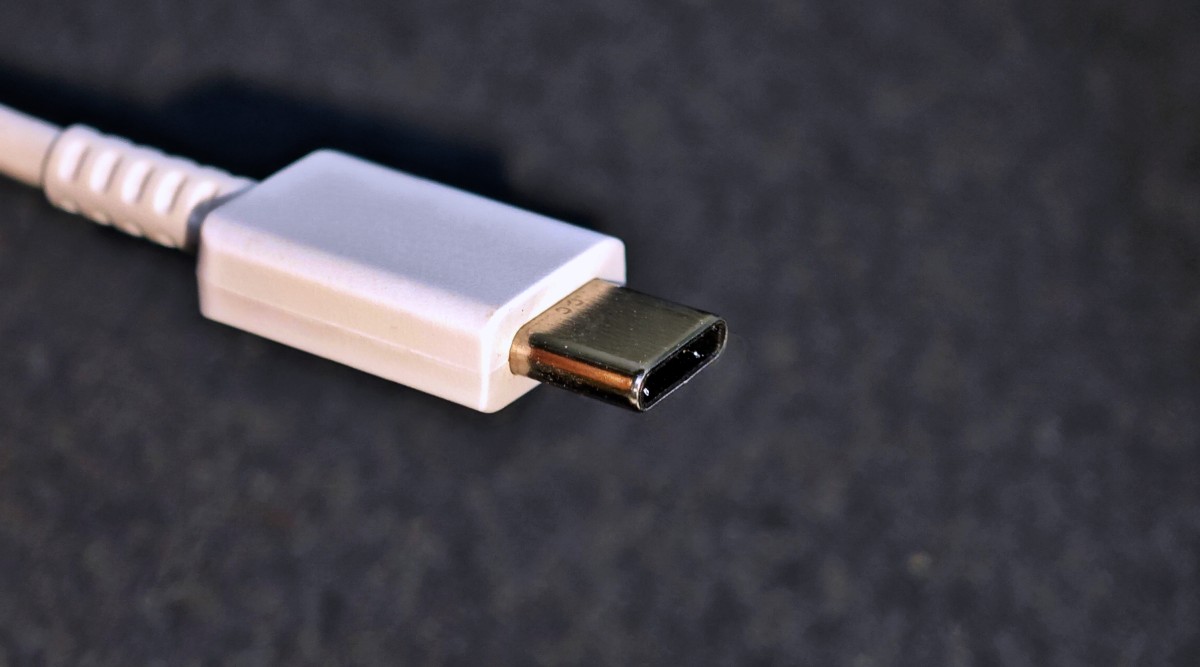 (Image: Zohaib Ahmed/The Indian Express)
The different versions of USB-C have different capabilities and speeds, depending on the device and the cable. Here are some of the latest USB-C versions you should know:
USB 3.1 Gen 2 / 3.2 Gen 2: This version of USB-C supports speeds of up to 10 Gbps and is also known as SuperSpeed USB 10 Gbps. They can support higher-resolution displays and faster data transfer rates.
USB 3.2 Gen 2×2: This is a newer version of USB-C that uses two lanes of data to achieve a speed of 20 Gbps, also known as SuperSpeed USB 20 Gbps. It is ideal for connecting multiple high-performance devices and streaming 4K video.
USB4: This is the latest and most advanced version of USB-C that can reach speeds of up to 40 Gbps, also known as USB 40 Gbps. It is compatible with Thunderbolt 3 and DisplayPort 2.0, and can support multiple displays and devices with a single cable.
One of the reasons why USB-C is gaining widespread adoption is its versatility. USB-C can handle data transfer, power delivery, and video output with a single cable, making it compatible with a wide range of devices. And it also does it much faster than alternatives like Apple’s now-retired Lightning cable.
Another factor that could boost the popularity of USB-C is the EU regulation. The European Commission has proposed a common charger standard for all smartphones and other electronic devices sold in the EU, which would be based on USB-C. This would reduce electronic waste and benefit consumers who would not need to buy different chargers for different devices. When the regulation is adopted, it could influence other markets to follow suit and adopt USB-C as the universal connector.