


© IE Online Media Services Pvt Ltd
Tags:


WhatsApp, the most popular instant messaging application, is bringing out some of the most interesting features to enhance the platform’s user experience. On Thursday, the platform introduced a new feature that allows users to create, edit, and share stickers on WhatsApp when using the iOS version. This makes it easy for users to create stickers without leaving the application.
Adding stickers would add oodles of fun to ordinary conversations. WhatsApp is allowing users to make their conversations creative by turning their photos into stickers or personalise their existing images.


The stickers are easy to create with the platform’s auto-crop function along with the suite of editing tools that can aid in customising texts and drawings. Moreover, once the sticker is sent, it gets automatically saved in the sticker tray, and users can share it whenever they feel like it.
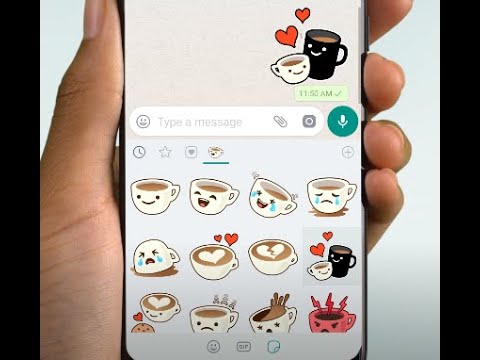
If you are looking forward to making some cool stickers, here’s a step-by-step guide:
Open the sticker tray by selecting the sticker icon to the right of the text box
Select the ‘create sticker’ option and select any picture from the gallery
Personalise your sticker by opting for a cutout and adding text, other stickers, or even drawings on it.
Hit send
How do you edit existing stickers?
Go to the sticker tray, long press on the sticker you wish to edit
Select ‘edit sticker’ option
Customise the sticker by adding text, other stickers or drawings
Hit send when done.
The feature is already available on WhatsApp Web and will be rolling out on iOS 17+ in the next few days. Those with older versions of iOS will be able to edit existing stickers but will not be able to create new ones.


