2 min read
© IE Online Media Services Pvt Ltd



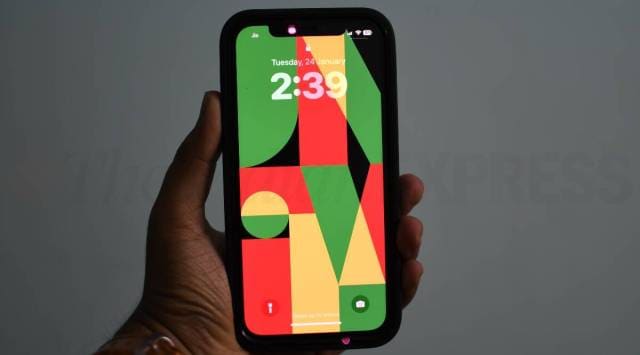 Some suggest that the problem is related to how Google accesses photos on the device, the bug might also be tied to the iOS update. (Express Photo)
 If you own an iPhone and prefer Google Photos over Apple’s service, make sure you don’t update your device to iOS 16.3.1. According to a recent report by 9to5Mac, Google Photos is crashing on the recently launched version of Apple’s mobile operating system.
While some users reported that Google Photos crashes immediately when launched, others say that they are able to complete the login process but as soon as they grant access to the photo library, the app crashes without any error message.
Some suggest that the problem is related to how Google accesses photos on the device, the bug might also be tied to the iOS update. However, other apps which ask for full access to the library like Darkroom are seemingly unaffected, so it’s still unclear what the problem is.
Unfortunately, Google is yet to comment on the issue and at the moment, there are no known workarounds, so the best thing you can do is avoid updating your iPhone to iOS 16.3.1. In case you have already installed the latest iOS update, make sure to keep an eye on the Apple App Store for an update to Google Photos.
To prevent automatically updating your iPhone to iOS 16.3.1, open the ‘Settings’ app and head over to the ‘General’ section. Now, tap on ‘Software Update’ and navigate to the ‘Automatic Updates’ section, where you will see a toggle to turn off ‘Install iOS updates’. Keep in mind that this is not recommended since you might miss out on important bug fixes and security updates.