2 min read
© IE Online Media Services Pvt Ltd



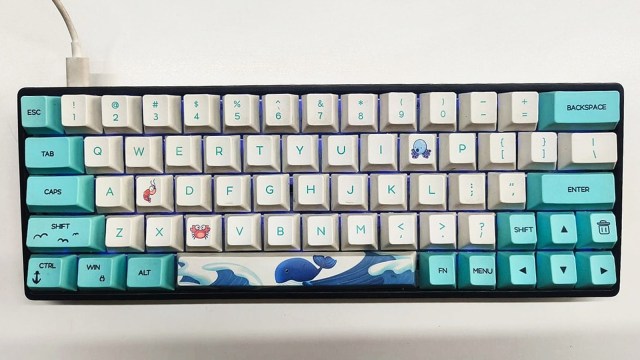 These keyboard shortcuts might help you reduce hand fatigue. (Express Photo)
When searching for anything on the internet, most of us browse through several tabs on our Windows or Mac-powered machines. However, navigating between these tabs using a mouse can be a bit tiresome or time-consuming at times. This is where keyboard shortcuts can come in handy, as they can reduce wrist movement and are more efficient since they require minimal effort. Here we list some useful keyboard shortcuts that can help you quickly navigate or manage browser tabs.
Most of us move our mouse multiple times a day just to open a new tab, but this can also be done using the Ctrl + T shortcut. Doing so also automatically puts the focus on the address bar, which means you type your favourite search engine about anything you want in an instant.
Accidentally closed a tab you were working on? While you have the option to move the mouse to the top bar, right-click on it and find the option to reopen the last tab, you can save hassle using the ‘Ctrl+ Shift + T’ combo.
If you simply open a new browser window, use the ‘Ctrl + N’ shortcut. Similar to when you open a new tab, the typing cursor automatically focuses on the address bar that lets you quickly search for anything.
In case you happen to open multiple tabs and find it hard to navigate using a mouse because the buttons are very small, press ‘Ctrl + Tab’ shortcut to go to the next tab or use ‘Ctrl + Shift + Tab’ to go to the previous one.
Want to search for something but don’t want your browser to spy on you? Quickly open the incognito mode in Google Chrome, Microsoft Edge or Brave using the Ctrl + Shift + N shortcut. If you use Firefox, the combination is ‘Ctrl + Shift + P’.