© IE Online Media Services Pvt Ltd
Tags:


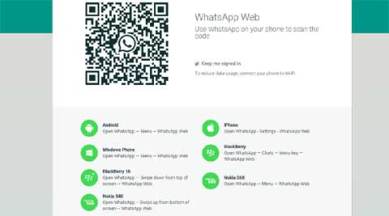
On the official website of WhatApp Web, you can see that iPhone addition has been rolled out rather silently.
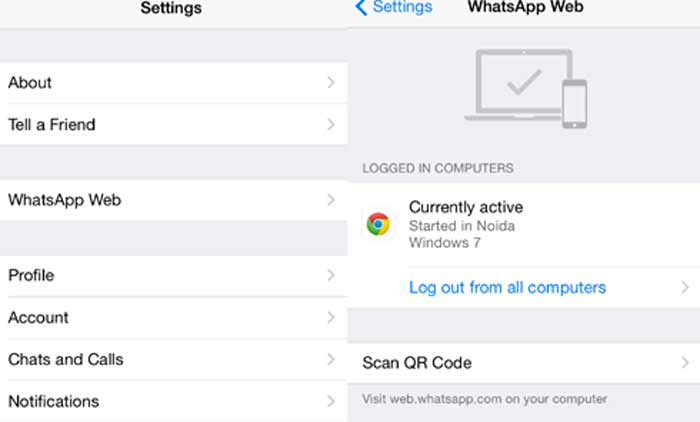
WhatsApp for iOS works on the same principles as it does on Android. You need to go to settings in your iPhone app, find WhatsApp Web and then keep scan the QR code which you’re seeing on your desktop browser. You will need to keep the WhatsApp Web page open your desktop browser, where the QR code will appear.

[related-post]
Once you’re done, the app should sync and the WhatsApp chats will appear on your computer. The iPhone WhatsApp Web feature roll-out appears to be for some iPhones only for now.
For instance, we tried it with an iPhone 5c and the option to sync WhatsApp with the Desktop was not available. However with an iPhone 6 we were able to sync WhatsApp Web quite easily.
Here’s what iOS WhatsApp Web looks like: