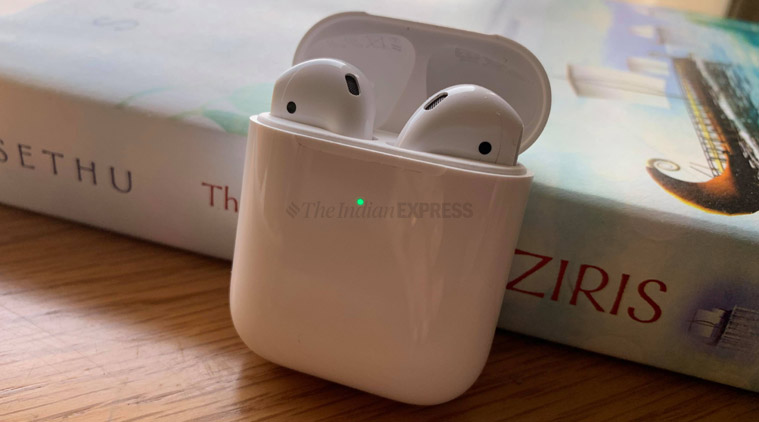
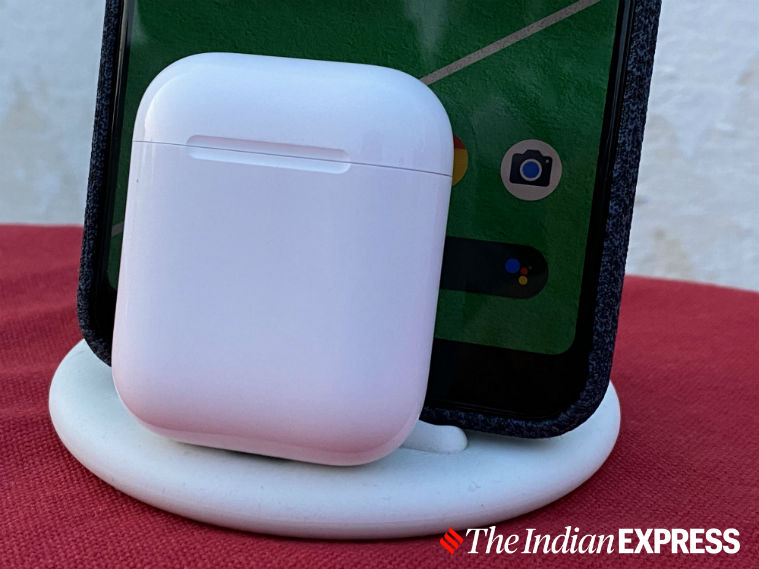
With this experiment, I wanted to see how well AirPods, the most popular wireless earphones in the world, work with a non-iOS device. (Image credit: Nandagopal Rajan/Indian Express)
No other tech brand even comes close to Apple when it comes to how seamlessly the company’s devices interact with each other. This is one of the reasons why the Apple ecosystem still has a lot of lure for many.
Last week, I did something unusual. For almost a day, I decided to use AirPods with an Android phone. It was a tough decision to unpair AirPods from the iPhone 11 and replace it with the Google Pixel 3XL. Read our review of AirPods here.
With this experiment, I wanted to see how well AirPods, the most popular wireless earphones in the world, work with a non-iOS device.
Here’s what I found out.
Lacks seamless pairing option
The first difference I noticed while connecting AirPods to the Pixel 3XL was the lack of the instant pairing option. Pairing AirPods with an iOS device only requires opening the case of the earbuds, followed by the usual setup process. The AirPods instantly get connected to the iPhone and you are good to use the wireless earbuds.
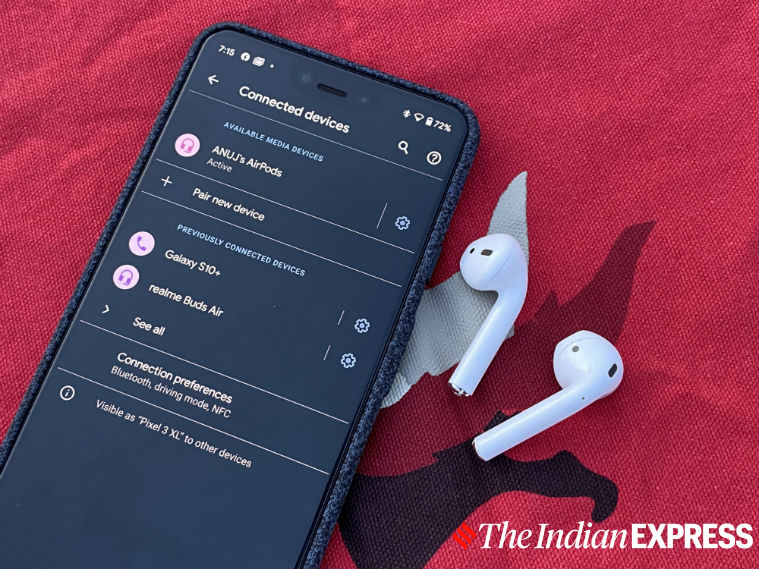
However, in the case of paring Apple’s AirPods with an Android phone, they work just like any regular pair of Bluetooth headphones. This means you won’t be able to connect AirPods with an Android automatically, as the special instant pairing option is limited to the iPhone.
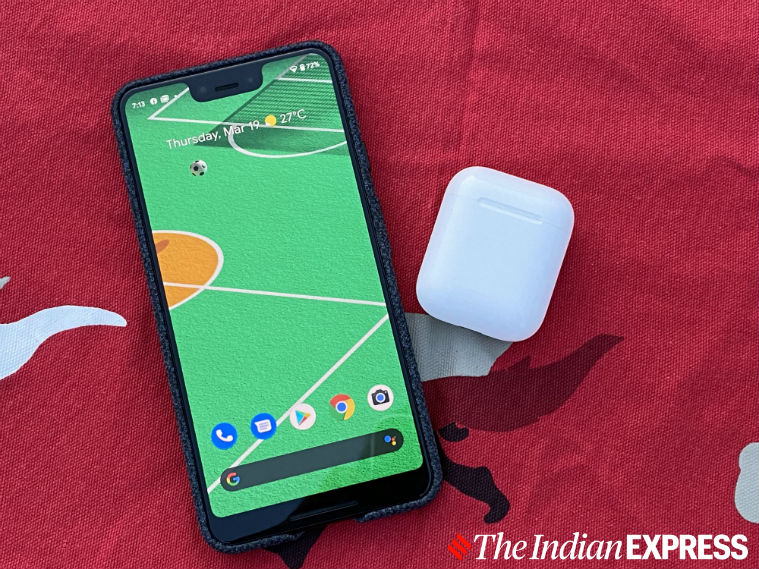
I wanted to check how much the battery was left on the right AirPod, but I couldn’t. (Image credit: Anuj Bhatia/Indian Express)
‘Hey Siri, where are you?’
One of the best things about AirPods is how the truly wireless earbuds work with Siri, Apple’s virtual voice assistant. With one tap on the buds, you can ask Siri to play the latest dance track or give a weather update. This is possible because AirPods and Siri work cohesively with each other. The point to remember is that Siri is exclusive to Apple devices and you don’t get the voice assistant on Android devices. And no AirPods don’t support Google Assistant at the moment.
In the case of paring Apple’s AirPods with an Android phone, they work just like any regular pair of Bluetooth headphones. (Image credit: Anuj Bhatia/Indian Express)
No automatic ear detection
One of my favourite features of AirPods is auto-pause. When you remove one AirPod from your ear, it automatically pauses whatever you were listening to. Once you put the AirPod back in your ear, it resumes. This feature works only on the iPhone and doesn’t work on Android.
Story continues below this ad
And no AirPods don’t support Google Assistant at the moment. (Image credit: Anuj Bhatia/Indian Express)
Checking AirPods battery
As the day passed by, I figured out one more annoying thing about using AirPods with an Android phone. I wanted to check how much the battery was left on the right AirPod, but I couldn’t. Android doesn’t give the option to check battery levels of your AirPods and the case. If I had paired my iPhone to AirPods, I would have simply opened the AirPods case and held it next to the phone to the battery percentage of the wireless buds. The method is both easy and natural.
The answer is No, and I tell you why. Neither Apple nor I am stopping you from buying AirPods and pairing them with your Android smartphone. The problem comes when you miss out on so many useful features that are only reserved for the iPhone.
Features like Siri integration, auto-pause, the ability to customise double-tap or check the battery life of AirPods will work on the iPhone or any iOS device. This is one big reason why people buy Apple products. People don’t buy an iPhone or Apple Watch for the hardware. They buy Apple accessories because these work seamlessly with each other and are convenient.
So while you can use AirPods with an Android phone, you will have to live without some features. Otherwise, AirPods will work exactly the same as they do on the iPhone. The AirPods are comfortable to wear and promise excellent sound quality and excellent battery life.
Anuj Bhatia is a seasoned personal technology writer at indianexpress.com with a career spanning over a decade. Active in the domain since 2011, he has established himself as a distinct voice in tech journalism, specializing in long-form narratives that bridge the gap between complex innovation and consumer lifestyle.
Experience & Career: Anuj has been a key contributor to The Indian Express since late 2016. Prior to his current tenure, he served as a Senior Tech Writer at My Mobile magazine and held a role as a reviewer and tech writer at Gizbot. His professional trajectory reflects a rigorous commitment to technology reporting, backed by a postgraduate degree from Banaras Hindu University.
Expertise & Focus Areas: Anuj’s reporting covers the spectrum of personal technology, characterized by a unique blend of modern analysis and historical context. His key focus areas include:
Core Technology: Comprehensive coverage of smartphones, personal computers, apps, and lifestyle tech.
Deep-Dive Narratives: Specializes in composing longer-form feature articles and explainers that explore the intersection of history, technology, and popular culture.
Global & Local Scope: Reports extensively on major international product launches from industry titans like Apple and Google, while simultaneously covering the ecosystem of indie and home-grown tech startups.
Niche Interests: A dedicated focus on vintage technology and retro gaming, offering readers a nostalgic yet analytical perspective on the evolution of tech.
Authoritativeness & Trust
Anuj is a trusted voice in the industry, recognized for his ability to de-jargonize trending topics and provide context to rapid technological advancements. His authority is reinforced by his on-ground presence at major international tech conferences and his nuanced approach to product reviews. By balancing coverage of the world's most valuable tech brands with emerging startups, he offers a holistic and objective view of the global technology landscape.
Find all stories by Anuj Bhatia here.
You can find Anuj on Linkedin. ... Read More


 5 min read


 With this experiment, I wanted to see how well AirPods, the most popular wireless earphones in the world, work with a non-iOS device. (Image credit: Nandagopal Rajan/Indian Express)
 I wanted to check how much the battery was left on the right AirPod, but I couldn’t. (Image credit: Anuj Bhatia/Indian Express)
 In the case of paring Apple’s AirPods with an Android phone, they work just like any regular pair of Bluetooth headphones. (Image credit: Anuj Bhatia/
 And no AirPods don’t support Google Assistant at the moment. (Image credit: Anuj Bhatia/Indian Express)