2 min read
© IE Online Media Services Pvt Ltd



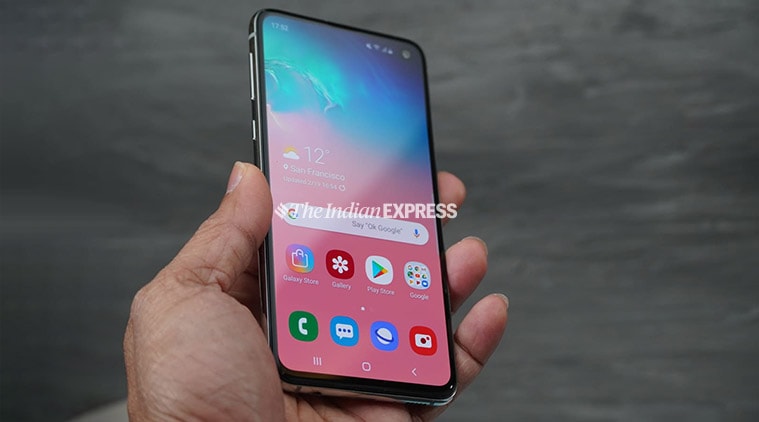 Some users claim to have tried to gain back access using the Remote Unlock feature, however, it was to no avail.
Samsung recently kicked off its Android 10 beta programme for the Galaxy S10, with the roll-out of One UI 2.0. However, now it seems as if some users are being locked out of their devices with the latest One UI 2.0 beta update. Users are reporting that their devices after the update are rejecting any form of authentication input even after repeated attempts.
Multiple users on the company’s official community forum are stating that they have been locked out of their devices and aren’t able to even use the ‘reset the password’ option. The issue is occurring after users install the update and restart their devices.
Affected Galaxy S10 units are simply labelling all sorts of authentication inputs including password, pattern and fingerprint scan, as incorrect.
Some users claim to have tried to gain back access using the Remote Unlock feature, however, it was to no avail. The company has not detailed as to what is causing this issue or when it will fix it. As of now, the only way to gain back access to your updated Galaxy S10 is by performing a factory reset and reveting back to Android 9.0 Pie based One UI.
Also Read: Samsung’s Galaxy S10 gets slow motion selfie video feature
However, even after resetting and rolling back their devices some users are complaining to still be locked out of their phones. But, most users claim to have successfully gained access via this method.
Even if Samsung rolls out a corrective update for the issue, it might still not be enough considering users locked out of their devices cannot update their devices without unlocking them.