2 min read
© IE Online Media Services Pvt Ltd



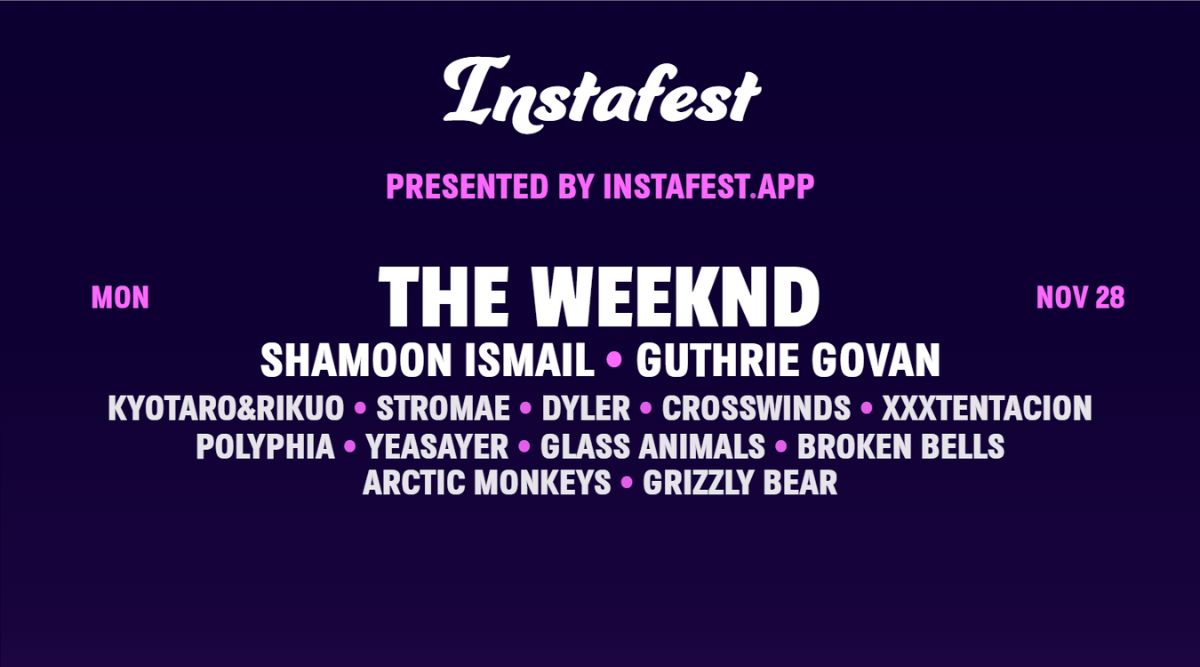 Instafest creates a graphic poster with a fake line-up of top artists from your Spotify account. (Image credit: Instafest)
 Towards the end of the year, Spotify drops its “Wrapped” which will shed light on the kind of music that users have been listening to. But since Spotify has not yet made the 2022 edition of Wrapped available to users, here is another way to take a unique look at the music and artists you have listened to on the app.
The Instafest web application allows users to create their own custom fake festival lineup based on their Spotify listening habits. The app is created by University of California Santa Cruz Student Anshay Saboo and generates what looks like a festival poster based on your Spotify listening habits.
Here is how you can create your own custom fake festival lineup using Instafest
Go to Instafest’s website at Instafest.app
Click on the green button that says “Sign in with Spotify”
Use your account credentials to log in to your Spotify account
Select whether you want to include your top artists from the last 4 weeks, the last 6 months or your all-time top artists
Choose the visual style you would like the poster to have.
Choose a name for your fake festival
Click on the “Save and Share” button to download the auto-generated graphic and share it wherever you like