3 min read
© IE Online Media Services Pvt Ltd



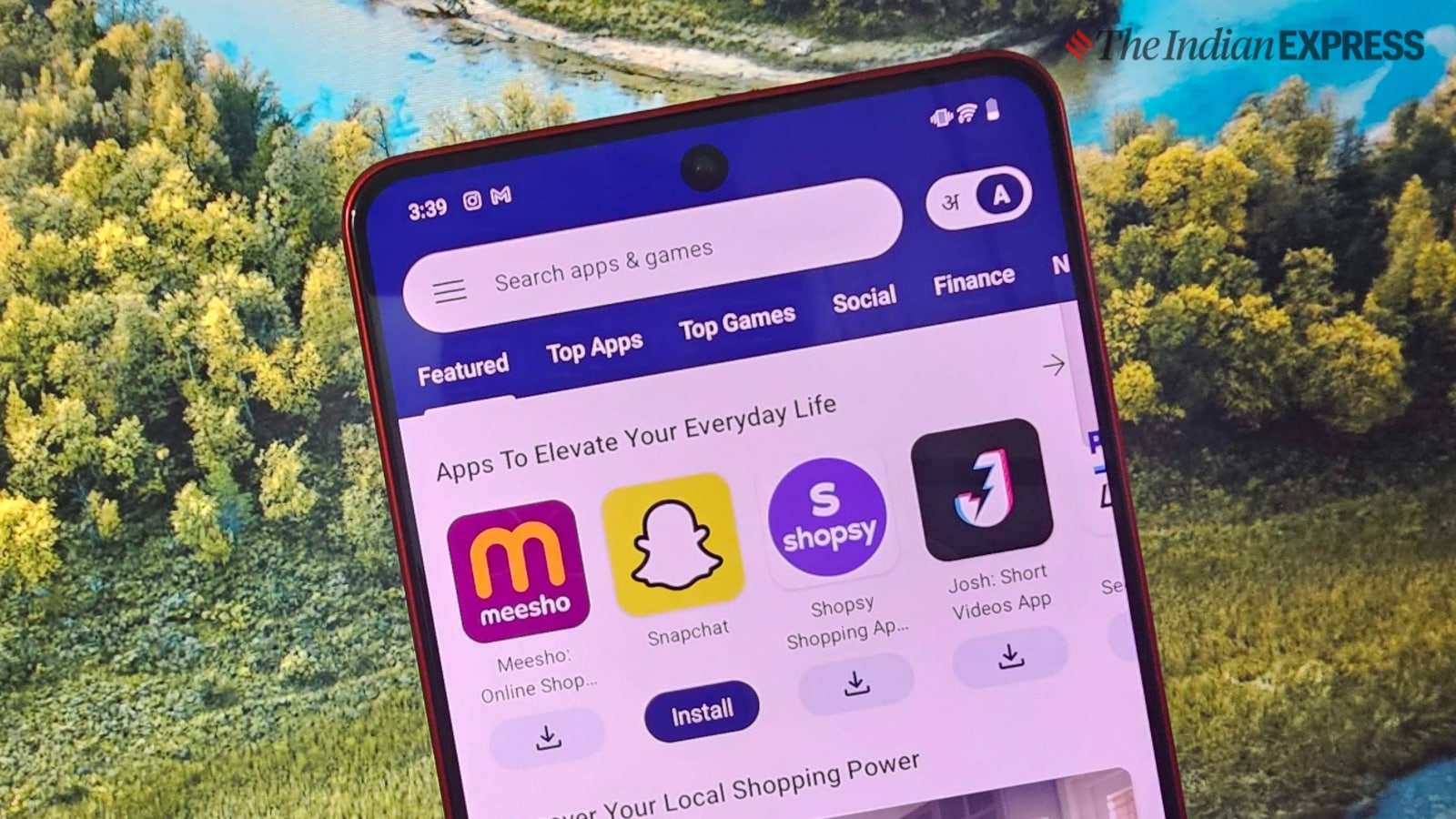 The Indus Appstore on an Android phone. (Image: Vivek Umashankar/The Indian Express)
PhonePe on Wednesday launched the highly anticipated Indus Appstore for Android smartphones, which offers apps and games in 12 different Indian languages. Dubbed as the Play Store rival, the Indus Appstore currently has over two lakh apps and games from developers across the world, and the company has confirmed that it will have over five lakh apps by the end of 2024.
The Indus Appstore is not only catering to the world’s second-biggest smartphone market, but it is also claiming to be a much better platform for developers with zero listing fees (as of now) and the ability to incorporate a third-party payment gateway for in-app billing.
The Indus Appstore is already live and available free of cost. Here is a detailed guideline on how to install it on your Android smartphone.
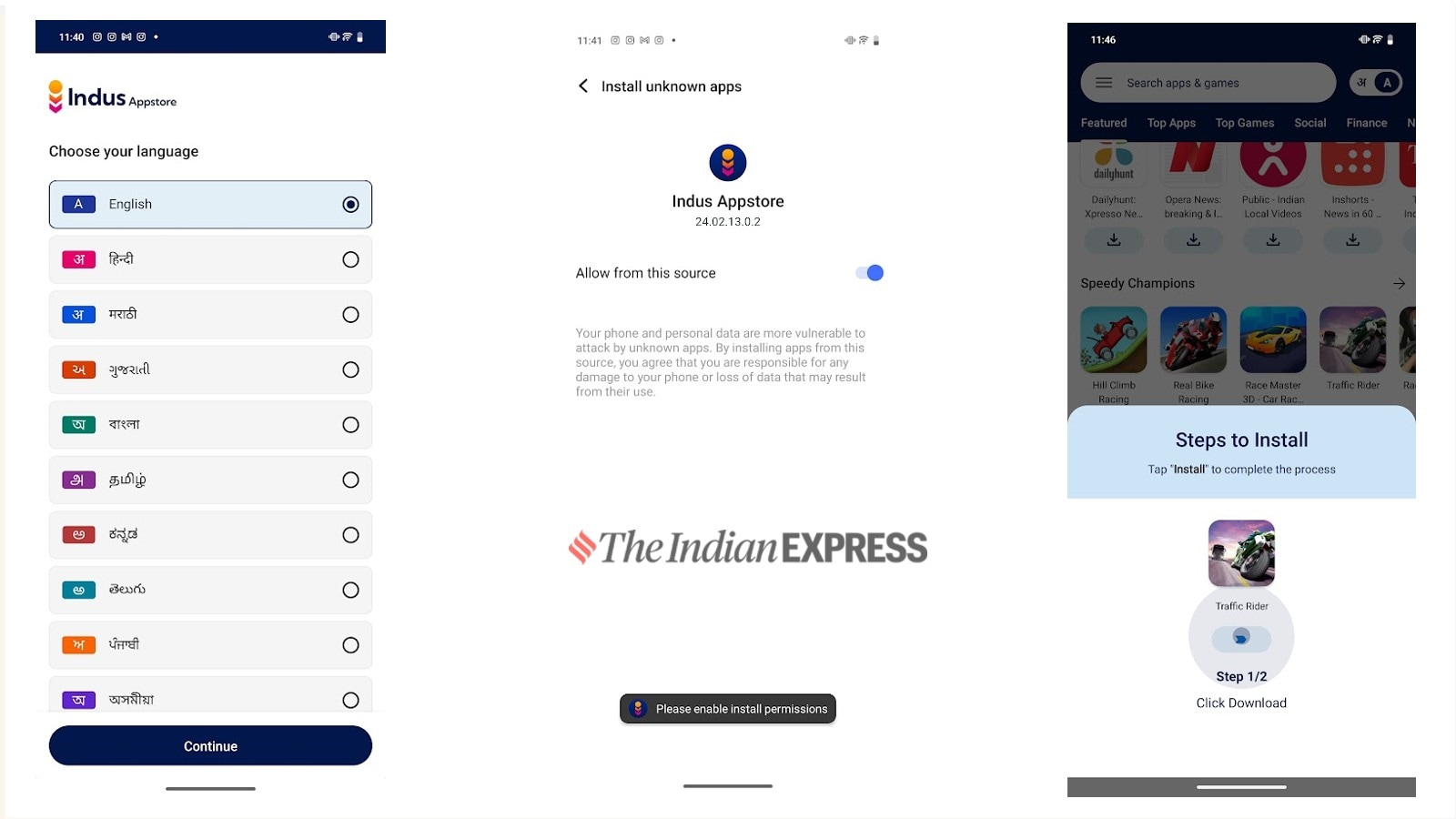 Appstore has to be sideloaded by downloading the APK (Express Photo)
The first step to installing the Indus Appstore is by downloading it from the official website indusappstore.com. If you are downloading the APK (Android Package) from Google Chrome, make sure that you have enabled the “install unknown apps” option by clicking on “allow from this source.”
Once downloaded, click and install the Indus Appstore on your smartphone, which will be available on your home screen or app tray. To start using the Indus Appstore, you need to create an account, which requires an active phone number. As of now, there is no need for an email ID.
Once you get into the app store, browse or search for the app that you are looking for and click on the download icon. For the first time, you need to enable the “install unknown apps” option for the Indus Appstore and once enabled, you can quickly install the app of your choice. You can also update the Indus Appstore within the app itself.
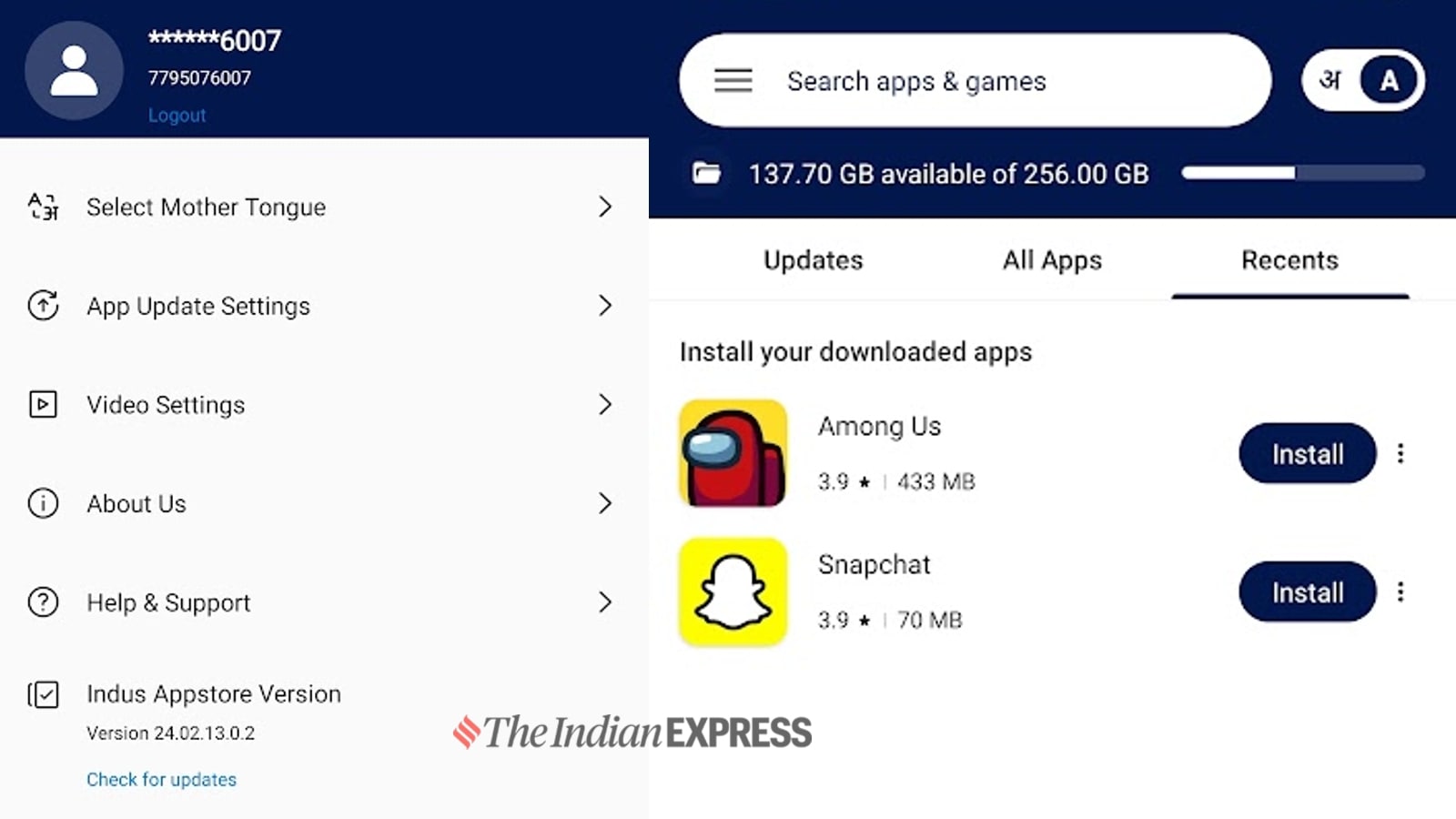 Appstore can automatically update apps (Express Photo)
If you want to uninstall an app, you can also do the same within the app store, and the Indus Appstore can also be used to update already installed apps on your smartphone. It shows the size of the download and the storage it takes once installed. An app like Spotify has a download size of 33 MB and an install size of 100 MB. One can access the downloaded but not installed apps from the Manage menu.
When you download an app from the Indus Appstore, you won’t be able to access the APK without installing it on your smartphone, even for deletion. However, once you uninstall the app, the same will be removed from your smartphone.