2 min read
© IE Online Media Services Pvt Ltd



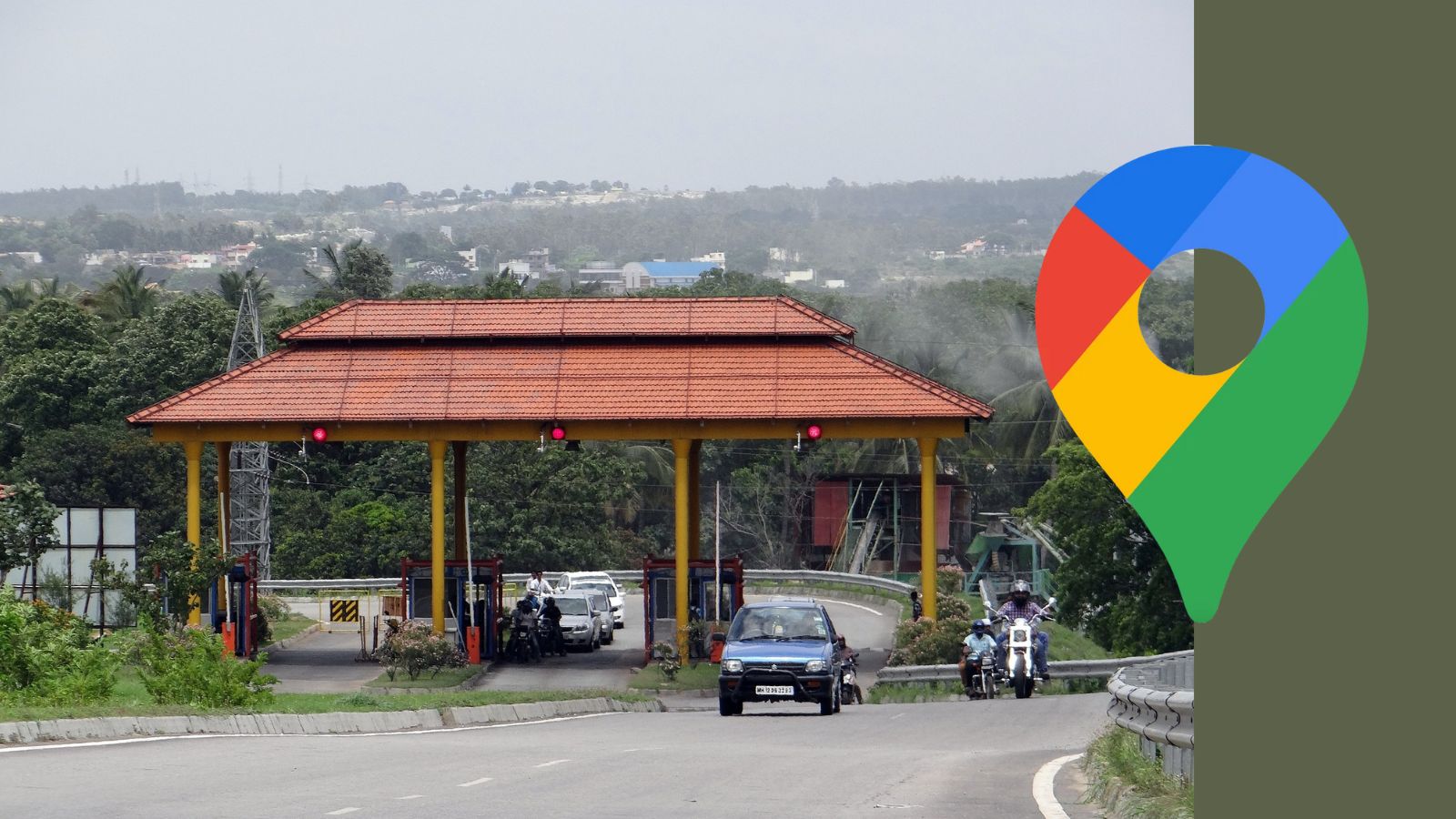 Here’s how you can use Google Maps to skip tolls for a smoother, cheaper drive. (Express image/Pixabay)
Looking for an easy way to save money on tolls and avoid the headache of congested highways on your next road trip? The Google Maps app has you covered. With a few quick taps, you can set the popular navigation app to route you around tolls and highways for a smoother, cheaper drive.
Getting Google Maps to avoid tolls and highways is simple on both iPhone and Android. Just follow the steps below to do it:
1. Enter your start and end points
2. Tap the three dot menu in the top right corner on iPhone or the three vertical dots on Android
3. Select Options and toggle on the settings that read “Avoid tolls” or “Avoid motorways”
Google Maps will remember these preferences and automatically route you around tolls and highways for future trips. Of course, you can always re-perform these series of steps if you wish to revert to the original settings.
Opting out of tolls is an obvious way to save cash, especially for frequent drivers racking up daily toll booth charges. Skipping highways lets you enjoy a more relaxed ride on scenic backroads instead of taking crowded highways. And it’s an especially smart move for those who ride two-wheelers and others who feel safer travelling on lower-speed roadways.
The tradeoff is that avoiding tolls and highways may increase travel time. But for many, a few extra minutes of drive time is worth the payoff of a chill, cost-effective journey.