4 min read
© IE Online Media Services Pvt Ltd



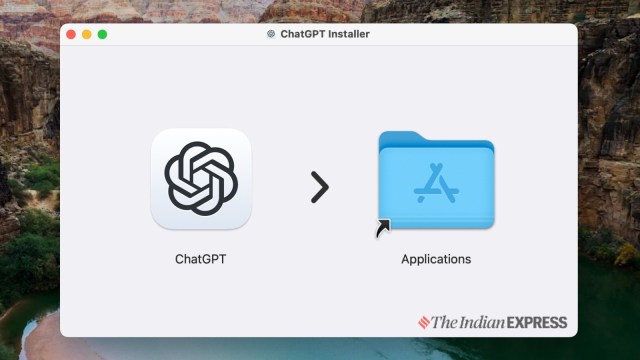 ChatGPT app is now available for Mac (Express Photo)
OpenAI’s GPT-4o is currently considered one of the most advanced large language generative AI models in the world. Sam Altman-lead AI startup introduced its first native app for Mac, recently. However, limiting it to paid users has left a sour taste among millions of Mac users, at least until users discovered this workaround, that helps activate ChatGPT on Mac ahead of the official rollout.
A user named @diegojimenez on X has now shared a new workaround for this shortcoming, which will allow anyone with a Mac, powered by M1 or newer processor with macOS 14 or newer OS to access ChatGPT via the dedicated app. As of now, OpenAI has not released ChatGPT apps for older Intel-based Macs.
How to bypass the #ChatGPT macOS app waitlist:
1. Launch the app and login
2. Quit the app (cmd+Q) when the window size changes, but right before the login error alert shows up
3. Launch the app again and you’re inSimple but somehow ✨ it works ✨ – give it a try! pic.twitter.com/IsoiUZihs8
— Diego Jimenez (@diegojimenez) May 22, 2024
OpenAI’s GPT-4o is currently considered one of the most advanced large language generative AI models globally. Recently, the Sam Altman-led AI startup introduced its app for Mac. However, restricting access to select users has stirred dissatisfaction among millions of Mac users. Nonetheless, a workaround has emerged, thanks to an X user @diegojimenez, enabling Mac users to activate ChatGPT ahead of the official rollout.
This workaround allows anyone with a Mac powered by an M1 or newer processor and macOS 14 or newer OS to access ChatGPT via the dedicated app. It’s important to note that as of now, OpenAI has not released ChatGPT apps for older Intel-based Macs.
If you are a Plus or Team user, there is a possibility that you can already access ChatGPT on a Mac via the native app, and this trick is meant for regular ChatGPT users.
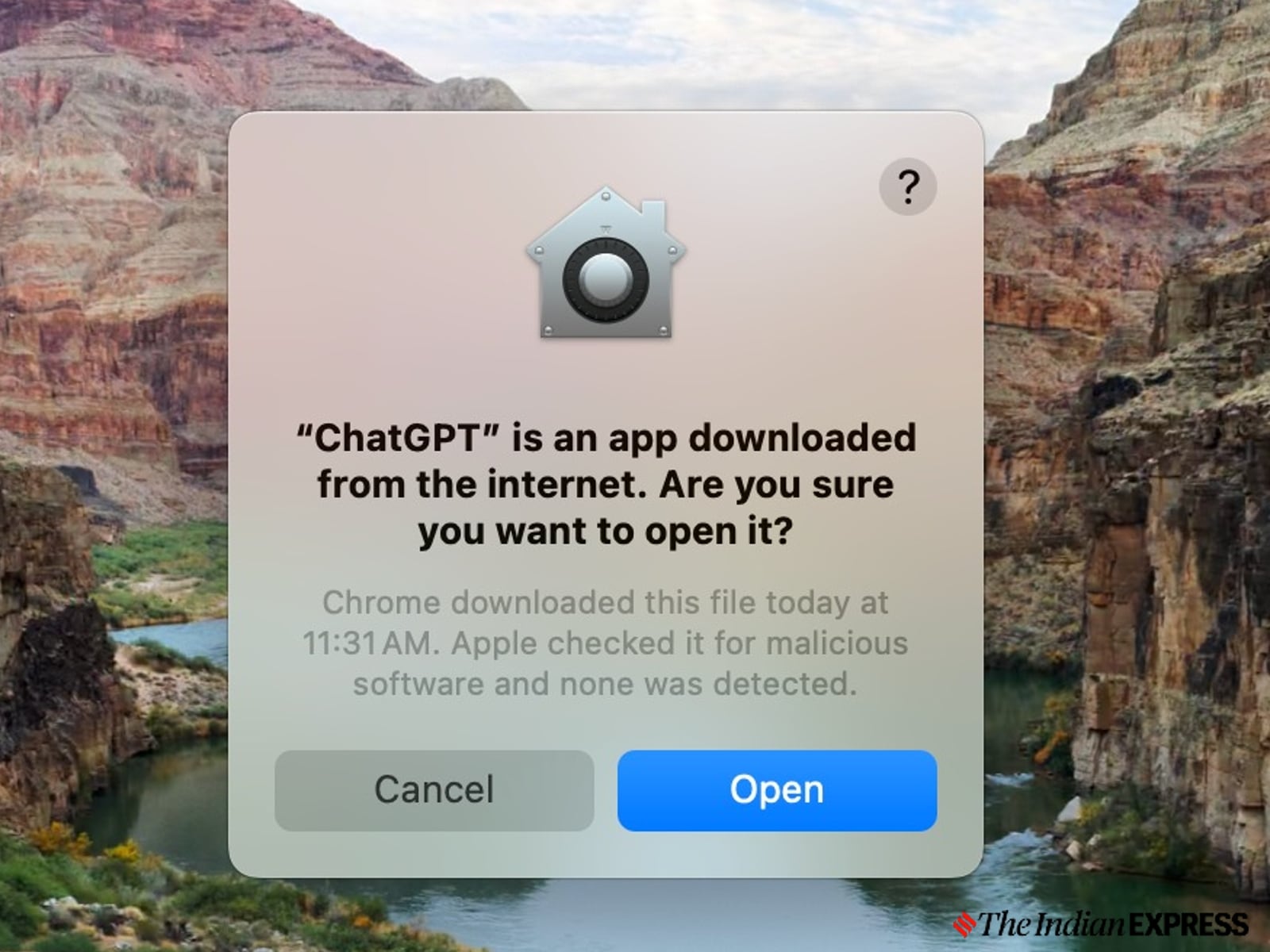 Mac also automatically scans for virus (Express Photo)
ChatGPT app for Mac is yet to be listed on the App Store, and it has to be sideloaded by downloading it from the OpenAI community forum, which, once installed, will automatically get updated to the latest version.
As this comes from a trusted developer, simply download the DMG file and double-click and drag the icon to the Applications folder to install it on your Mac, and when it prompts to request access, allow it by clicking on ok.
The next step is crucial in enabling the ChatGPT app on Mac. This involves a simple trick, and has to be done within a second, ideally – double-click on the ChatGPT app to open it, and log in using your Google or Microsoft account.
Once logged in, ensure you quickly close the app by pressing the command + Q buttons before it shows a login error alert. If you do this properly, the next time you open the app, you will be able to access ChatGPT natively on your Mac.
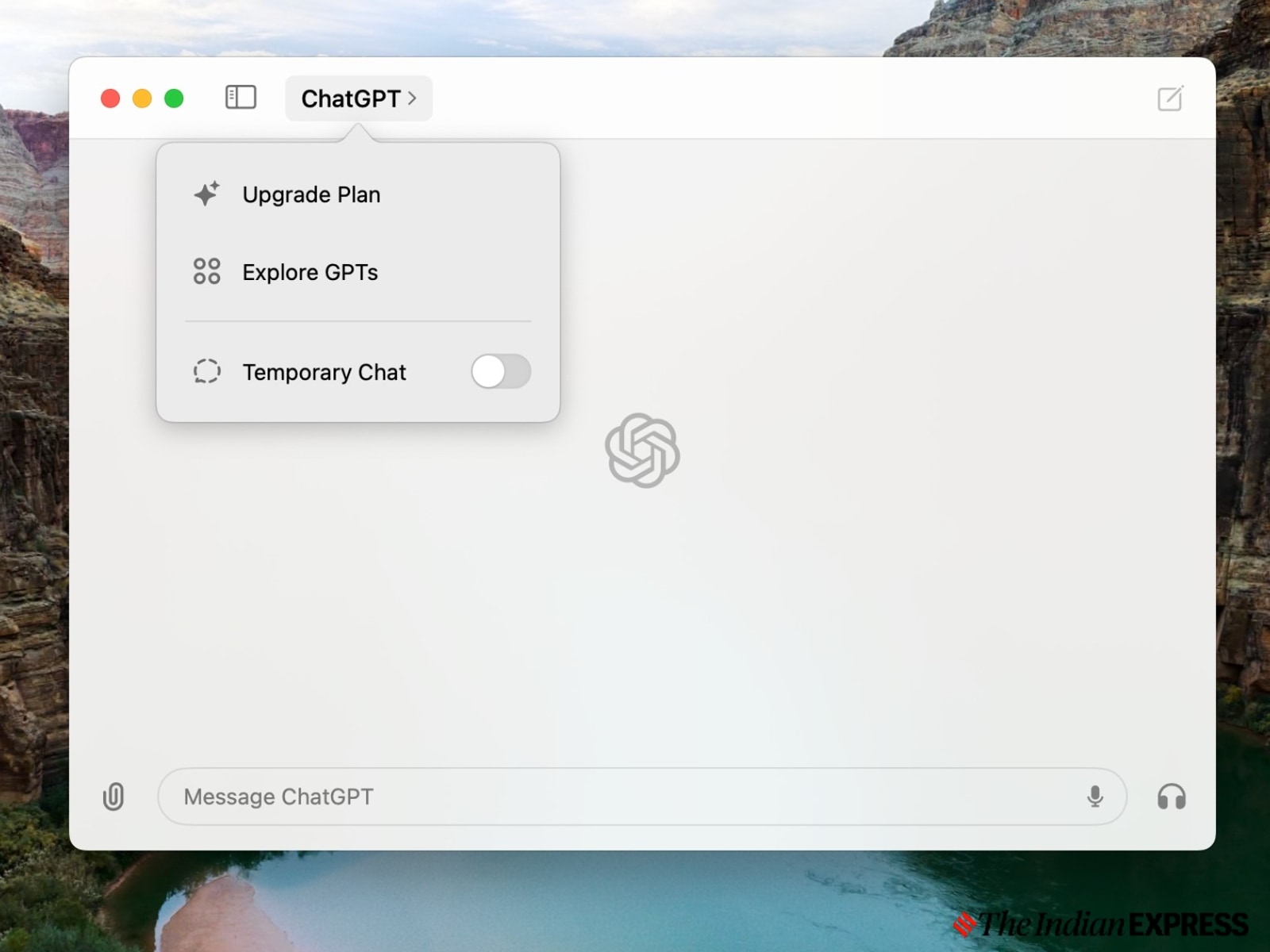 This is how ChatGPT app looks on a Mac (Express Photo)
On the native ChatGPT app for Mac, one can access the latest GPT-4o model for free, while the company is yet to roll out the new voice model.
For now, there is no logical explanation on how this works. However, we have tested it, and it definitely helps you to activate ChatGPT on a Mac. If you are a Windows PC user, you have to wait for a few more months to access ChatGPT on your computer.