2 min read
© IE Online Media Services Pvt Ltd



 Google Chrome users can claim their one year free Photoshop web subscription till December 8. (Image Source: Chrome Web Store)
Adobe has launched a new Photoshop extension for Google Chrome, and as a limited-time offer, Google is giving users a free one-year Photoshop Web subscription. The extension, now available on the Chrome Web Store, is aimed at content creators, designers, marketers and anyone who needs quick, powerful image edits directly in the browser.
With the Photoshop Chrome extension, you can remove backgrounds, adjust colours, tweak brightness, contrast and saturation, crop images for social media, and make other quick edits — all without leaving your browser or installing extra software. However, one of the best features of the Photoshop extension for Google Chrome is that users can now right-click on most images and press the “Add to Photoshop Extension” button to quickly edit them without having to download and reupload them.
The free 12-month Photoshop web subscription offer will be available for Google Chrome users till December 8, but the offer can also be claimed by users who use Google Chromium-based browsers like Microsoft Edge, Brave, Vivaldi, Opera, and more.
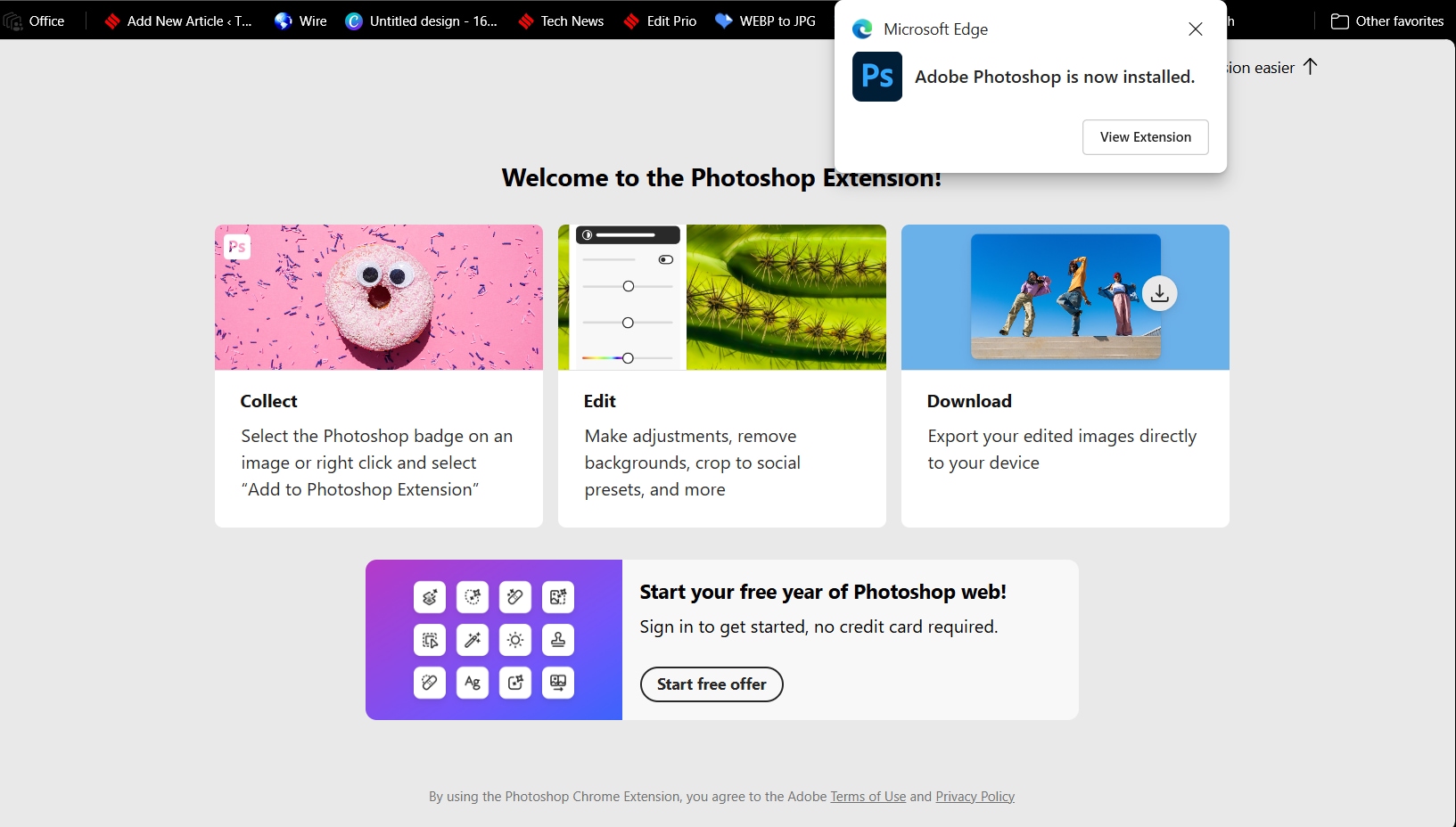 Users will be redirected to the Photoshop web page once they install the extension. (Express Photo)
1. To claim your free one-year Photoshop web subscription, open any Chromium-based browser like Google Chrome or Microsoft Edge.
2. Now, search for ‘Adobe Photoshop Chrome extension’ and press the ‘Add extension’ button that appears.
3. When done, you will be redirected to the Photoshop page.
4. Once the page loads, scroll down a bit and click on the banner that says “Start your free year of Photoshop web!” and proceed to click “Start now”.
5. Now, sign in using your Adobe or Gmail account, and you will get one year of free access to Photoshop web.
Note: The offer is valid till December 8, so make sure to claim it before it ends. Adobe says that it will be adding more features to the Photoshop extension for Google Chrome, but did not share any details about the same.