


Tags:



Every day, millions across the world use WhatsApp to keep in touch with their friends and family. It’s an app that is part of 400 million Indian smartphone users. While WhatsApp is designed for sending messages or calling people, not many know that the platform can be used to share your location. By using the live location feature, you can share your current or nearby location. The feature is useful to keep track of the location of a friend or family member during the night.
Here’s how to send a WhatsApp location using iPhone or Android smartphone.

#Fire up WhatsApp on your iPhone.
#Tap on “Chats”
#Tap in the group or person that you would like to send the location with.
#Tap on the plus sign in the bottom-left corner
#Tap on “Location.”
#You will get a prompt whether you want to share your location always or “Only While Using the App.”
#Select “Send Your Current Location” or “Share Live Location.”
#Tab “Send”
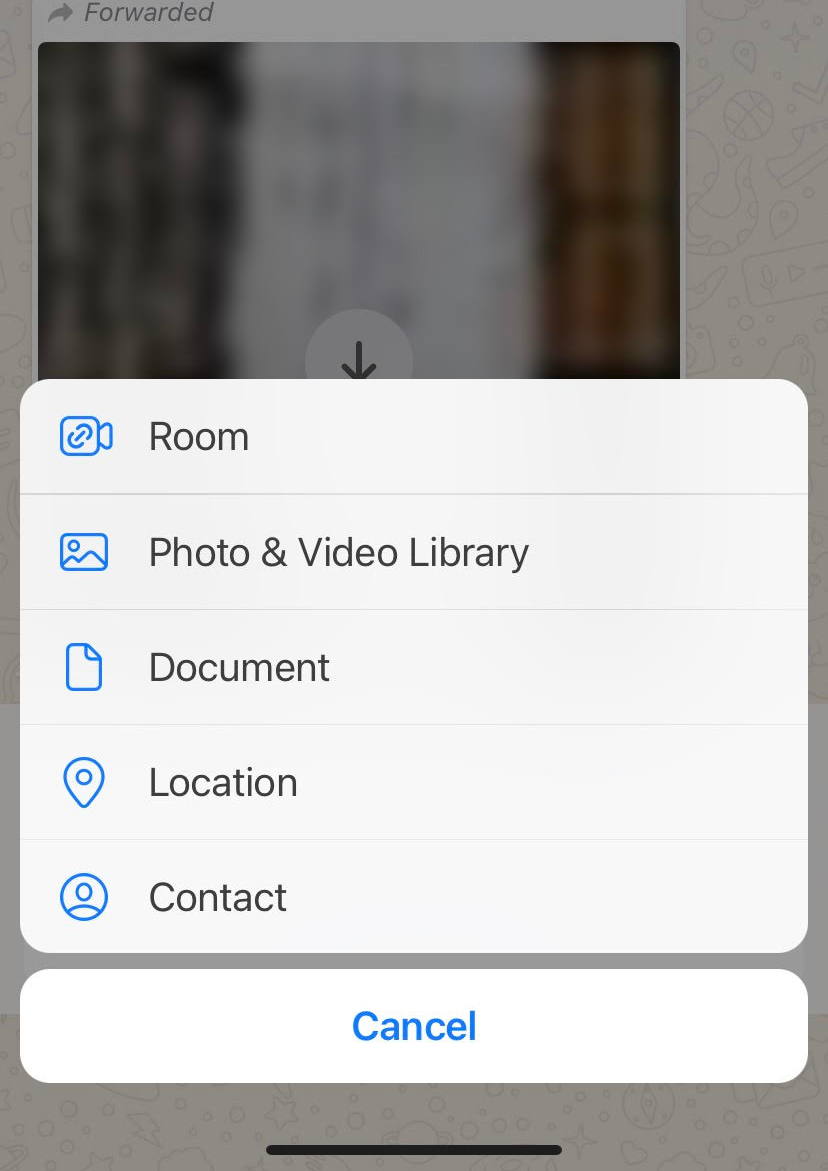
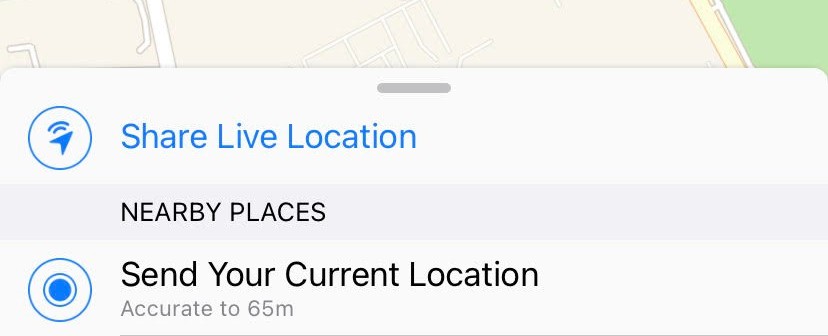
Fire up WhatsApp on your iPhone.
#Tap on “Chats”
# Tap in the group or person that you would like to send the location with.
#Tap on the paperclip icon in your message field, towards the bottom of the screen.
#Tap on the “Location” icon.
# Choose a location from the list or click “Share live location” and Continue.
#Tab “Send”

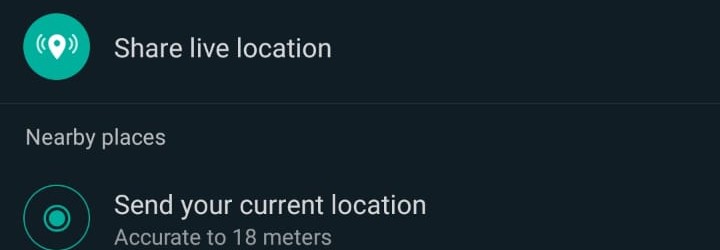
To stop sharing your location, simply reopen the group or individual chat and tap Stop sharing > STOP. While the location sharing feature is protected by end-to-end encryption, you can always turn off location sharing at any time by simply disabling WhatsApp’s location permissions on your iPhone or Android smartphone.


