12 min read

© IE Online Media Services Pvt Ltd



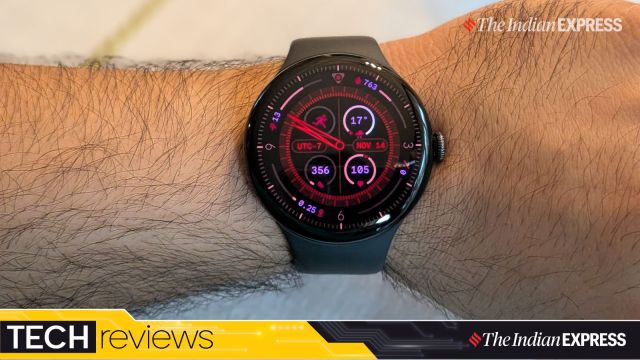 There is something different about the Pixel Watch 4. (Image: The Indian Express/ Anuj Bhatia)
I don’t know how or when, but I have picked up this weird habit of looking at people’s wrists just to see what watch they are wearing. From airport lounges to the Starbucks queue, I find myself noticing the watches travellers have on. And while I can’t say with complete certainty which models dominate people’s wrists, it has made me realise the value of embracing individuality and personality over simply choosing the most popular watches on the market. Sure, smartwatches dominate travellers’ wrists, along with screen-less bands and even analogue watches. This has made me more comfortable about the idea that whichever watch you choose, it should be comfortable, sleek, and fit well within your ecosystem, especially if it’s a smartwatch.
Since I have fully settled into the Pixel ecosystem, the new Pixel Watch 4 feels like the right watch to complement the Pixel 10 Pro Fold and Pixel Buds Pro 2. With its gorgeous domed display, fun interface, solid battery life, and smart assistant features like Gemini on the wrist with a new raise-to-talk gesture, the Pixel Watch 4 may well be the one that stands up against the best smartwatches on the market, including those designed to work with Android smartphones in mind. I spent two weeks with the Pixel Watch 4, and here’s why the Google-made smartwatch is the most unusual and surprising launch in a while.
What: Google Pixel Watch 4| Price: Rs 39,900 for the 41mm version and Rs 43,900 for the 45mm model.
The Pixel Watch 4 feels very “Pixel” right off the bat and in every sense, from its fit to its finish. The smartwatch doesn’t look like an Apple Watch clone, nor does it resemble the high-end designs from Samsung or Garmin. In that way, the Pixel Watch 4 stands out with a distinct design you won’t see everywhere.
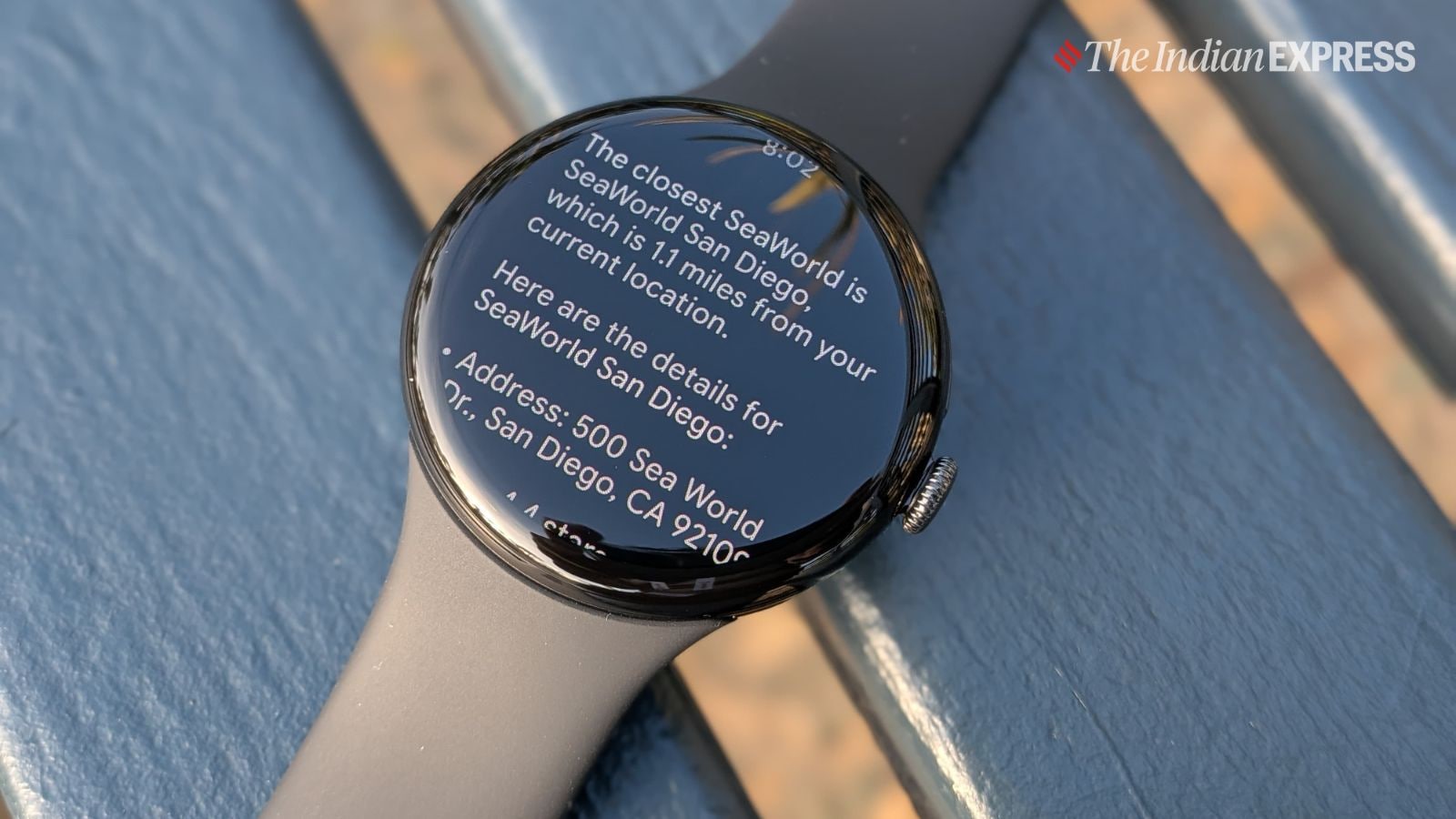 Gemini on the wrist is a winner for me. (Image: The Indian Express/ Anuj Bhatia)
It has this “quiet luxury” feel to it, but at the same time, every time I look at the watch, I get a futuristic, nerdy, geeky vibe, almost like an ode to the ’80s gadgets I wish would make a comeback. I haven’t seen anything like it in a smartwatch in recent years. Sure, Apple has beautiful animated dials, but because the Pixel Watch 4 has a domed display – the screen curves slightly around the edge – you get an explosion of technicolour light (just set the Expedition dial to Hibiscus) on your wrist that extends all the way to the edge of the 45 mm domed crystal. If I am not mistaken, Louis Vuitton introduced a similar style with a domed display when it released the Tambour Horizon Light Up a couple of years ago, but that watch was priced at over $3,400, far from mainstream.
Once you wear the watch, its size feels perfect. Not too big and not too small. It looks beautiful and fits comfortably even on a smaller wrist. The control system is built around a crown with an inset push-button, and another dedicated button above it. It’s visually stunning to see things scroll and slide off the sides as the display really goes almost right to the edge. And with the advantage of a bigger display, the icons and notifications preview are bigger. It really makes it easier to look at the notifications. As I mentioned before, the screen is gorgeous (and always-on), great to look at, and works well under direct sunlight, thanks to the new 3000 nits of peak brightness.
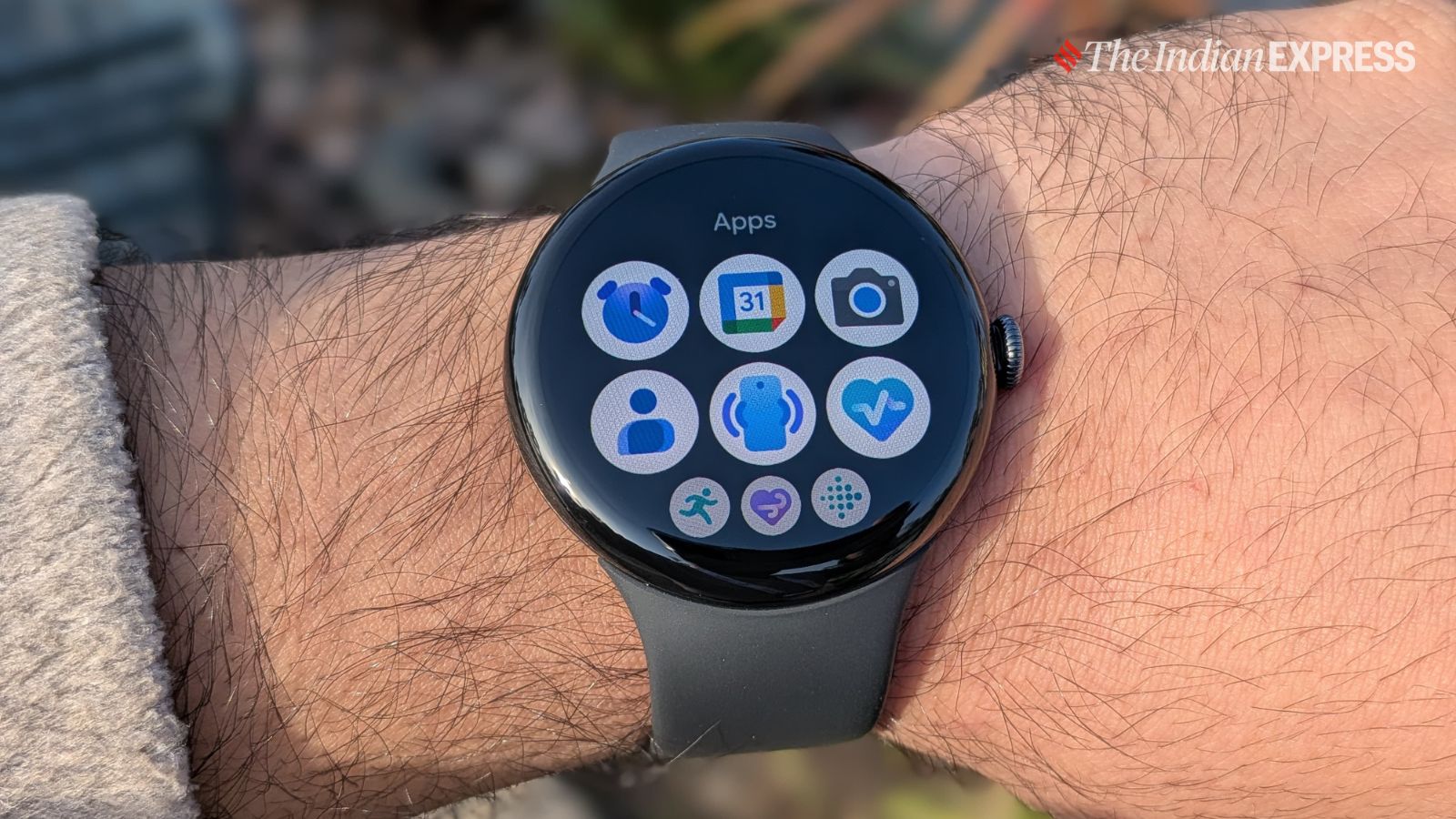 There are plenty of apps available for the Pixel Watch 4. (Image: The Indian Express/ Anuj Bhatia)
It’s a modern watch and very much on the cutting edge when it comes to its user interface and range of applications. There are a handful of watch faces, the bezels are smaller, the screen offers more glanceability thanks to its curved design, and you can choose between a 45 mm case or opt for a 41 mm case (I tested the 45mm case).
The only thing the Pixel Watch 4 is missing from a design perspective is a sapphire display. I agree the watch’s domed screen is fun to look at but in practical terms, it is far more susceptible to scratches and cracks than other smartwatches, meaning I would think twice wearing the Pixel Watch 4 to a hike or use it as my go-to running watch.
For a change, Google has made the Watch 4 fully repairable. I haven’t tried opening the watch myself, but it’s now possible to access the internal components in about 20 minutes, a great step toward making the everyday gadgets we use easier to repair.
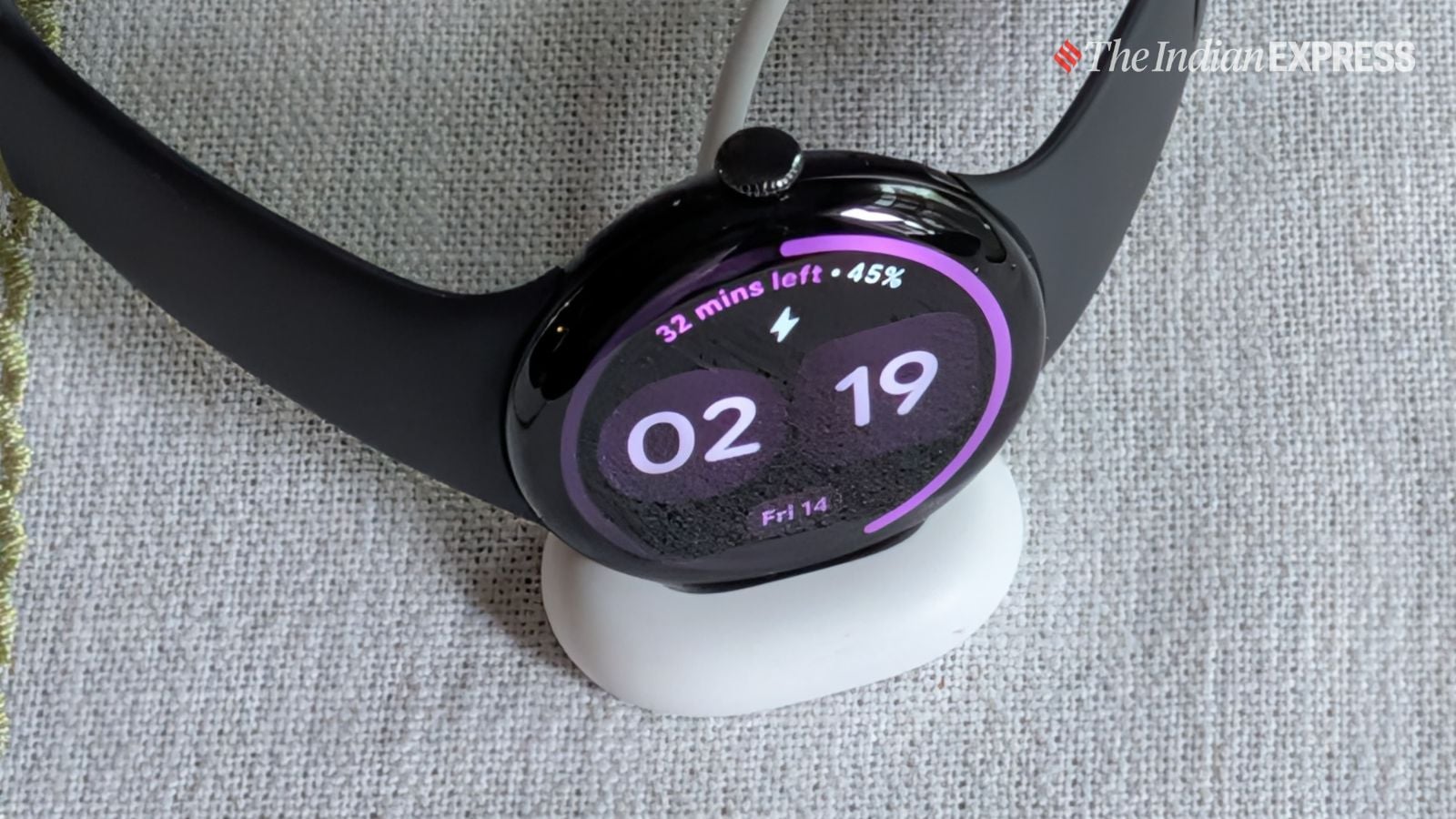 The new charging stand for the Pixel Watch 4. (Image: The Indian Express/ Anuj Bhatia)
Because the Pixel Watch 4 has a new repairable design, its charger has also been redesigned. You no longer need to place the watch on a proprietary puck with prongs, as you would with the Galaxy Watch, Apple Watch, or previous Pixel Watches. Instead, the Pixel Watch 4 charges on its side in a dock, making it easier to use the smartwatch as a small alarm clock on a nightstand. I really like the clever design of the charger – it’s perfectly thought out. You can simply tap the crown to snooze. Google has also improved charging speed with the supplied charger: you can now charge the Pixel Watch 4 from 0 per cent to 50 per cent in just 15 minutes. Google promises longer battery life for both sizes (up to 30 hours for the 41 mm and up to 40 hours for the 45 mm). On my unit, the battery lasted far longer than I typically get on my Apple Watch. It never quite hit 40 hours, but I roughly got a day and a half of use, though it could last even two days if you turn off the always-on display.
I had been using the Apple Watch for years, and the promise of interacting with it using my voice never materialised as Apple had intended. Siri, Apple’s voice assistant, fumbled most of the time, and I often had to return to my iPhone for basic tasks, like asking for information about the nearest Indian restaurant in San Jose or the closest GameStop to my hotel. That’s when I started to question the need for Siri in the first place, a broken promise that Apple never fixed. For someone like me, who travels extensively for work and naturally ends up in different parts of a city, even if I visit the same city multiple times a year, having something like Gemini on the wrist, is a godsend when you are on foot or exploring a new area, without needing to take your phone out of your pocket each time. Before I started using the Pixel Watch 4, my only concern was whether Gemini actually worked as Google promised. To my surprise, it worked most of the time.
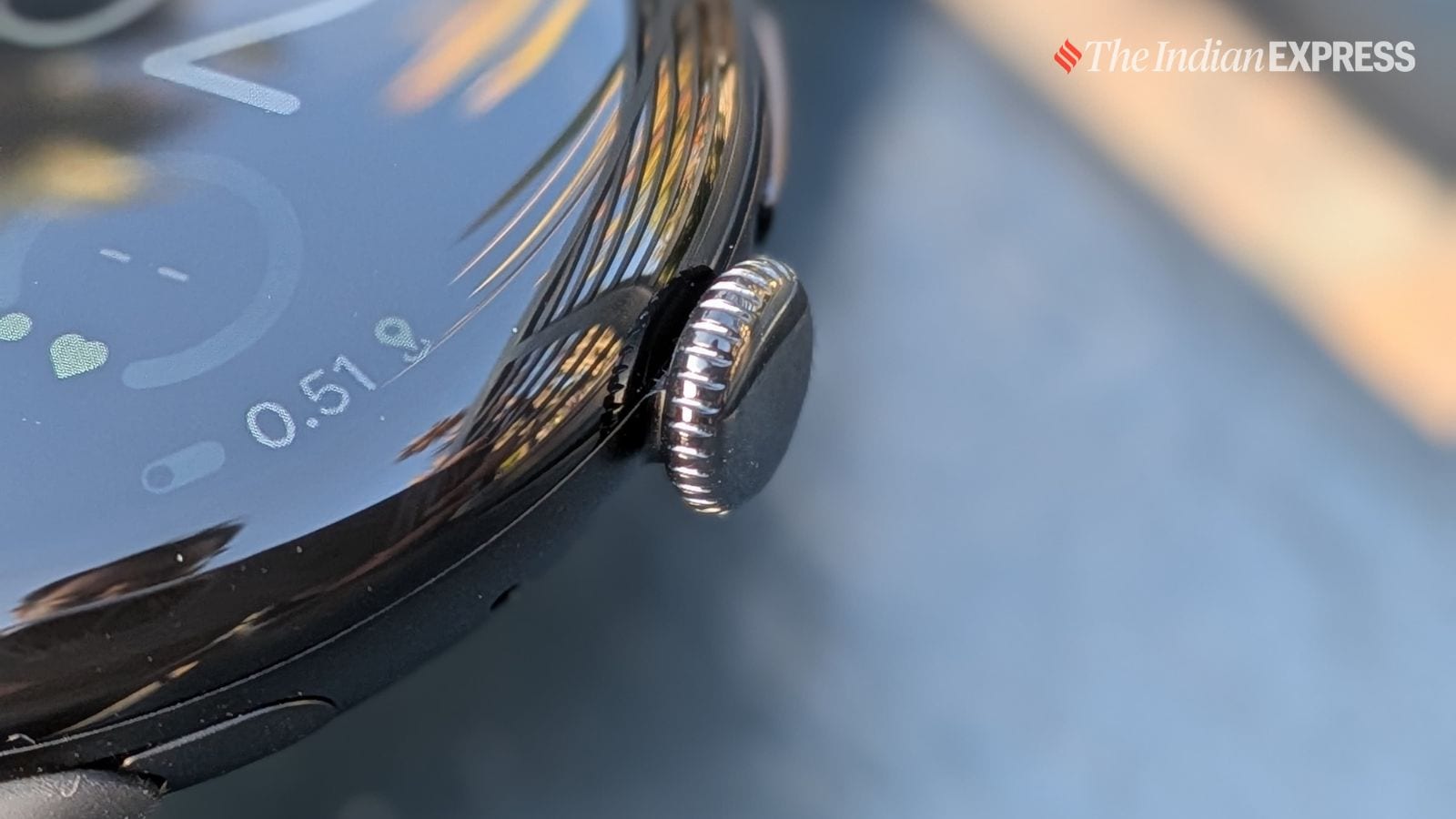 Its screen curves over the edge of the bezel to give it a sleek, infinity pool-like appearance. (Image: The Indian Express/ Anuj Bhatia)
The best part is that you don’t need to press the crown or fiddle with settings for Gemini to work. Just raise the watch to your face and talk (you can also say “Hey Google” or press the top button if you prefer). It detects the motion, and Gemini activates within seconds to see if you are about to ask a question or issue a command. This raise-to-talk feature works for me most of the time. Gemini provides detailed information; for example, I asked it about the nearest video game stores in Orange County, California, and it checked Google Maps and created a list of stores that are open right now, including their distance from my location, ratings, store names, and addresses. That’s exactly what you expect from an AI assistant – it’s seamless, I would say. What Gemini on the Pixel Watch 4 has done is make me use the feature far more than I would have otherwise.
Gemini is actually good at answering random questions, which we all have and ask all the time; plus, it can handle tasks directly on the watch. However, Gemini still requires an internet connection on your smartphone to work. Google needs to find a way to make certain functions available offline I feel.
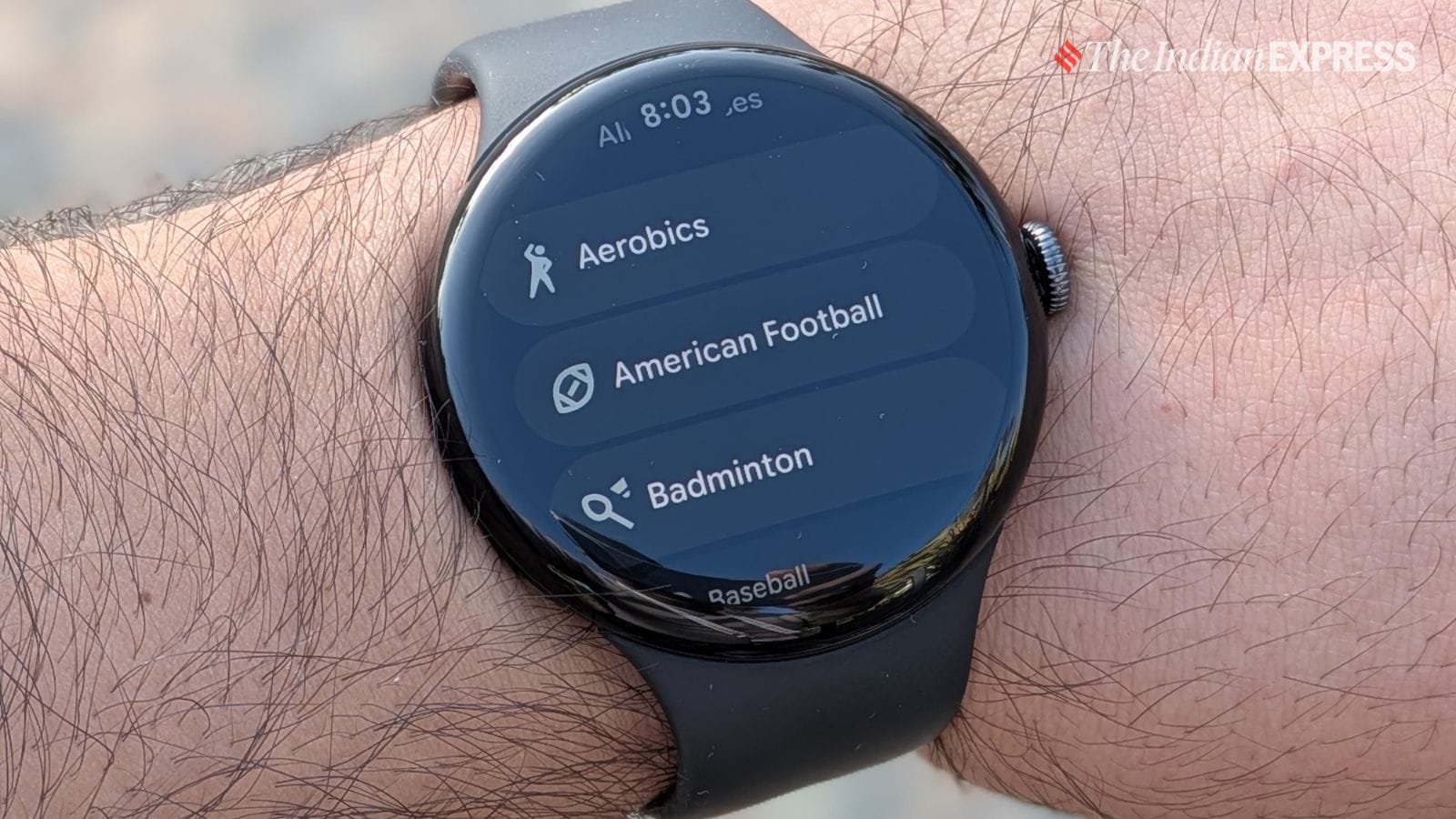
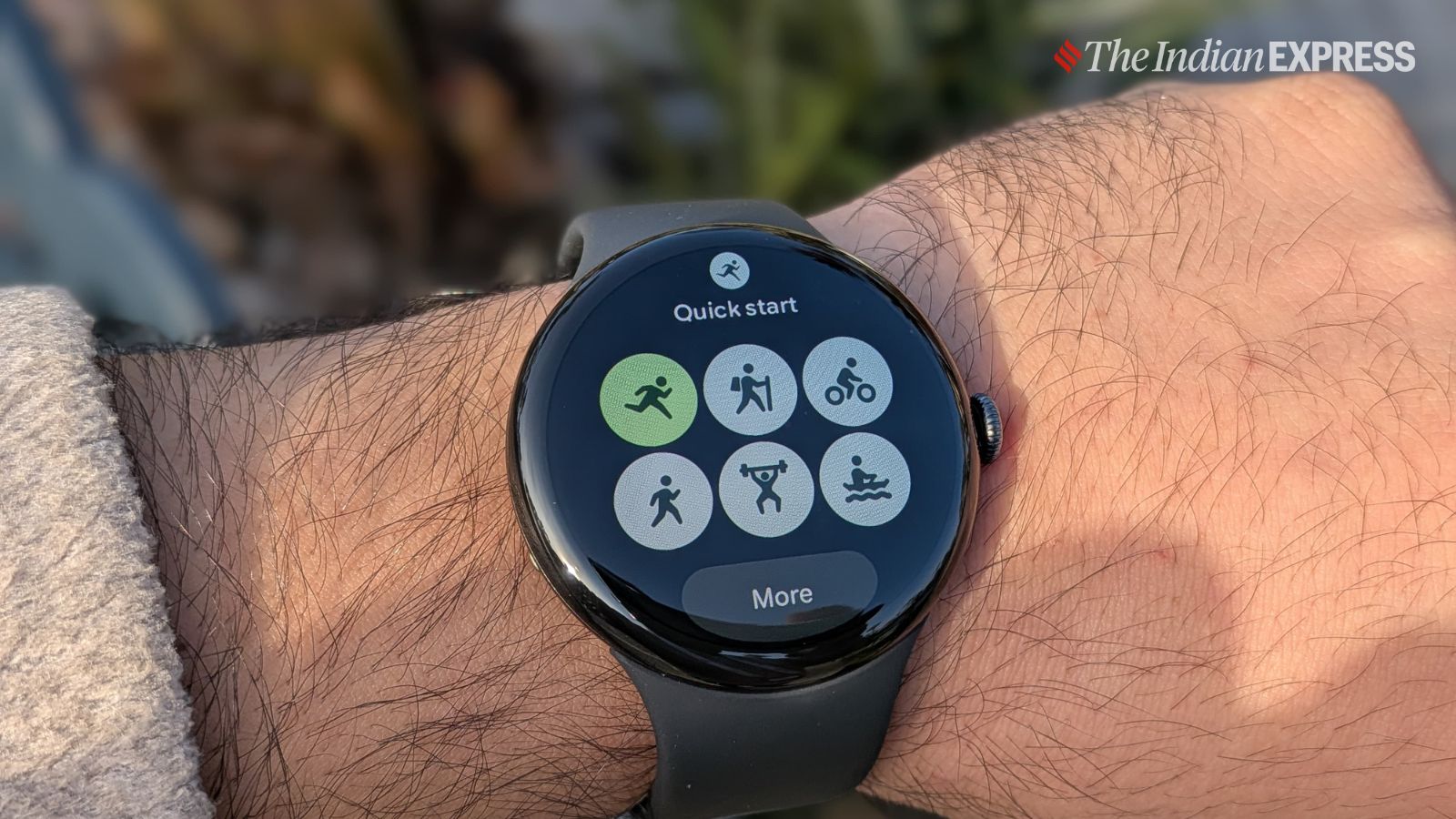 There are about 40 workout options available on the Pixel Watch 4. (Image: The Indian Express/ Anuj Bhatia)
Another great part of the Pixel Watch 4 is the user interface. While the Apple Watch has long been considered the best in UX design, Google has done a commendable job with the Pixel Watch 4’s interface. I like the new Material You 3 Expressive UI, which is designed to take full advantage of the watch’s domed display. From dynamic scrolling animations to notification cards, the interface has only grown on me. I particularly like the vibrancy and how colours are an integral part of the experience, which you can, of course, customise. I like the new Tile format that only looks clean but fits more information. WearOS 6, Google’s operating system, which powers the Pixel Watch 4 is a delightful update. There are a ton of third party apps available for the WearOS.
All the basics are there to support the functions needed for a fully functional smartwatch – there’s the Snapdragon W5 Gen 2, and it gets the job done, while the new Material You 3 Expressive interface runs smoothly. I found the watch noticeably faster compared to previous years.
 The Pixel Watch 4 has the looks for the next-generation smartwatch. (Image: The Indian Express/ Anuj Bhatia)
Health and fitness are another integral part of the Pixel Watch 4 experience. I found the dual-band GPS both accurate and surprisingly battery-efficient. Sleep tracking is precise and provides a lot of insights. In fact, the watch accurately tracked my sleep and was excellent at identifying how many times I woke up during a flight from Dubai to Los Angeles. Activity tracking has been accurate, and so was heart rate monitoring. You can also track blood oxygen (SpO2), take an ECG (electrocardiogram), and use the improved skin temperature sensor for more precise readings. In total, the Pixel Watch 4 can track over 40 different workouts.
There’s also the Fitbit Personal Health Coach, which went live in the US late last month. I still don’t have access to it, so I can’t comment on how it works. As far as I know, Google is promising a ‘personal AI health coach’ powered by Gemini, with the full version coming in 2026. Think of it as something similar to the Oura Advisor. I am really looking forward to testing it and will update the review as soon as I am able to use it in India.
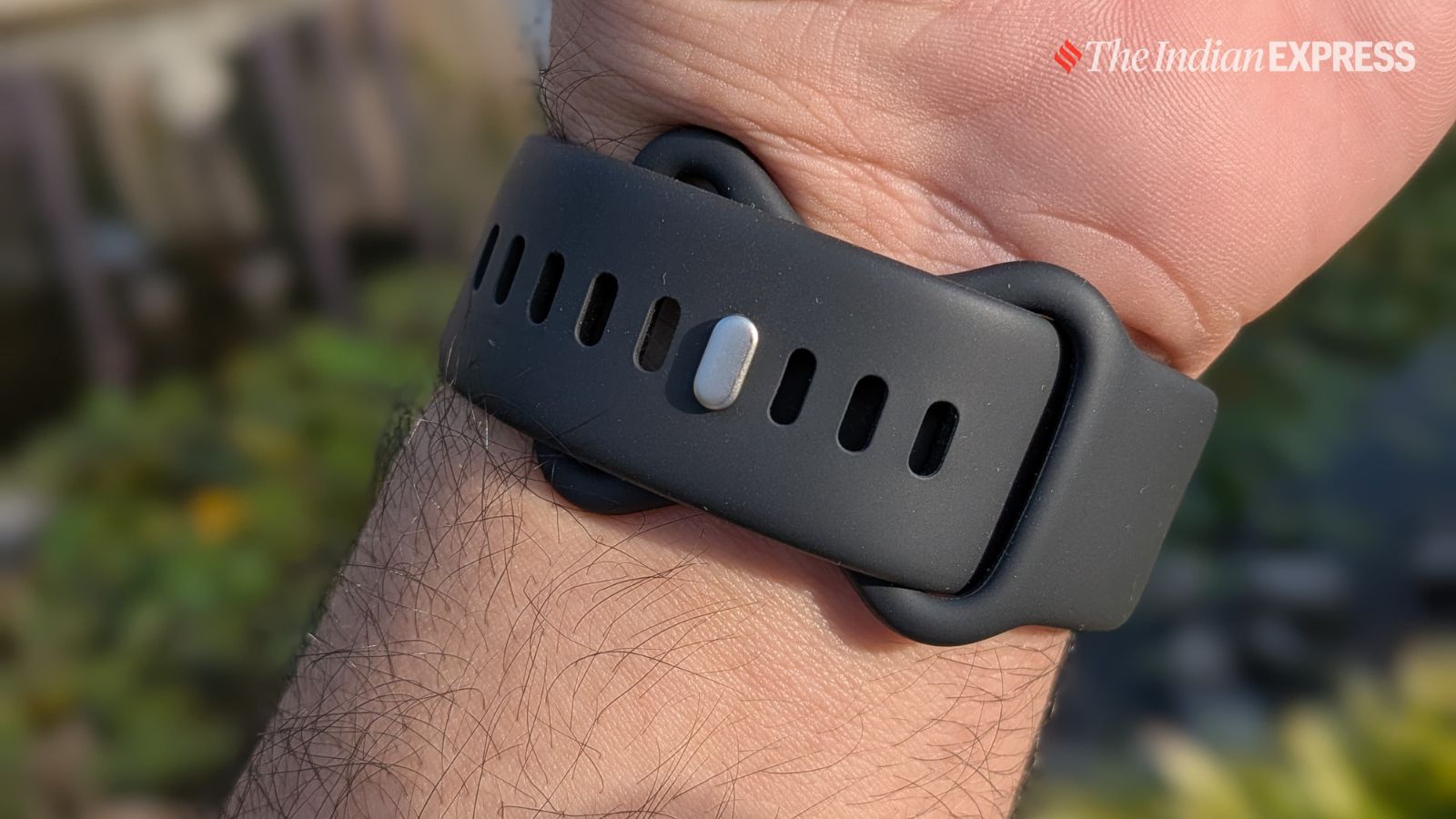 The watch is comfortable to wear all-day long. (Image: The Indian Express/ Anuj Bhatia)
On the whole, the Pixel Watch 4 is a great health tracker, but I won’t lie – the Apple Watch Ultra and Garmin Forerunner 970 offer far deeper health and fitness insights. That said, they are also priced on the higher side.
The Pixel Watch 4 is Google’s most refined smartwatch yet – perhaps its best so far. I can vouch for that as someone who has used the Apple Watch, Samsung Galaxy Watch, and Garmin watches for years. There’s no real “catch” here, but it’s worth noting that the Pixel Watch 4 doesn’t work with the iPhone. It works perfectly fine with the Pixel smartphone and with any other Android smartphone from a range of device makers. For me, the biggest takeaway from the Pixel Watch 4 is that a device like this is meant to work seamlessly with a Pixel phone. And if you are invested in the Pixel ecosystem, the Watch 4 is a great addition.