3 min read
© IE Online Media Services Pvt Ltd



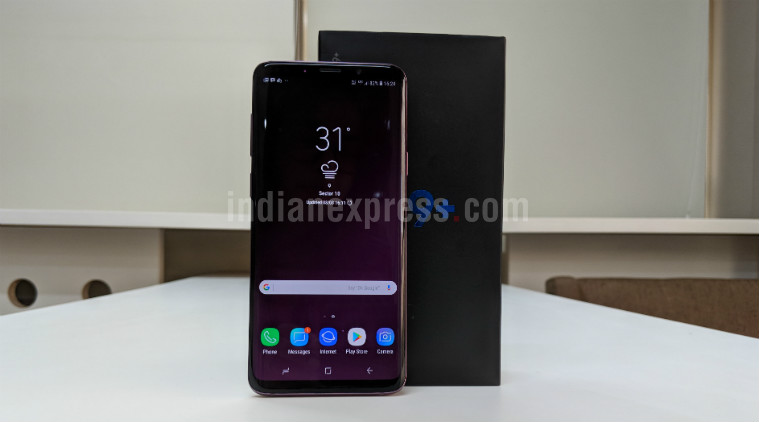 The South Korean major had previously said that the feature would be rolled out to its flagship phones that were due to receive or had already received Android Pie.
Now it is possible to remap the Bixby button on older Samsung smartphones such as the Galaxy S8+, Galaxy S9 and Galaxy Note 9. An update for the Bixby app allows users to remap the Bixby button on the Galaxy S8, Galaxy S8+, Galaxy S9, Galaxy S9+ and Galaxy Note 9, according to SamMobile. The South Korean major had previously said that the feature would be rolled out to its flagship phones that were due to receive or had already received Android Pie.
First things first, you will need to update the Bixby app via the Galaxy Store before you even think of remapping the Bixby key. Once you download and install the update, all you need to head over to Settings>Advanced Features>Bixby Key.
As reported by SamMobile, users can either double tap or single tab on the Bixby button to launch any third-party app installed on your phone. Keep in mind that a long press still launches Bixby Voice. Unfortunately, you can’t have the Bixby button to launch Google Assistant or other virtual voice-based assistants like Cortana or Alexa. Nevertheless, it is a good move on the part of Samsung to let users remap the Bixby button to start any third-party app installed on the Galaxy devices.
The Galaxy S10 is the first smartphone that has the ability to remap the Bixby hardware button. This means it is possible to launch a third-party app by pressing the Bixby key.
In related news, Google has announced it is working with a number of OEMs to bring a dedicated Google Assistant to smartphones. In fact, the latest LG G8 has a dedicated hardware button for Google Assistant and so does the Mi 9 and Mi Mix 3 5G. Last year, LG G7 was one of the first few phones to offer a dedicated hardware button.