


© IE Online Media Services Pvt Ltd
Tags:


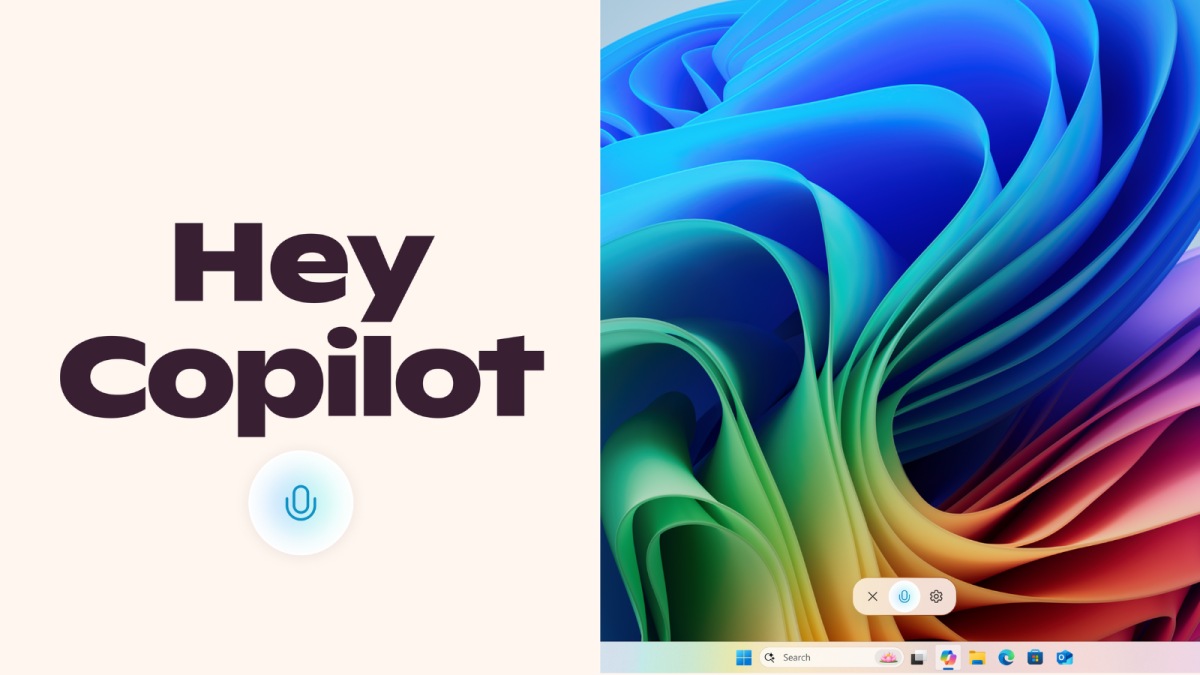
Microsoft has been steadily adding new AI features to Windows in the last few months, and now the tech giant is testing a new way to trigger Copilot. In a blog post, Microsoft said that Windows users who have signed up for the Insider builds will now be able to invoke Copilot by simply saying “Hey, Copilot!”.
The tech giant said that the opt-in feature gives people a hands free Copilot experience and that it will only be available when the Windows PC is unlocked. Similar to Apple’s Siri for iOS, Google Gemini on Android and Samsung Bixby, Copilot can be triggered using the “Hey, Copilot!” voice command, following which you will see a Copilot Voice Floating UI on the bottom of your screen or hear a small chime or voice greeting or response from the AI assistant.


In case you are wondering, the Copilot Voice interface will only appear when you are in a conversation with the AI chatbot. When you want to end a conversation, simply tap on the ‘X’ button. Alternatively, Copilot will also automatically end the call if you don’t interact for a few seconds.
Also, the wake word detection is performed locally, but Microsoft says Copilot will try to use the internet since its responses require an active connection. As of now, the “Hey, Copilot” is only available if you have set your display language to English.
Recently, Microsoft announced that the Settings app now lets you search using natural language. The tech giant also upgraded the “Click To Do” feature with options to do actions like summarise, rewrite text or create a bulleted list.


