3 min read
© IE Online Media Services Pvt Ltd



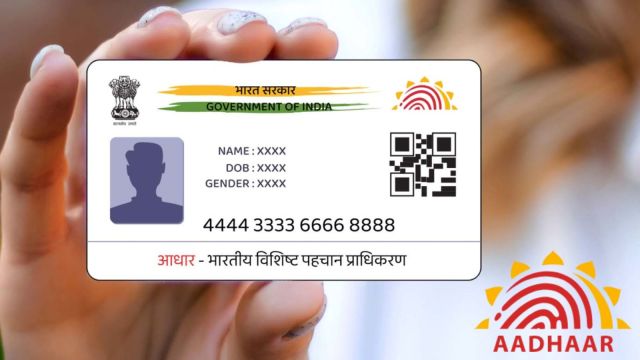 UIDAI launches the ‘Selective Share’ feature on the new Aadhaar app, enabling secure and paperless identity sharing. Here's all you need to know.
 The Unique Identification Authority of India (UIDAI) has introduced a beta version of its updated Aadhaar mobile application for iOS and Android smartphones.
Since the Aadhaar Act of 2016, millions of Indians have used Aadhaar as their unique identifying number.
Until now, the mAadhaar app has allowed residents to access services like Aadhaar details, virtual ID generation, e-Aadhaar download, and so on.
However, with the newly announced Aadhaar App, UIDAI hopes to provide Indian people with a simpler and safer way to carry their Aadhaar card, hence improving security and convenience.
For years, proving your identity meant sharing photocopies – which could be lost or misused. Now experience a smarter, safer and paperless way to share your identity, through new Aadhaar App.
Download now!
Android: https://t.co/f6QEuG8cs0
iOS: https://t.co/RUuBvLwvsQEarly… pic.twitter.com/iZOIEcc98Q
— Aadhaar (@UIDAI) November 23, 2025
The new Aadhaar app’s innovative feature allows users to share in a masked form.
This means users can only share the part of their data required for verification purposes, rather than their full 12-digit number, which was previously required when sharing Aadhaar data.
Users can share specific information from their Aadhaar profile, such as their name, address, photo, date of birth, email, mobile number, and more.
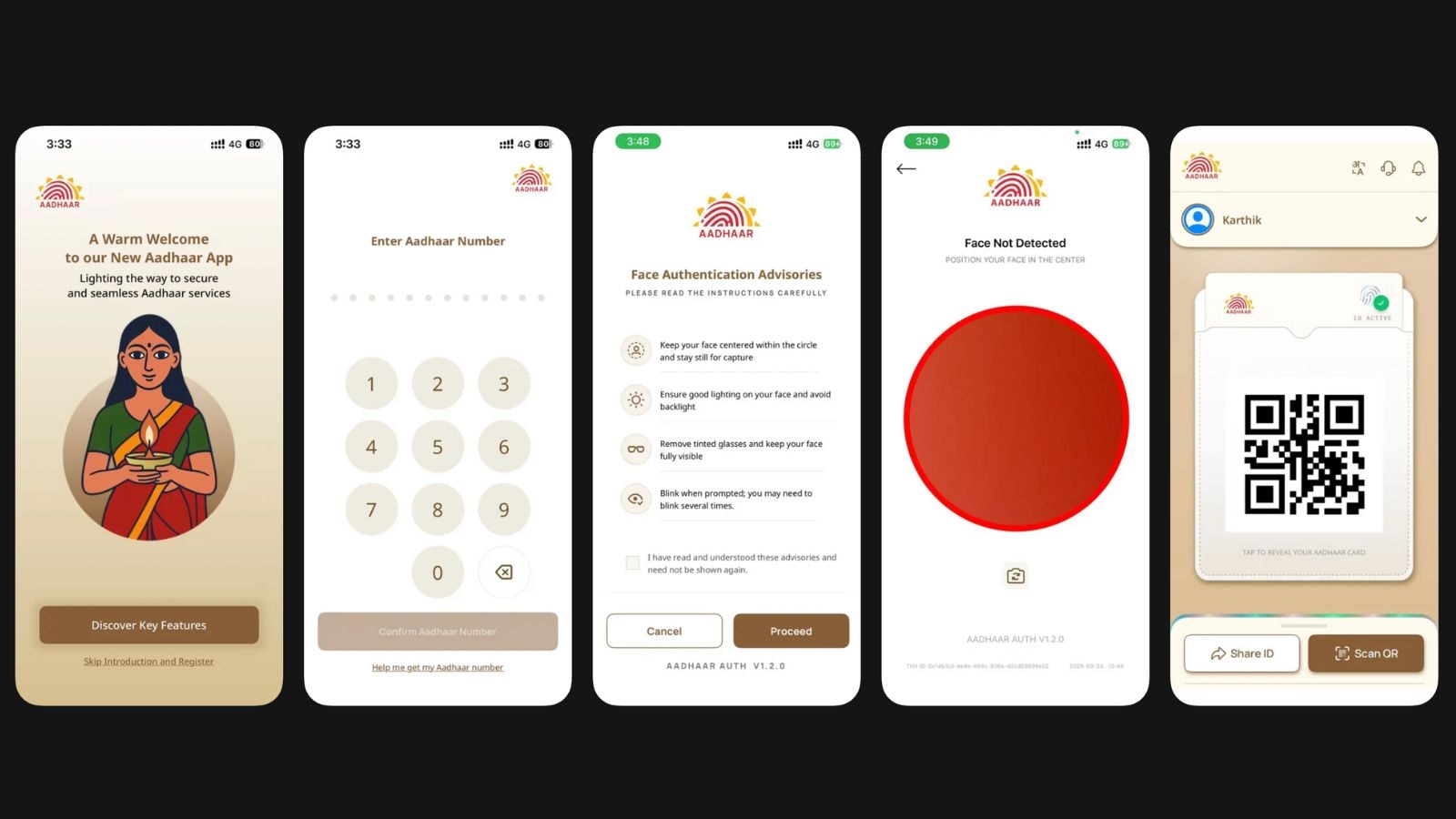 The new Aadhaar App by UIDAI introduces face authentication, multi-profile support, and digital ID sharing features for Indian residents. (Image: App Store)
The new Aadhaar app is simple to set up and can be downloaded from the Google Play Store or the Apple (iOS) App Store.
Step 1: On the first click after downloading, the user will be requested to provide his or her Aadhaar number.
Step 2: Enter the OTP you received to verify your registered mobile number.
Step 3: Complete the authentication using your face. Position your face inside the camera circle shown on the screen and blink until it authenticates you.
Step 4: Once authenticated, you will be routed to the app’s home page.
Step 5: Add your Aadhaar information to the app.
Step 6: Make a six-digit PIN to protect your account.