Over the weekend, while I was having lunch, my mother came to me and narrated an incident that recently occurred in our society. A kid accidentally ordered cakes at 4 am from a food online ordering app when the parents were asleep. This didn’t happen just once but twice in a span of two days. Eventually, the parents had to lock their smartphone so that the kid would not get access to the app. This made me realise how kids and teens are the most vulnerable in cyberspace. While policymakers need to regulate social media and other technology for children and teenagers, the onus is also on the parents to emphasise digital literacy and privacy. However, surveillance or banning may not be the answer.
This brings me to Happinetz, a device that connects to a home Wi-Fi router and monitors your child’s online activities. I won’t say it is the only parental control solution for online monitoring, but it is definitely a good alternative if you are ready to pay Rs 4,999.

Here is my review of the Happinetz box.
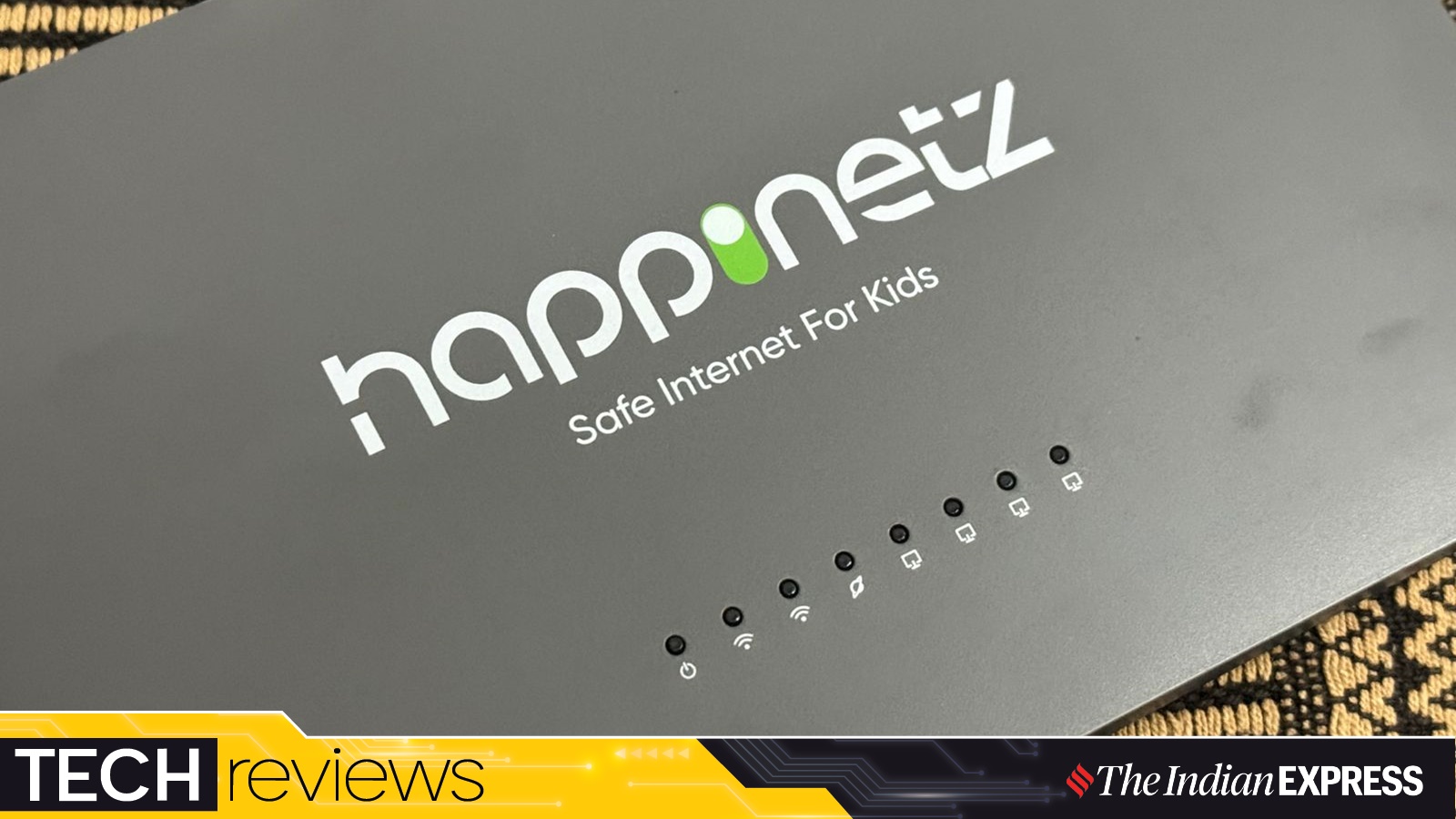
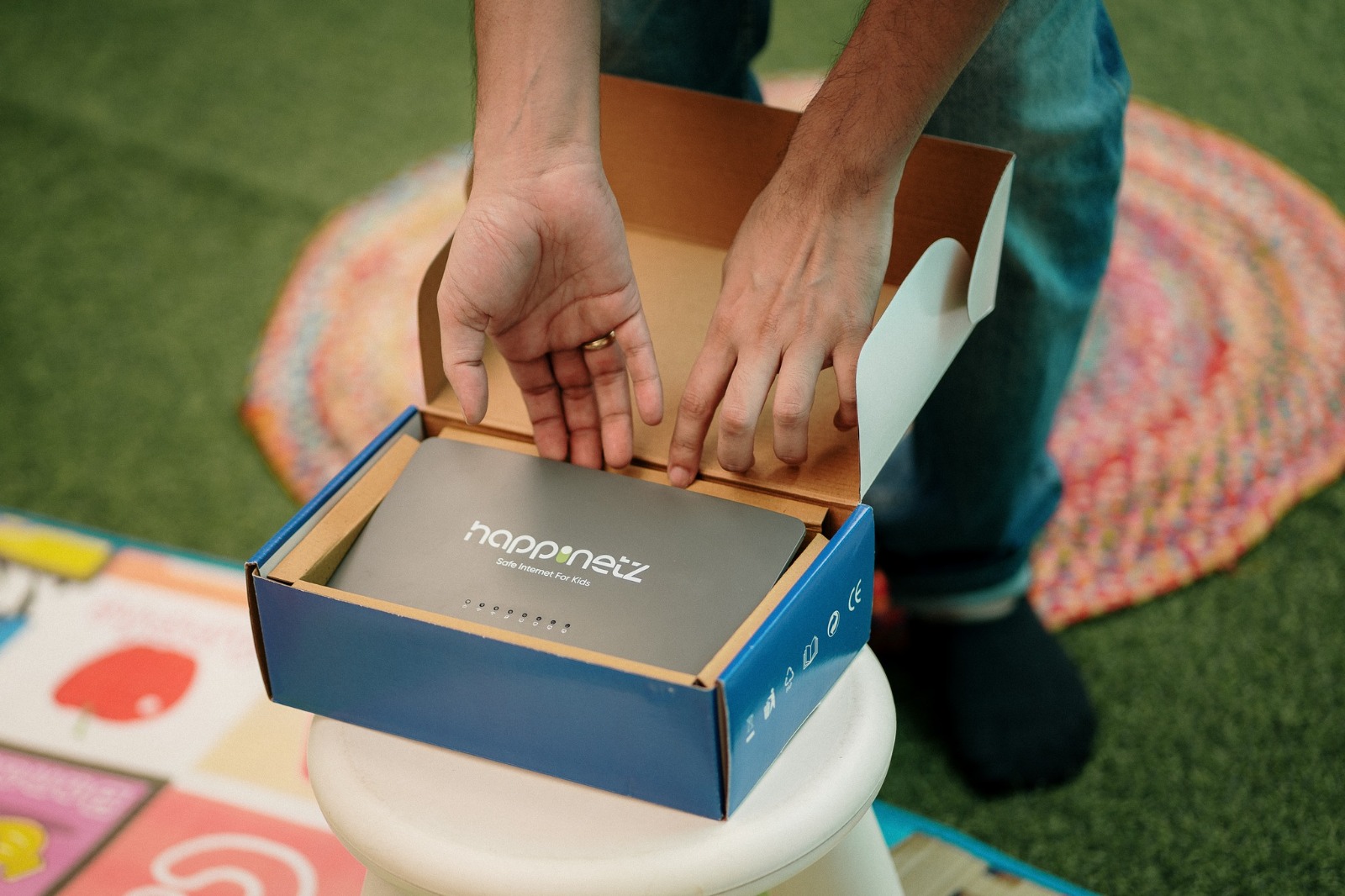
The Happinetz Box gives off the vibes of a home Wi-Fi router. (Image Source: Happinetz)
Looks like a home router, but that’s okay
At first glance, the Happinetz Box appears more like a home Wi-Fi router. It is a network-level device that monitors not only websites but also all the apps across different devices. In my house, the device hides behind the large-screen TV, so nobody is seeing it. Still, I would have liked the brand to experiment with the design and make it slightly more appealing. In its current form, the only difference I could make between my ACT Fibernet router and the Happinetz Box is that the latter comes in grey and takes up less space. Anyway, the unit I got for review came with an Ethernet cable, a power adapter, Happinetz rewards cards, an installation guide, and a six-month subscription card.
Easy setup
Setting up the Happinetz box is a quick and straightforward process. Simply take the device out of the box, plug the Ethernet cable into your home router, and connect it to the Happinetz Box’s WAN port. Once connected, power on the device by plugging it into a power socket, and then join the Happinetz Wi-Fi network from your phone. Download and install the Happinetz app from either the Apple App Store or Google Play Store, depending on your smartphone. The app is free to download and takes only a minute or two to complete the setup formalities. The next step is to connect all the devices used by kids on Happinetz Wi-Fi and start managing and monitoring their online and internet activities.
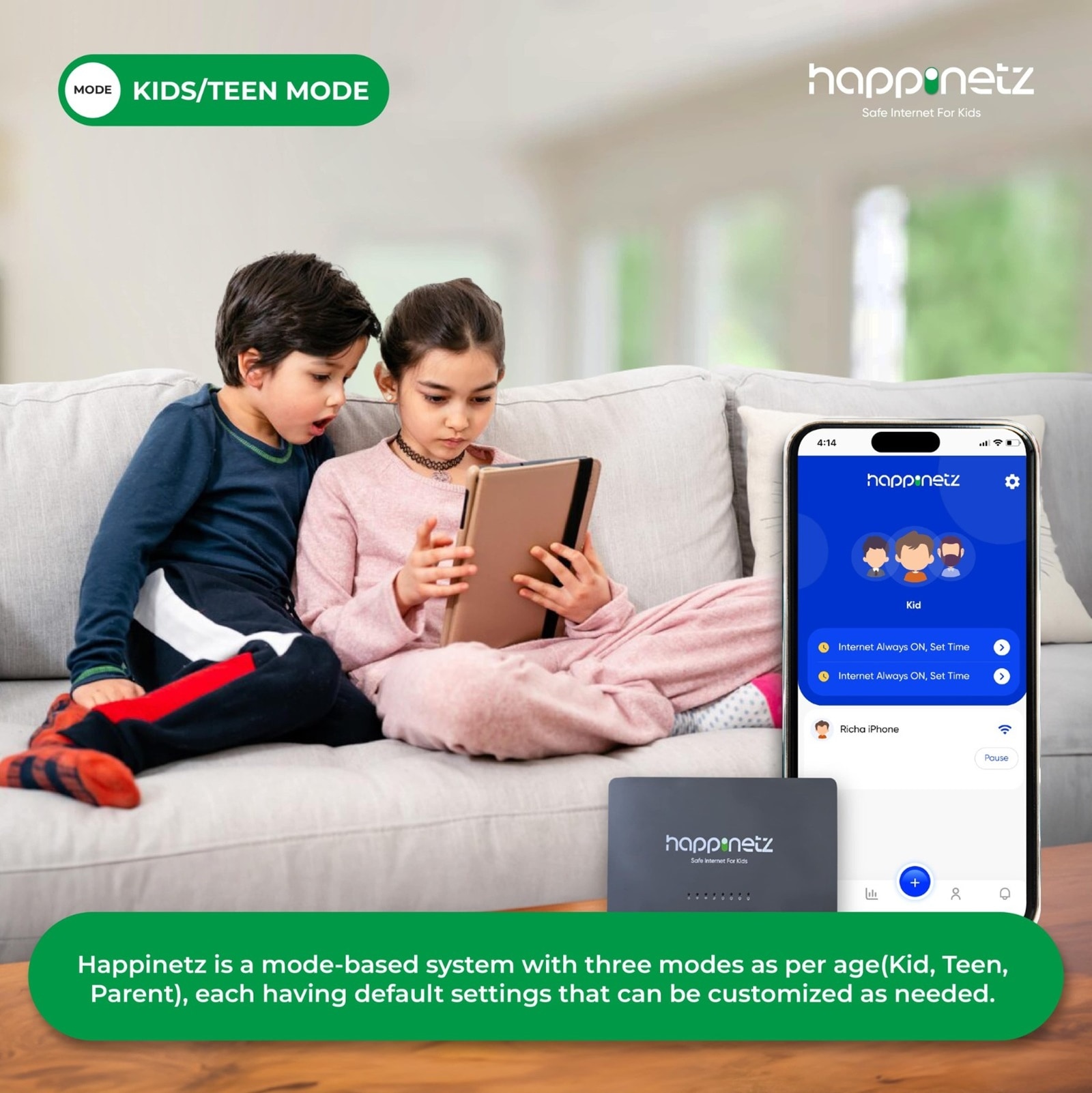
The Happinetz Box let parents monitor their child’s online activities. (Image Source: Happinetz )
The experience
There are two aspects to the Happinetz Box: the device (hardware) and the app (software), and both work in sync. Once you open the app, there are three modes to choose from: Kid, Teen, and Parent (more on that later). You don’t have to download a separate app or a set of apps on your child’s devices, and that’s the good part. There is only one app that needs to be downloaded, ideally on the parent’s device. However, the only condition is that you need to create a separate Wi-Fi network to which the devices that your kid – be it a smartphone, laptop, tablet, or even a smart TV, for that matter – are connected. To be clear, this is different from the main Wi-Fi network where no restrictions are in place.
The app’s interface is user-friendly, with a straightforward navigation process requiring minimal steps. Upon opening the app, the dashboard displays various modes (Kids, Teens, and Parents), mode settings, a list of devices connected to Happinetz Wi-Fi, an option to add a new device, the ability to pause a device, and an internet scheduler. This scheduler allows you to determine the duration of time your child can spend on their screens. Since I chose the Kid mode during setup, it is the default home screen for me, but yours can be different depending on which mode you select. Anyway, if you take a look at my home screen (screenshot below), the iPad is my device connected to Happinetz Wi-Fi. This enables me to block access to inappropriate content and monitor social media activities. For example, each time someone tries to open “Facebook.com” on the iPad, they will see this message: “Safari cannot open the page because it could not establish a secure connection to the server.” This way, you can be assured that your child stays away from social media, which has become toxic for young teens and kids.
Story continues below this ad
The Happinetz app allows one to filter apps and websites, with each of them categorised under as many as 15 categories. I can choose to block Netflix when I feel like it, for example, during kids’ exams, but enable access to news websites. Additionally, I can block specific URLs that I don’t want anyone to open, such as cricket betting or gambling websites, and I can do that by going to the advanced section of the app. By default, adult websites are blocked, so no one can access them anyway. There’s also an option to set browsing time limits. Once the allotted time is up, the device automatically locks. This feature prevents your children from staying online when they could be doing something more productive.
The app shows you the browsing history of your child’s device and logs the times they stayed online. In fact, you can see a chart that shows the most viewed websites/apps they visited in a day or a week. One can also view the content your kid indulged in based on the category (for example – Video and Entertainment, Online Learning, or Education). This way, you can monitor your child’s online activities historically, which gives you a fair idea of where your kid is spending the most time when she is online.
Do you need the Happinetz Box?
Perhaps the biggest challenge for parents these days is how to keep their kids safe online from social media, cyberbullying, porn, and screen addiction. Kids and teens are especially vulnerable to toxic social media viewing, and new-age platforms such as Instagram have a major problem with explicit content. However, cutting them off from social media and the information available on the internet entirely is not the solution. Maybe the solution is setting boundaries and rules regarding how they access the Internet and interact on social media. I think a device like the Happinetz Box can be a solution to keep your kids’ online presence and internet activities in check, even if you have to pay Rs 4999 for the device and the subscription (the first 6 months are free).


 7 min read



 The Happinetz Box gives off the vibes of a home Wi-Fi router. (Image Source: Happinetz)
 The Happinetz Box let parents monitor their child’s online activities. (Image Source: Happinetz )
 It’s important for kids to keep digital activities to a minimum. (Image Credit: Anuj Bhatia/