2 min read
© IE Online Media Services Pvt Ltd



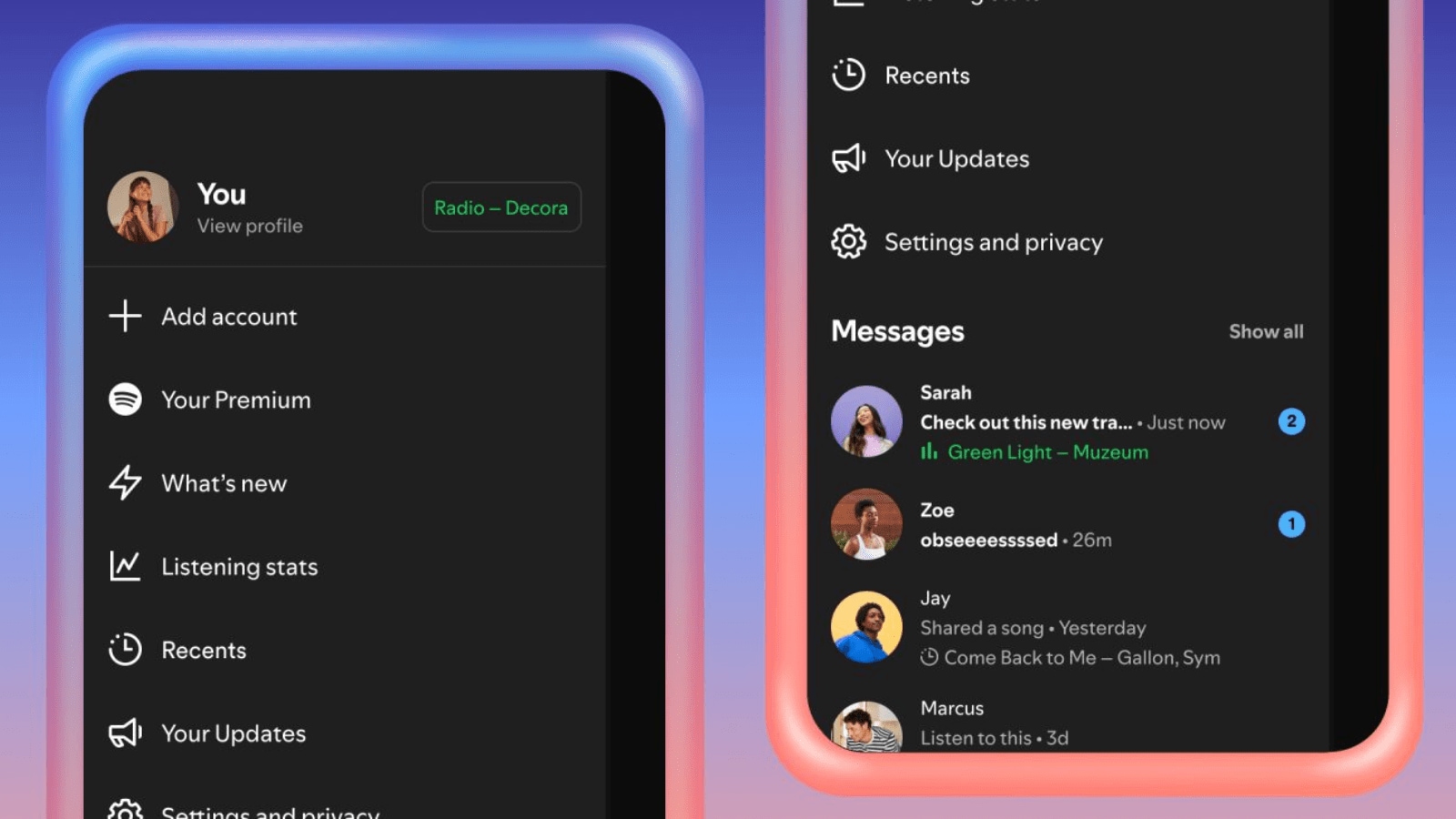 Spotify is making music streaming more social with real-time listening updates. (Image Source: Spotify)
Spotify, one of the most popular music streaming platforms in the world, has added several social features in the last few years. Last year, the Swedish company introduced Messages, allowing users to share songs, podcasts and audiobooks they find interesting.
Now, Spotify is getting another feature Messages feature, which allows users to share and see what others are listening to in real-time. Dubbed Listening activity, the opt-in feature will display what music you are listening to friends and family you have connected with on Messages.
Spotify says users will also be able to see other people’s activity even if they haven’t turned their own activity on, as long as they have opted in. To enable it, head over to Privacy and social settings, turn on the toggle named “Listening activity” and you are good to go. Once done, your activity will appear in the chat row of the side panel drawer as well as on top of Messages chats. If you tap on someone’s listening activity, Spotify will let you add tracks to their library, start playback, open the context menu, and react with emojis.
Spotify also added another feature called Request to Jam, which, as the name suggests, lets you invite friends or family in Messages to a live listening session. Available for Premium members, the feature can be accessed by tapping on the Jam button in the Messages chat to send a request for a remote Jam.
When the other person accepts the request, the recipient will become the host of the Jam session. However, the person sending the request will still be able to add tracks to a shared queue and listen together. The music streaming platform says participants in a Jam will see each other’s display names as well as suggested songs based on their combined tastes.
Spotify says the Listening activity and Request to Jam features are currently rolling out to users in Messages-enabled markets on both Android and iOS.