2 min read
© IE Online Media Services Pvt Ltd



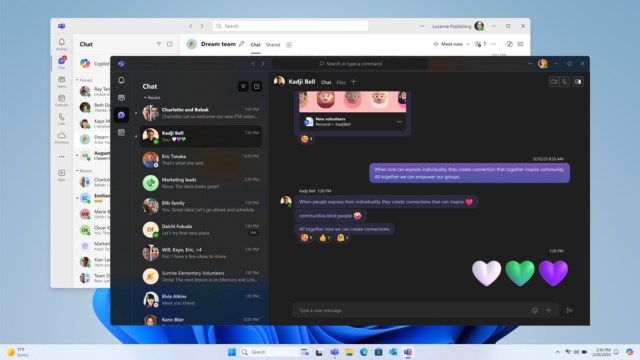 Now, Microsoft Teams users no longer have to juggle between two separate apps. (Image Source: Microsoft)
Microsoft has finally unified the Teams app, allowing users to sign in to their education, personal and work accounts, eliminating the need to install two different versions of the app.
In the new app, to add or switch between accounts, all you need to do is click on your profile picture on the top-right corner, and you will be able to seamlessly switch between your education, personal and work accounts.
The latest version of Teams also brings in some “quality of life” features aimed at improving the overall user experience. Available for Windows and macOS, Teams will now let you choose your preferred account for joining meetings and even lets you sign in as a guest. Also, you will be able to select any of your accounts when joining a meeting.
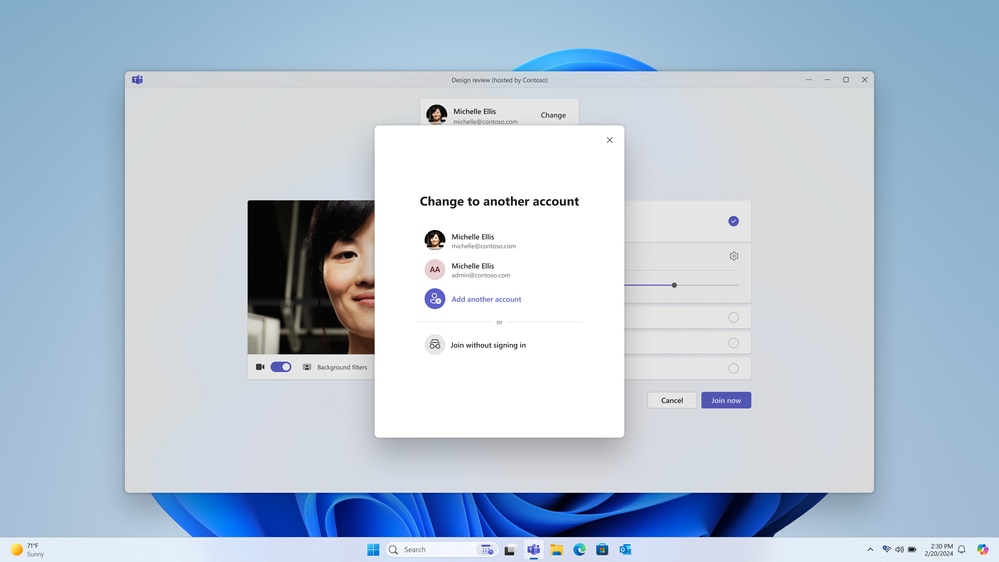 Microsoft Teams now has an account switcher. (Image Source: Microsoft)
When using a personal email, Microsoft says “All users, including those on Windows 10 and Mac, can now connect and collaborate with anyone, anytime – for free – when signing in with a personal email.” Similar to Discord, you can also create a Community to bring all of your friends together.
Sometime ago, Microsoft integrated Teams with Windows 11 taskbar, but that version was limited to personal accounts. Later on, the tech giant removed the integration, so users had to install two separate Teams app, which was confusing, as both apps had similar icons.