3 min read
© IE Online Media Services Pvt Ltd



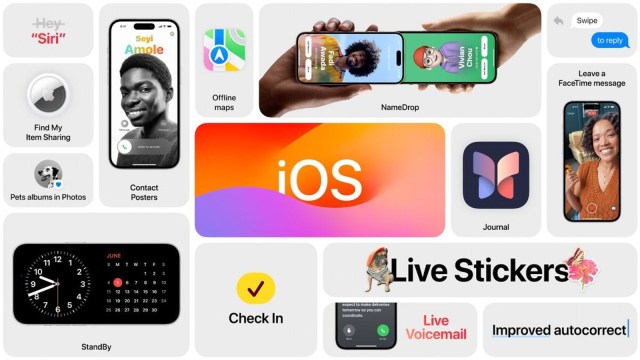 The latest update also features several bug fixes and under the hood changes. (Image Source: Apple)
Apple is rolling out the iOS 17.3 update, which adds some new features like ‘Stolen Device Protection’, ‘Collaborative Apple Music Playlists’ and more. Here’s a quick look at everything new with iOS 17.3.
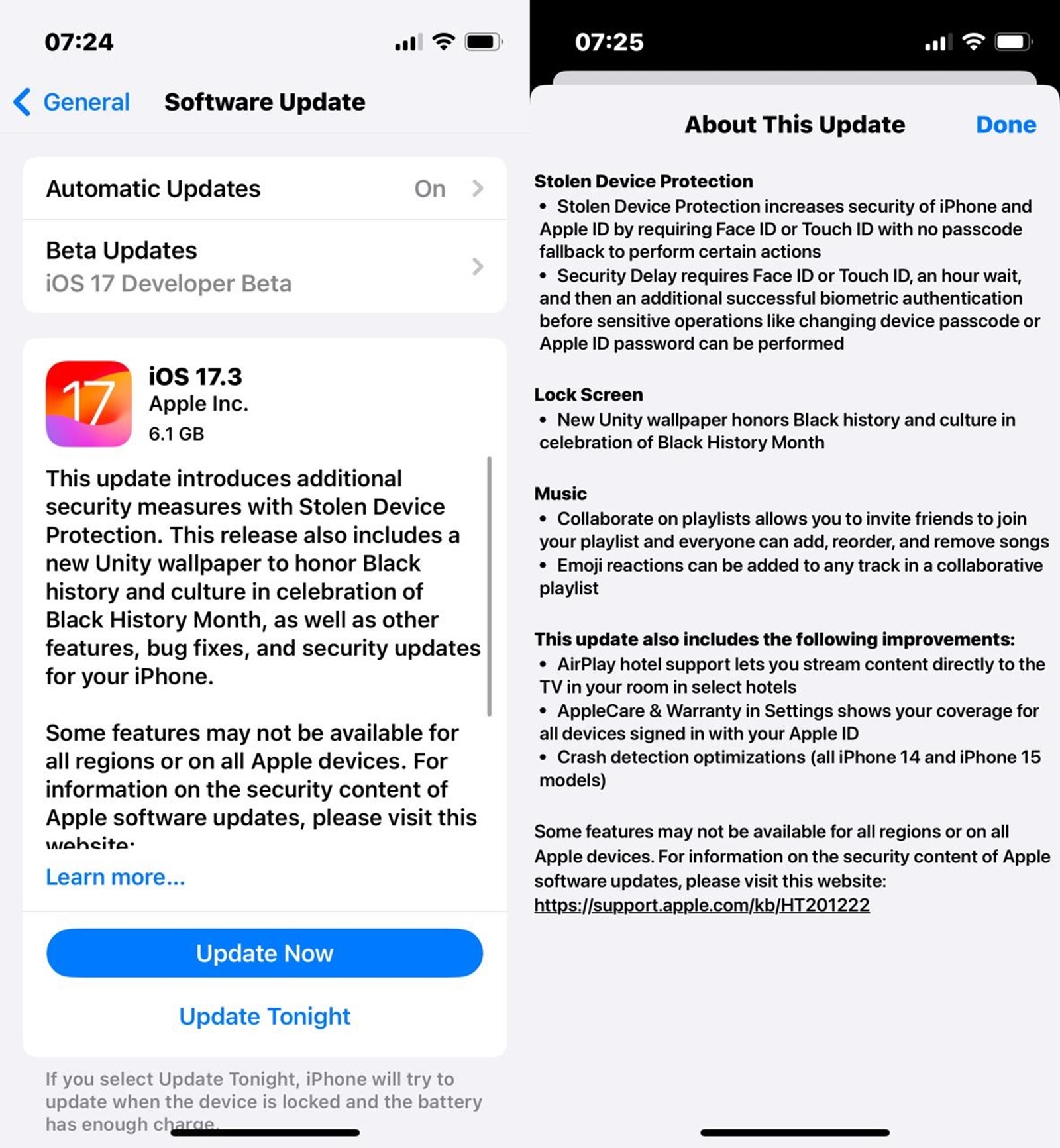 It also brings some new wallpapers for the lock screen. (Express Photo)
To counter iPhone thefts, Apple has developed a new feature called ‘Stolen Device Protection’ that enforces some additional security requirements when your device is not in safe places like work or home.
In addition to the phone’s passcode, the feature offers an additional layer of security by requiring biometric authentication when accessing passwords stored on iCloud, making purchases in Safari, turning off Lost Mode, changing Apple ID password and iPhone passcode, and erasing device data and more.
The feature is available on all iPhones running on iOS 17 and can be enabled by heading over to the ‘Face ID & Passcode’ section in device settings and turning on the ‘Stolen Device Protection’ toggle.
Apple is finally rolling out collaborative playlists for Apple Music with the latest software update. Introduced in previous beta versions of iOS, the functionality allows users to create or use existing playlists and invite their friends or family to add songs to the playlist.
To use the feature, open Apple Music on your device, head over to a playlist and tap on the person icon that appears. Doing so will generate a link which you can share with others to invite them to the playlist.
When listening to collaborative playlists on Apple Music, users will also be able to add emoji reactions like a heart or thumbs up, which animate when the song others reacted to is playing.
iPhone users who updated their devices to iOS 17.3 can now stream content from Apple devices like iPads, iPhones and Macs in select hotels Apple deems as AirPlay compatible. The new functionality enables users to watch content from streaming platforms on a big screen in a hotel using their credentials.
The iOS 17.3 also shows AppleCare coverage for all devices you have signed in using your Apple account. The new option can be found under the ‘AppleCare and Warranty’ section that can be found in the ‘General’ tab in the Settings app.