


© IE Online Media Services Pvt Ltd
Tags:


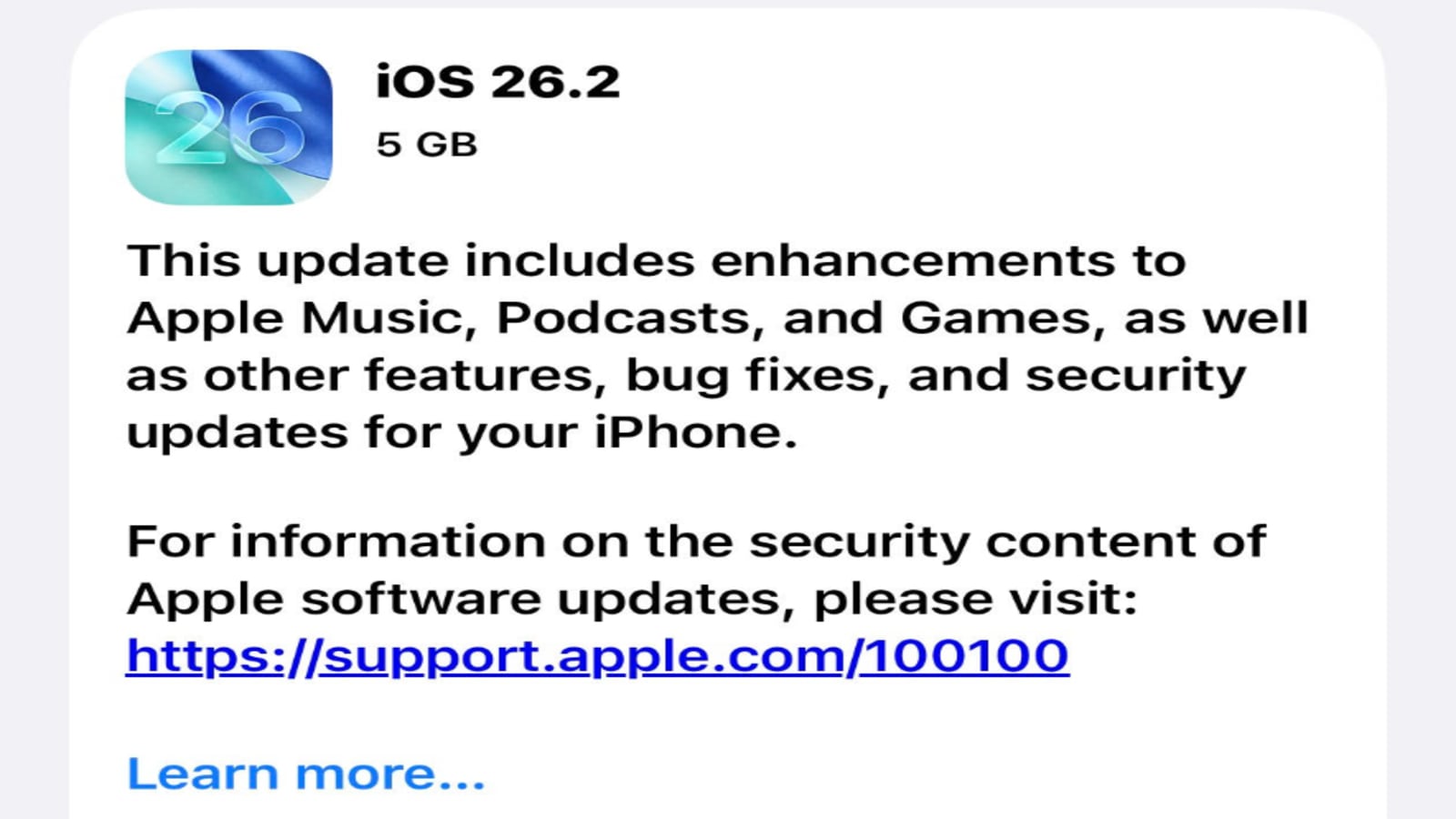
Before 2025 wraps up, Apple has surprised millions of iPhone users with a new iOS 26.2 update this week, which is currently being rolled out. While it was previously assumed that iOS 26.2 would be a small update, it turns out it brings a host of useful new features, including key security improvements. These include new options for the controversial Liquid Glass feature, podcast enhancements, offline lyrics support in Apple Music, sleep score revisions, and reminder alarms, among many others.
Here’s a refresher on what’s new in iOS 26.2 and why you should download it and update your iPhone.


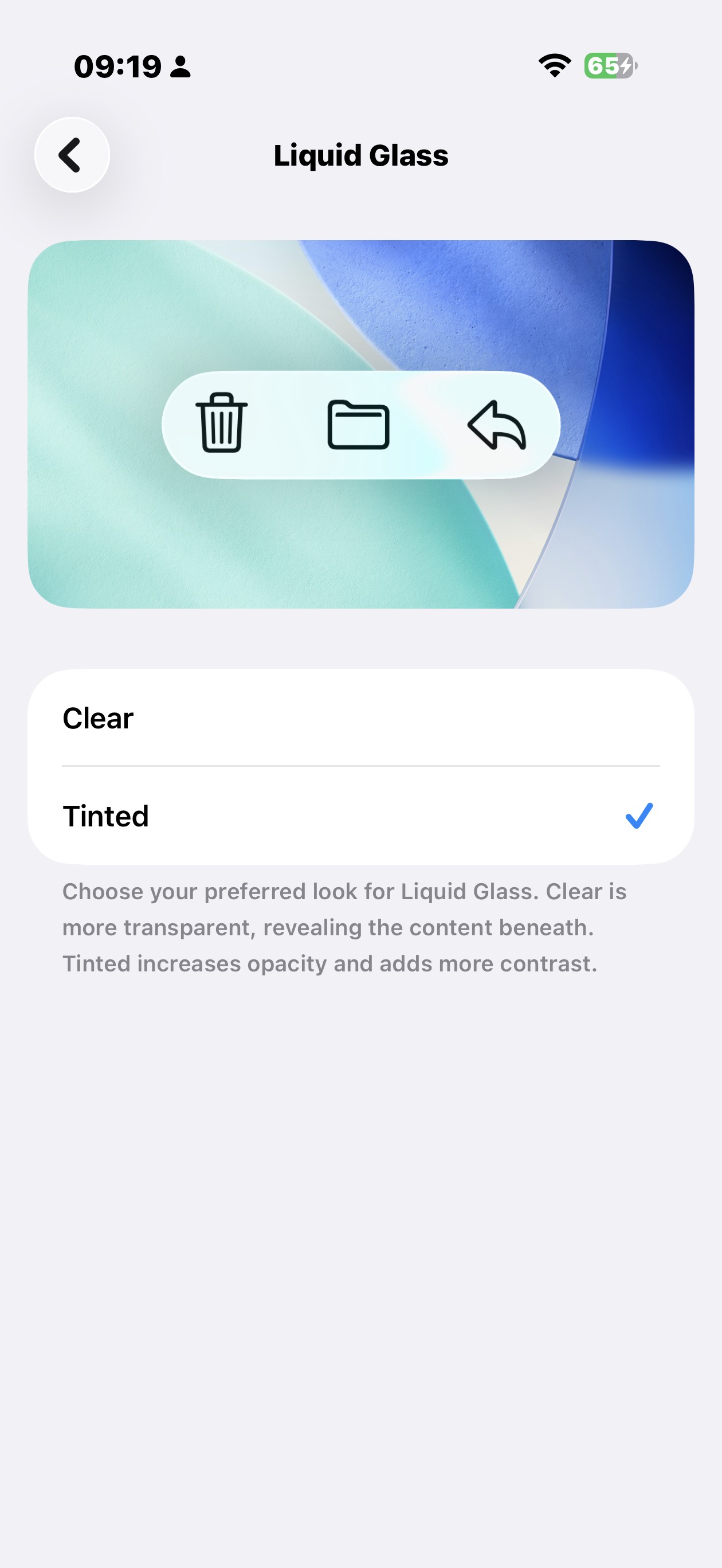
Liquid Glass was supposed to be the design change that would transform the iPhone’s interface into something cool and futuristic; however, the design language ended up receiving mixed reviews from users. Apple quickly took note of the feedback and rolled out a tool to dial down Liquid Glass’s transparency. Now, with iOS 26.2, Apple has introduced new controls for how Liquid Glass appears on the Lock Screen, adding a slider to adjust the transparency level. The update lets you control how transparent the Liquid Glass clock appears, making it more translucent or more solid. No matter how much you dislike Liquid Glass, Apple’s controversial new design language isn’t going away anytime soon but at least the company is now giving users the freedom to tone it down a bit.
Apple Music already had a lyrics feature, but it always required Wi-Fi or cellular data. With iOS 26.2, Apple has added offline lyrics support, allowing subscribers to view song lyrics even without an internet connection after downloading tracks.
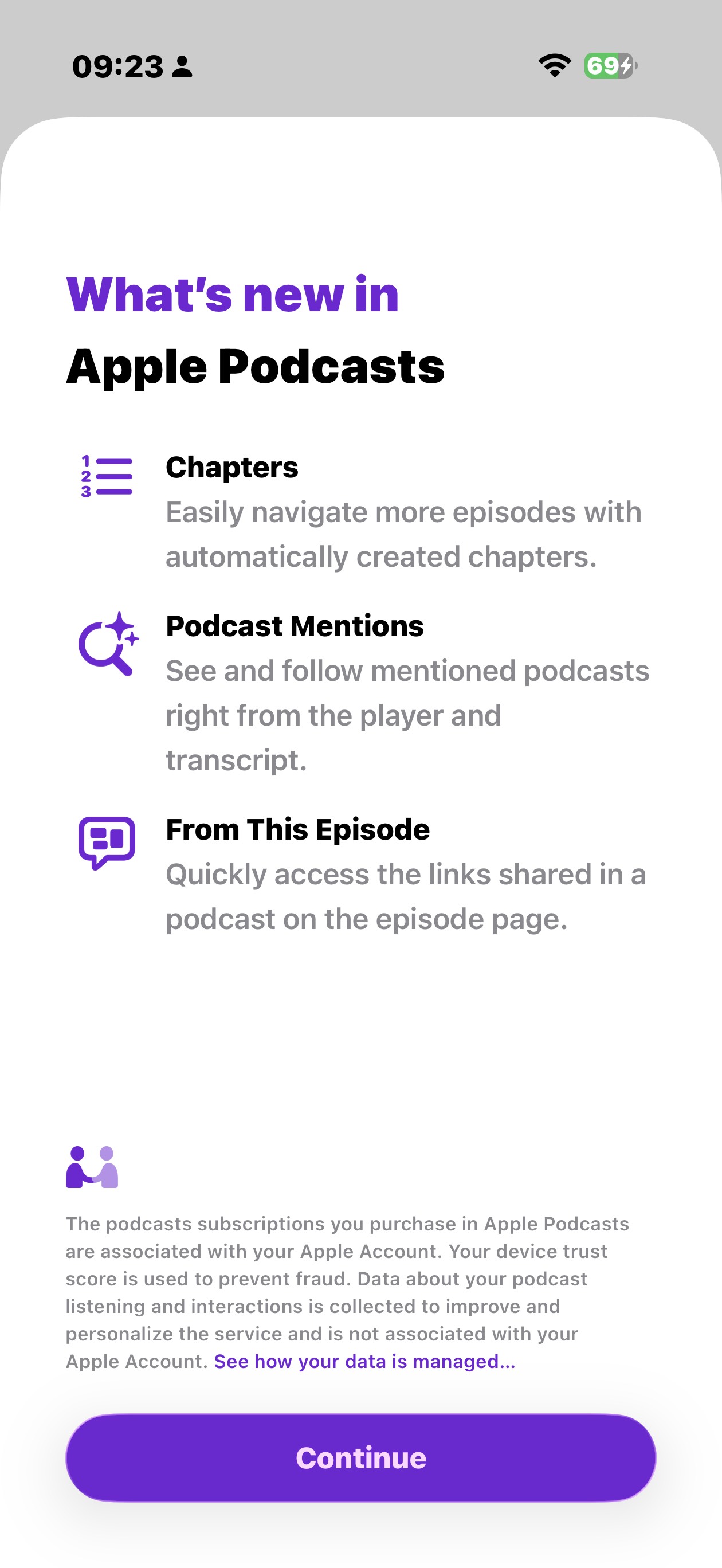
For all podcast listeners, there’s good news. The new iOS 26.2 update adds three features to the Podcasts app: automatically generated chapters, the ability to see mentions of other podcasts in transcripts and the player, and access to links mentioned in episodes. One feature, Chapters, makes episode navigation easier, with chapter breaks shown as small markers in the player. Other changes include links shared in a podcast displayed directly on the episode page and a brand new way to follow other podcasts mentioned during an episode straight from the transcript.
When you update your iPhone to iOS 26.2, you will notice that the Reminders app has a new option to set an alarm when a reminder is due. When you create a reminder in the app, you can mark it as Urgent, and the app will prompt you to schedule an alarm or timer for that reminder.
With iOS 26.2 and watchOS 26.2, Apple has updated the ranges for Sleep Score in the Health app. Sleep quality is measured on a points-based scale: ry Low, Low, OK, High, and Very High (formerly Excellent) based on sleep duration, bedtime consistency, and interruptions. The Sleep Score uses a 100-point system, with sleep duration accounting for 50 points, bedtime consistency for 30 points, and sleep interruptions for 20 points. To earn the full 50 points for duration, users need to sleep at least 8 hours, maintain a consistent bedtime, and avoid long nighttime awakenings.
The iOS 26.2 update can also introduces enhanced security features, offering more safety alerts, such as earthquake and other threat alerts. To find these new alerts, go to Settings > Notifications > Enhanced
iOS 26.2 fixes two WebKit vulnerabilities (CVE-2025-43529 and CVE-2025-14174) that could allow arbitrary code execution via malicious web content, and a kernel vulnerability (CVE-2025-46285) that could let an app gain root access, potentially giving attackers full control of the iPhone. The release of iOS 26.2 comes at a time when the company recently sent cyber threat notifications to users in at least 80 countries, warning them that they are being targeted by a malware. The spyware is highly targeted, aimed at a specific subset of iPhone users, including journalists and politicians. Once installed on a device, the spyware all your activities, even within encrypted apps such as WhatsApp.
The Games app Library now lets you filter games by size, in addition to Name and Recent. In-game challenge score banners provide real-time updates whenever someone new takes the lead in a game you are playing. Meanwhile, iOS 26.2 adds extra security to AirDrop by introducing an additional layer of verification when sharing with unknown contacts: a code appears on the receiver’s device that the sender must enter to complete the transfer.


