A lot of people have apprehensions when buying a second-hand Apple Mac, which is okay considering the fact that one usually has no knowledge about the device’s past history. Sure, there are risks involved, including purchasing a non-working model or a stolen product. In fact, there have been instances in the past where sellers misinformed me about the product after the purchase, and I completely regretted my decision. Based on my experience dealing with sellers on OLX, eBay and Quikr, theses are the following things one should keep in mind before considering second-hand Mac in India.

Before you buy a second-hand Mac make sure you research extensively about the model number, how much a new version costs in the market, compare the model online, check reviews, and pay attention to the technical specifications. You can get all the technical specifications and features of a Mac in detail from Apple’s website. This will help you to bargain with a seller. Never ever pay more for a used MacBook or iMac. Just remember that second-hand computers always come at bargain prices.
Always buy a functional Mac
This may seem like a no-brainer, but I would urge you to carefully examine the condition of a Mac before you say Yes to the seller. First things first, you need to make sure that the device is in a working condition and can be switched on. Unless you happen to be one of those, whose intention of buying a second-hand computer to get it for spare parts.
And if you belong to the former category, a body check of a notebook is must. You need to verify whether the screen is fully functional. Check for bad pixels and brightness and flickering. Look out for dents and scratches on the device’s body. Check for missing screws and loose hinges. Try to use the keyboard and trackpad in front of a seller, test the ports (USB and charging) and DVD drive, check wireless connectivity, test speakers and webcam. Do ask the seller about any parts missing from the computer, like RAM, hard-drive, etc.
You need to verify whether the screen is fully functional. Check for bad pixels and brightness and flickering. (Apple MacBook 2016 in this file photo)
A software check of a second-hand Mac is something you should definitely do. I have myself encountered cases where a Mac may look like a new one, but the device had issues running OS X properly. Make sure the installed software is running in order. If possible, ask a seller to provide the original software CDs/drivers that came with the device.
Check the battery health status
If you’re interested in buying a second-hand MacBook, you will want the laptop’s battery to last as long as possible. Therefore, it is mandatory to check the health of battery. Ask the seller how long battery lasts, whether the battery charges properly and does it function properly. You do not want to buy a MacBook with a dead or used battery.
Inspect the age of a Mac
Story continues below this ad
A second-hand Mac may save you a few bucks, but there are things you cannot ignore. The age of a computer is something I always consider in mind before I purchase a used or older-generation model. If you opt for an older Mac (say, an early 2007 MacBook Pro), then in that case you should keep in mind that it might have stopped getting regular software updates and security patches. Which means it will not run many modern programs, games and apps. However, if your purpose is limited to using a word document and sending e-mails, an old-generation Mac will be a perfect fit.
Buy a genuine device
Do not be fooled by someone selling you a fake MacBook, and it is better to save yourself from being conned. It is advisable to ask the seller to provide proof of the purchase, like a genuine bill or the receipt. And if the seller refuses to provide the receipt, the next step would be check the model number and serial number of a Mac.
To do that, Turn on a Mac and click the Apple icon in the top left corner of your Mac. This will show up a drop-down menu. Choose the top option: About This Mac. A new window will pop up that will inform which Mac model it is. Or else, flip the MacBook up-side-down where the serial number and model numbers are printed. And in case of an iMac, its model number and serial number can be found on the base of the computer.


 5 min read


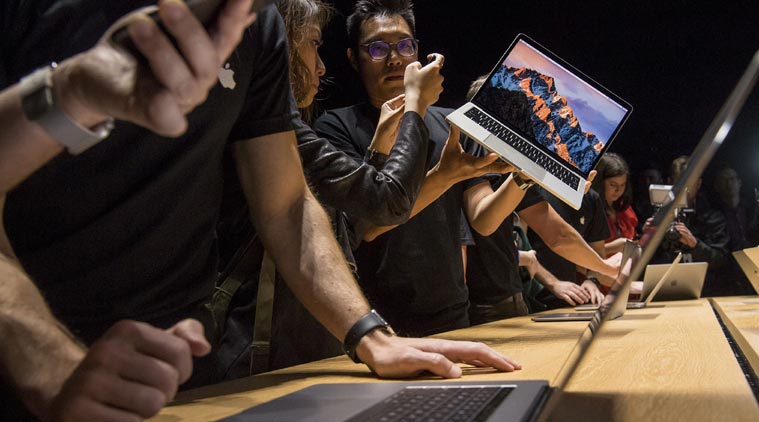 Planning to buy a second-hand MacBook or iMac? Here are tips to keep in mind. (Image Source: AP)
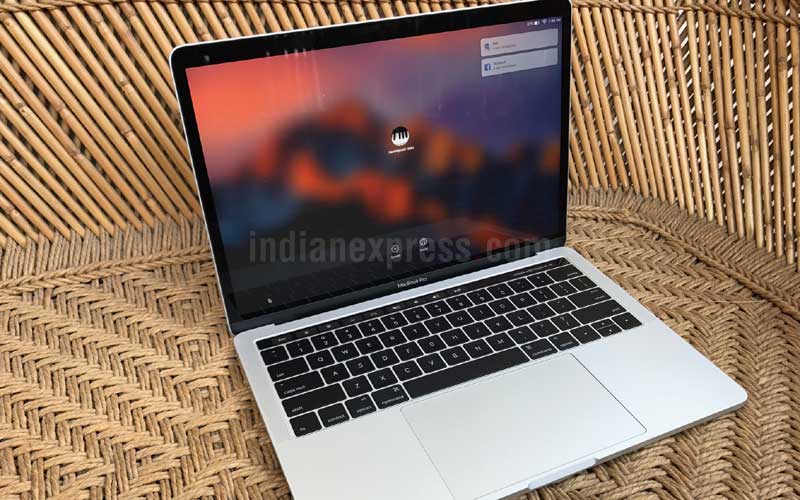 You need to verify whether the screen is fully functional. Check for bad pixels and brightness and flickering. (Apple MacBook 2016 in this file photo)