4 min read
© IE Online Media Services Pvt Ltd



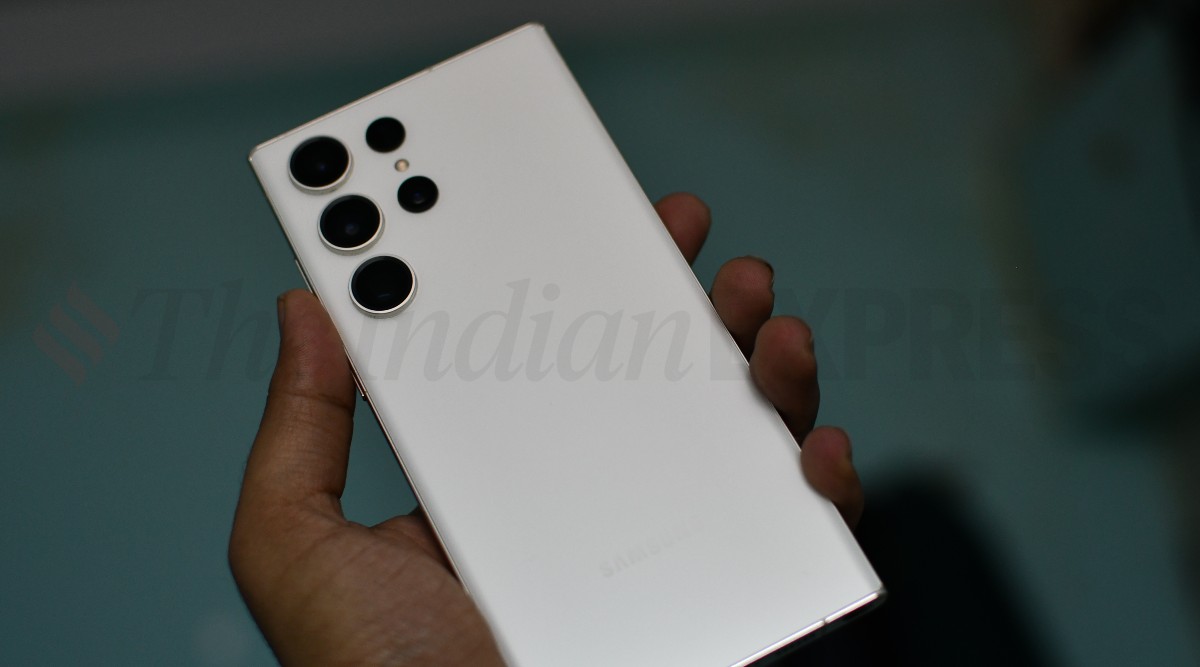 Samsung Galaxy S23 Ultra allows users to capture 50MP RAW pictures (Image credit: Vivek Umashankar / Indian Express)
 Samsung flagship smartphones are known for their camera prowess. With dedicated high-resolution wide-angle, ultra-wide-angle, and telephoto lenses, the Galaxy S and Z series of smartphones offer a versatile camera experience. However, if you want to elevate the camera performance on your Samsung smartphone, then you need the Samsung Expert RAW app.
Available free on the Galaxy Store app, Expert RAW allows users to capture photographs in RAW format, which are a lot different from photos that one might capture with a regular camera. The images shot using the Expert RAW app will look dull and require post-processing to get the most out of them.
These are also uncompressed photos, which will be slightly larger than a jpeg image.
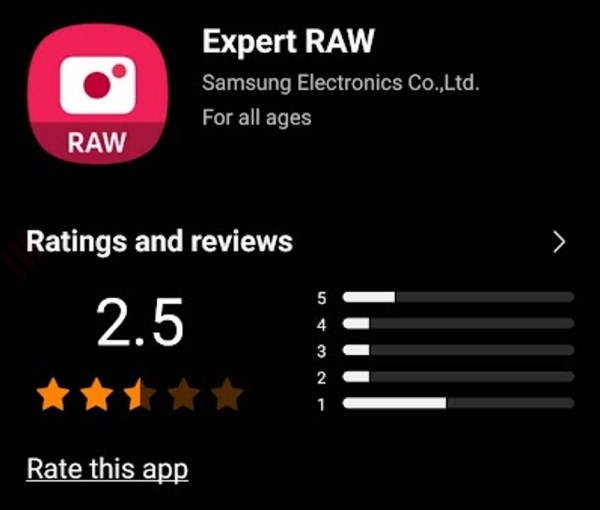 Samsung Expert RAW camera app is available on Galaxy Store.
The Samsung Expert RAW app can be downloaded directly from the native camera app on your Samsung flagship smartphone. Open the camera app > More > and click on the Expert RAW option. Do note that the feature is only available on phones that support RAW photo capture.
Once downloaded, there will be a separate app on the app drawer, which can be accessed to shoot RAW format pictures on Samsung Galaxy smartphones.
Samsung’s Expert RAW offers finer control over various settings such as ISO, Speed, EV, Focus, and WB. Besides, it also offers a high-efficiency RAW, which helps capture RAW photos that are smaller than standard RAW ones. Similarly, it also offers an option for astrophotography and multiple exposure pictures within the camera app.
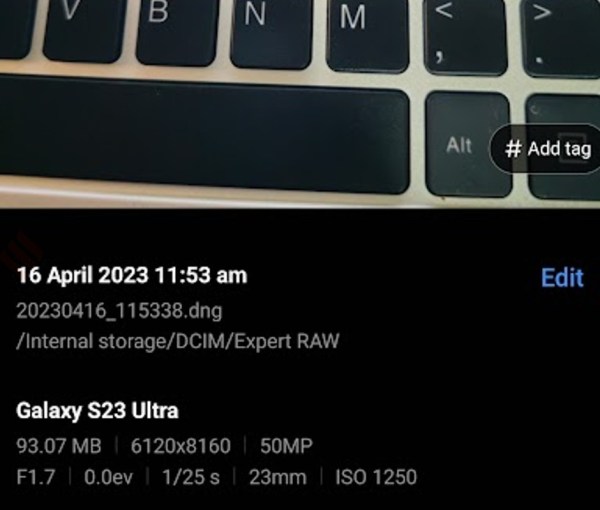 A 50MP RAW image on the Galaxy Phone will be around 90 MB.
With the Samsung Expert RAW app on the Samsung Galaxy S23 Ultra, users can capture images in 12 MP/50 MP resolution on the wide-angle lens. On the other three lenses, the phone can capture photos in 12 MP resolution.
As per the images that I captured on the Galaxy S23 Ultra, 12 MP and 50 MP images shot on the normal camera had a file size of 4 MB and 12 MB, respectively. Similarly, 12 MP and 50 MP images shot on the Expert RAW app will have a file size of 24 MB and 93 MB, respectively. Hence, despite having the same resolution, a RAW image will have at least four times the file size of a regular photo. These photos will be stored in a folder named Expert RAW.
In the high-efficiency RAW mode, a 12 MP image will be around 14 MB in size, while a 50 MP image will take around 60 MB of storage.
Do note that when you capture a photo with the Expert RAW app, the phone by default captures two of them: a regular jpeg and a RAW image. This can be changed from the settings menu by selecting only the RAW format or the jpeg format. Additionally, one can also capture RAW photos from the selfie camera, which will also be a 12 MP resolution image on the Samsung Galaxy S23 Ultra.
Samsung Galaxy S23 Ultra
Samsung Galaxy S23+
Samsung Galaxy S23
Samsung Galaxy Z Fold 4
Samsung Galaxy S22 Ultra
Samsung Galaxy S22+
Samsung Galaxy S22
Samsung Galaxy S21 Ultra
Samsung Galaxy Z Fold 3
Samsung Galaxy S20 Ultra
Samsung Galaxy Note 20 Ultra
Samsung Galaxy Z Fold 2