3 min read
© IE Online Media Services Pvt Ltd



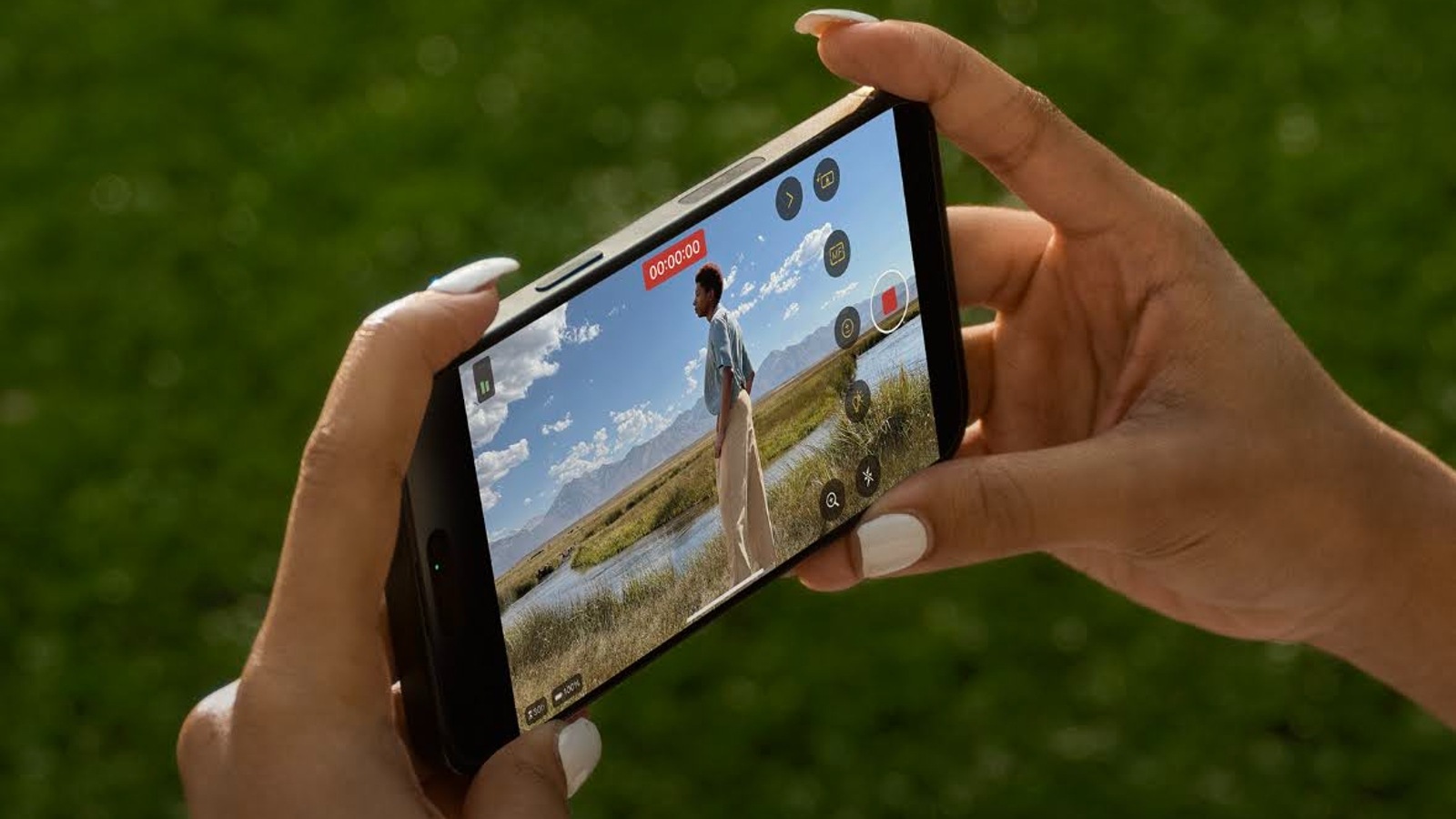 Final Cut Camera app is available for free (Image credit: Apple)
Apple has just introduced a new camera app called Final Cut Camera, which transforms your iPhone into a professional video camera. This app provides more manual controls than the default iPhone camera app and allows you to monitor live footage from an iPad.
The Final Cut Camera app is a free application for iPhones running iOS 17.4 or later versions. Unlike the regular camera app, it is exclusively for recording videos and does not support still image capture.
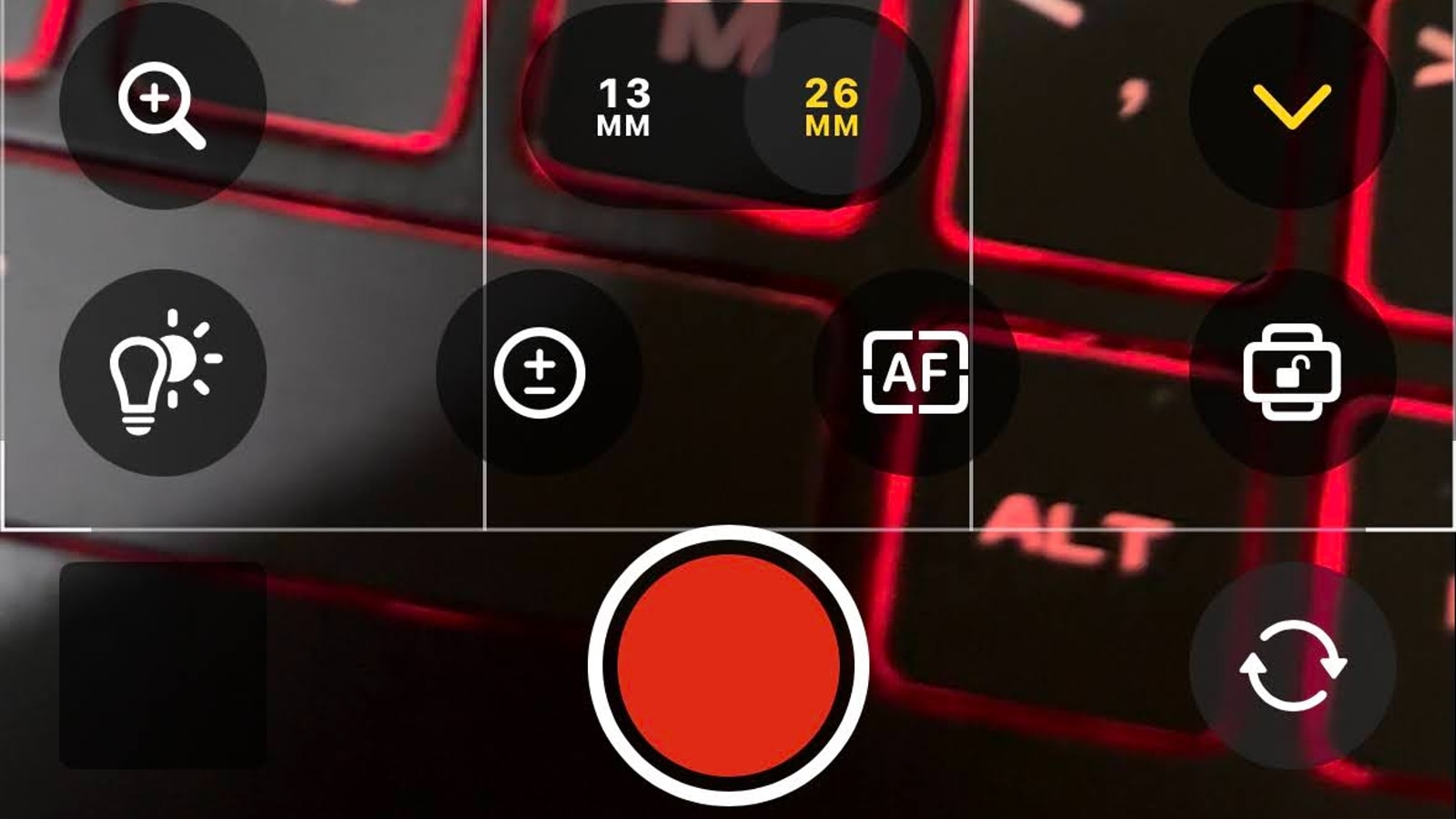 Final Cut Camera app UI. (Express Photo)
Depending on an iPhone’s capabilities, the Final Cut Camera app can shoot up to 4K videos at 60fps in either HDR or SDR standard. Users can also shoot from different cameras available on the device, including the front-facing camera. On an iPhone 15 Pro Max, the Final Cut Camera can shoot in three different focal lengths, whereas this is limited to two different focal lengths on an iPhone 15.
The app allows users to smoothly zoom in or zoom out between different focal lengths, and users can also choose different resolutions and frame rates. There are also native options to control white balance, exposure, and the ability to lock the camera to portrait, right, or left orientation.
The camera app displays the remaining video recording time based on the available storage on the device. It also provides extra features like grid overlay, aspect ratio guide, overexposure, and focus peaking indicators to give users more precise control over the videos captured with the Final Cut Camera app.
Using the Final Cut Camera app, users can also record audio using an external device, and there is also an option to stabilise the footage and to get a mirrored output from the selfie camera.
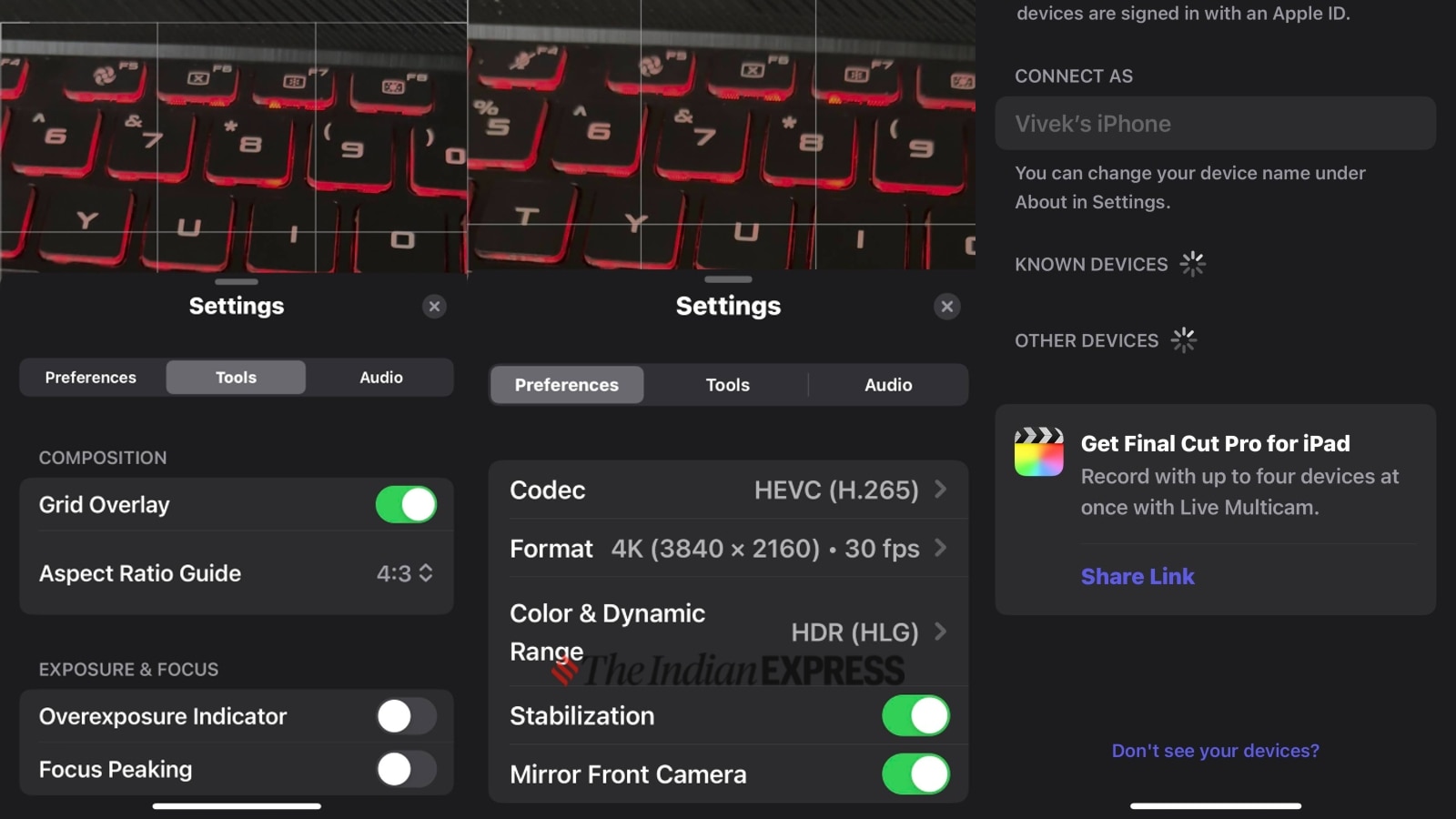 The app offers granular control over various aspects (Express Photo)
The Final Cut Camera app’s standout feature is its capability to record videos from multiple angles using multiple cameras. When you connect to an iPad, you can watch all the footage at once.
However, please note that this feature requires a modern iPad paired with the same Apple ID as the iPhone. You also need to purchase the Final Cut Pro app for iPad, which was released alongside the Final Cut Camera app.
The Final Cut Camera app is designed for professionals who want to make the most out of their iPhone camera for shooting footage for professional use. It is available for free download on eligible iPhones.