2 min read
© IE Online Media Services Pvt Ltd



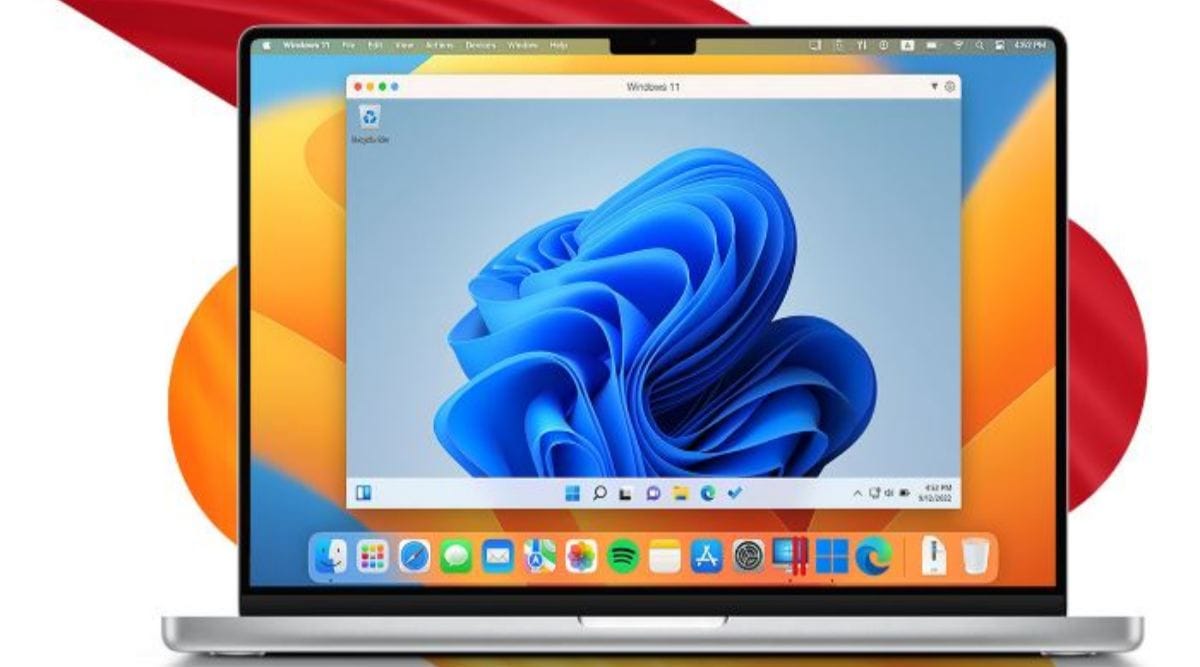 The other way to run Windows 11 on M1 and M2 Mac is by using the Windows 365 service. (Image Source: Parallels)
 Microsoft has announced that it will be officially supporting Windows 11 on Apple’s M1 and M2-powered machines. According to a recent update on a support page shared by the tech giant, there are two ways users can run Windows 11 on a Mac.
The first one is via a cloud PC using the Windows 365 service, a solution designed for organisations that gives you access to a machine on a per-user per-month basis. The other way to run Windows 11 on an Apple M1 or M2 Mac is by using Parallels.
Microsoft says “Parallels Desktop version 18 is an authorized solution for running Arm versions of Windows 11 Pro and Windows 11 Enterprise in a virtual environment on its platform on Apple M1 and M2 computers”.
While this is definitely a big move in the right direction since Parallels users had no way to run Windows 11 on Apple machines, the ARM version of Windows does come with numerous limitations which restrict users from running various apps, games and some anti-virus solutions.
Also, it looks like applications which need an extra layer of virtualisation like Windows Subsystem for Android, Windows Sandbox and Windows Subsystem for Linux are not supported. Microsoft said that games which make use of DirectX 12 or OpenGL 3.3 or higher won’t be supported either.
While there are other virtualisation solutions which let you run Windows 11 on a Mac, Parallels is the only one officially supported by the tech giant. If you are wondering why users don’t make use of BootCamp to run the latest version of Windows on an Apple silicon-powered Mac, it is because the app only supports machines with Intel CPUs.