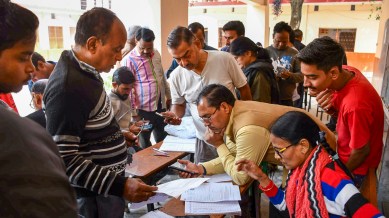
Booth Level Officers check and collect enumeration forms as voters arrive to submit them for the special intensive revision (SIR) of electoral rolls. (PTI Photo)
Advertisement
SIR Form Online: The Special Intensive Revision, or SIR, enumeration form is available online. Unlike the offline process, the online SIR system is entirely managed by the Election Commission of India (ECI). Electors will not need to download a form. They will click a dedicated link on the ECI/CEO West Bengal website or the ECINET app and fill in the details directly.
The SIR form fill-up deadline has been extended from December 4 to December 11
You’ve Read Your Free Stories For Now
Sign up and keep reading more stories that matter to you.
The online filling out of the enumeration form is easily accessible to users. To initiate the process, citizens simply need to navigate to the “Services” section of the portal and select the clearly marked “Fill Enumeration Form” option to complete the necessary documentation for the electoral roll revision online.
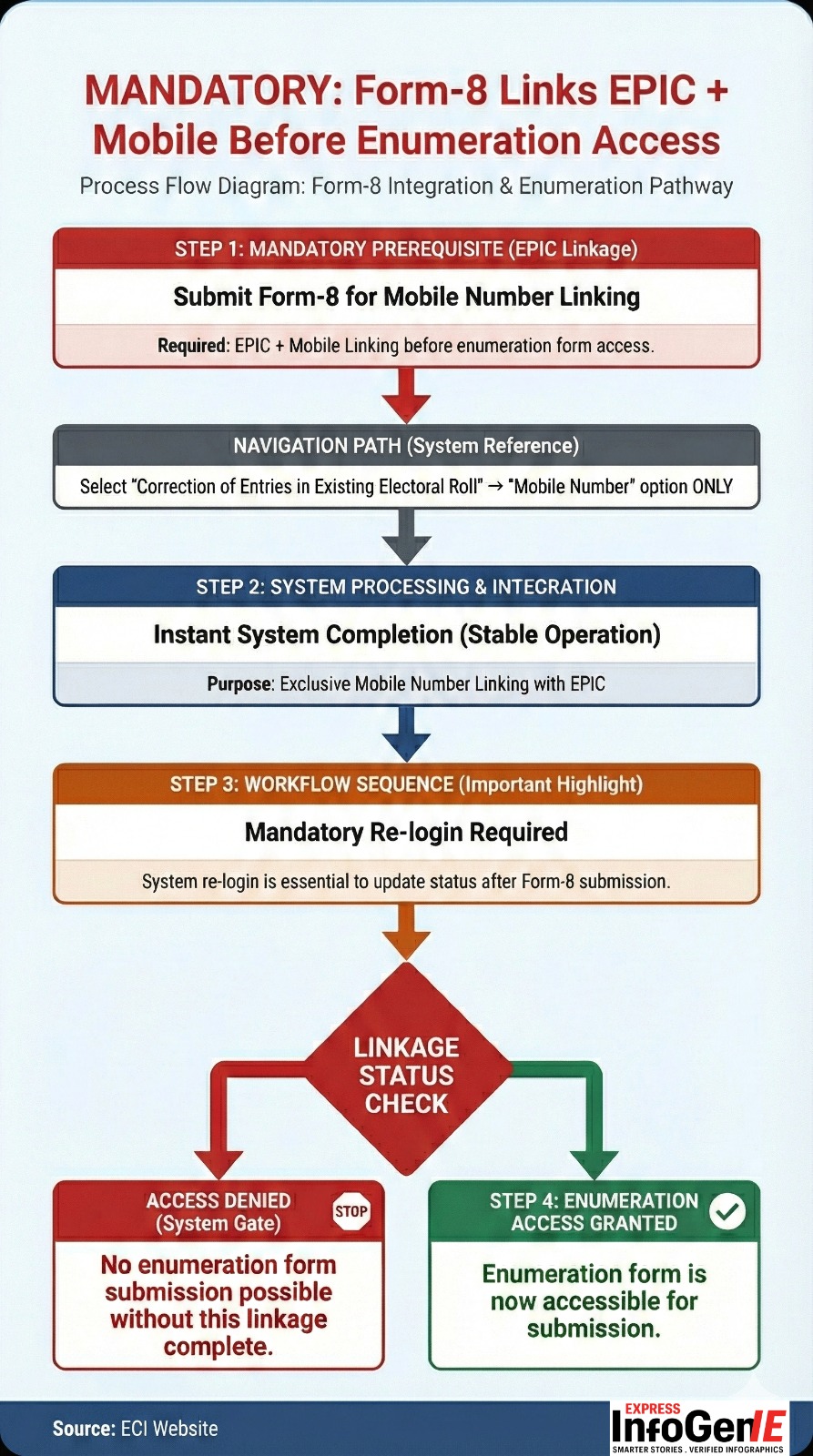
Process Flow Diagram: Form-8 Integration and Enumeration Pathway. Source: ECI Website
What is EPIC?
However, to submit the SIR enumeration forms online, the EC has made the linking of EPIC and mobile number mandatory. An EPIC (Electors Photo Identity Card) is a 10-digit unique identification number issued by the EC. According to the commission, all voters are required to fill out and submit the enumeration form to the BLO or online.
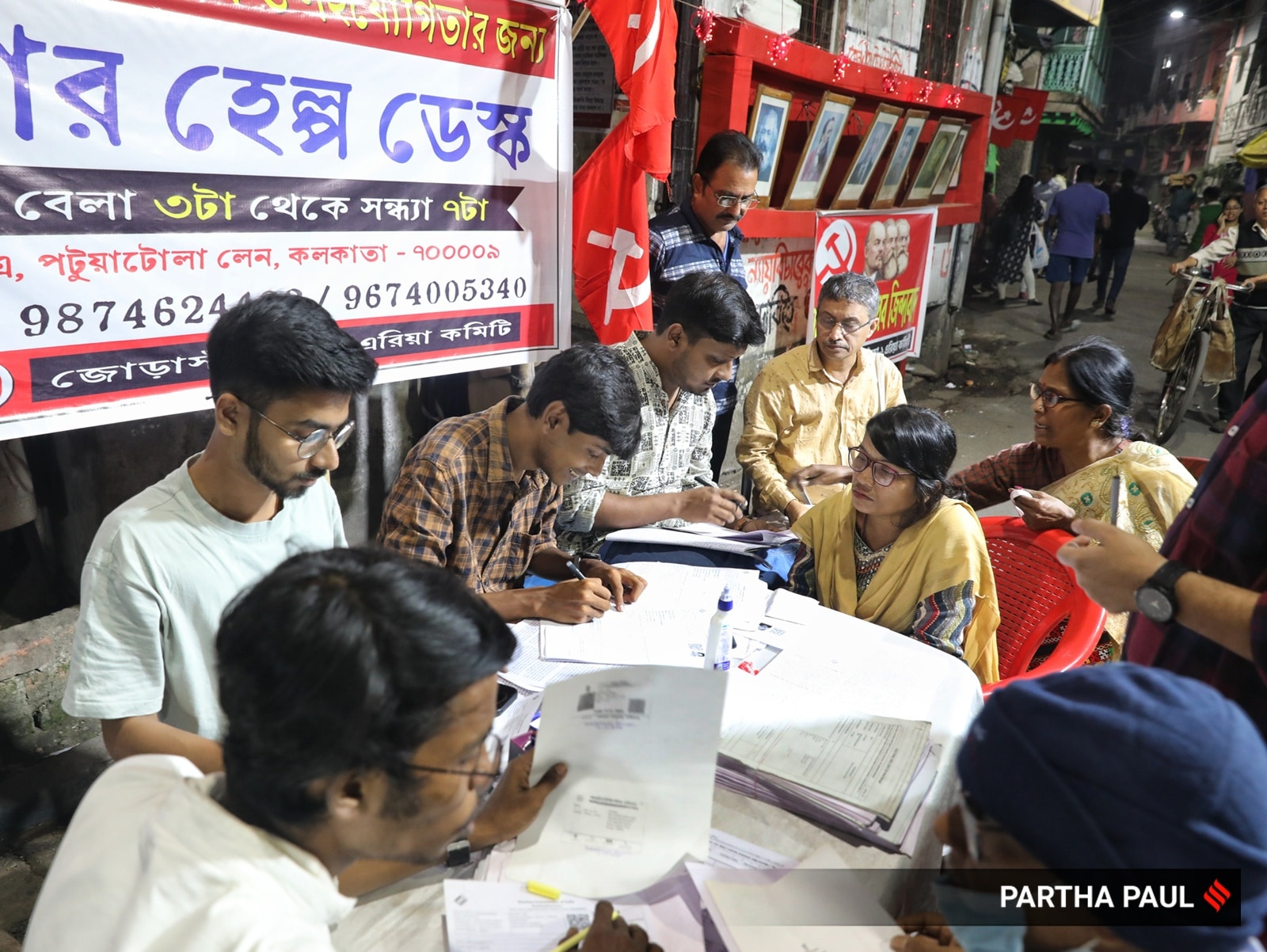
CPIM Jorasanko-1 Area Committee members at Patuatola Lane are helping residents navigate the SIR form process. (Express photo by Partha Paul)
Before filing the enumeration forms, the EPIC has to be linked to your mobile number.
If it was not linked already, it can be done instantly by submitting Form-8 (For mobile number linking with EPIC: click “Correction of Entries in Existing Electoral Roll”, then “Mobile Number” option ONLY under Form-8).
Once EPIC is linked with the mobile number, the applicant has to log in again.
Fill up the enumeration form, including the last SIR information.
Submit through Aadhaar-based e-sign.
Current name as per EPIC and Aadhaar data to be matched for e-sign and submission of enumeration forms.
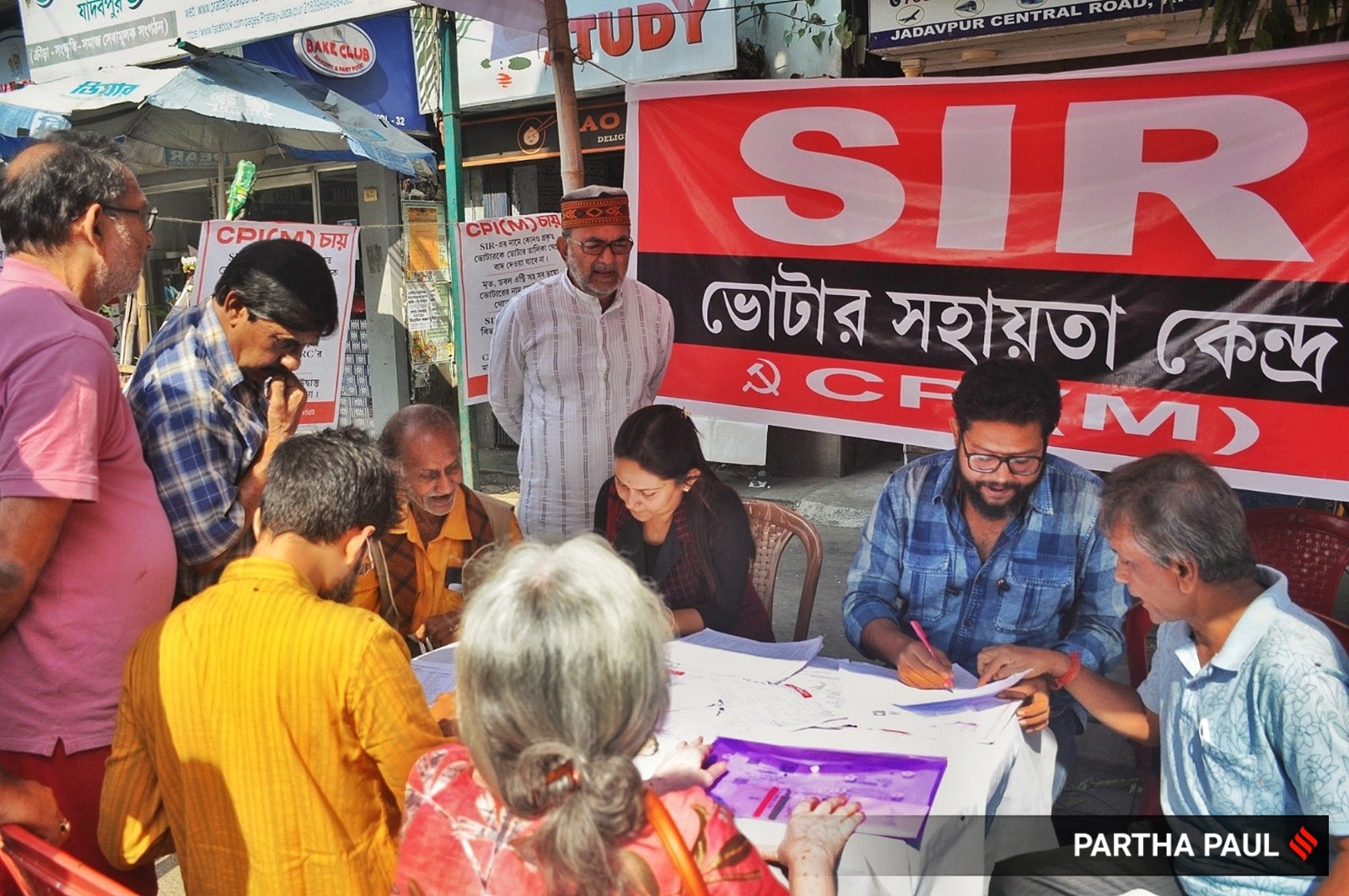
Former CPI(M) MP and former Mayor of Kolkata, Bikash Ranjan Bhattacharyya, visits the SIR Help Desk camps organized by CPI(M) in Jadavpur. (Source: Express Photo by Partha Paul)
How to check if your enumeration form has been uploaded?
Once you have submitted your enumeration form to your Booth Level Officer (BLO) or filled it online, you can verify whether it has been uploaded to the Election Commission portal. Here’s how:
Open your browser and go to voters.eci.gov.in
On the homepage, click ‘Fill Enumeration Form’. This will take you to the login or signup page.
Click ‘Sign Up’, then enter your mobile number, optional email ID, and the captcha to complete the registration.
Click ‘Login’, enter your mobile number and the captcha, and then select ‘Request OTP’. Enter the OTP to log in.
Once logged in, your name will appear at the top. Click ‘Fill Enumeration Form’ again.
Type your EPIC (voter ID) number in the given box.
Click ‘Search’. The status of your form will appear instantly.
If your form is uploaded, you will see a message saying: “Your form has already been submitted with mobile number XXXXX…”
If your form has not been uploaded, you will not see the above message. Instead, a new form page may open.
If the mobile number shown is wrong, or the status says ‘submitted’ even though you didn’t submit it, contact your local BLO immediately.