Android games have improved drastically in the last few years, thanks to rapid advancements in processing power. While the majority of mobile games run pretty smooth on almost all phones, a few demanding titles like Genshin Impact, BGMI, and Wreckfest may lag or stutter now and then.
If you are looking for ways to improve the gaming experience on an Android device, here are some tips and tricks that will help you get the most from your smartphone.
Modern Android phones come with high refresh rate screens, but most smartphone manufacturers set them at auto or low (60Hz) by default. While this helps save battery power, your favourite game may not be running at the highest refresh rate available. This setting may vary depending on the manufacturer of your smartphone.
To enable high refresh rate on OnePlus, Realme, and Oppo devices, open the Settings app on your phone and head over to the ‘Display and Brightness’ section. Now, scroll down to find ‘Screen refresh rate’ and set it to high. Doing so will unlock a new option named ‘App-specific refresh rate’. Tap on it and you will see a list of apps installed on your phone. Find the game you want to enable high refresh rate for and set it to maximum.
On Samsung devices, this setting can be enabled by choosing the ‘Adaptive’ option under ‘Motion smoothness’.
 Switching to a 2.4GHz Wi-Fi network can help fix connectivity issues at times. (Express Photo)
Switch to 2.4GHz Wi-Fi network
Most Wi-Fi routers that have been recently launched support both 2.4GHz and 5GHz Wi-Fi networks, and by default, many Android phones prefer the faster 5GHz network. While this may significantly increase internet speed, these networks have less range than their 2.4GHz counterparts.
If you play games on your mobile in a room where the router isn’t nearby, switching to a 2.4GHz Wi-Fi network may make all the difference as your phone will not struggle to maintain a good connection.
Clearing apps from memory can help you with lags or stutters. (Express Photo)
Clear apps from memory
While this tip may not be applicable for phones with more than 8GB RAM, since many of us own budget or mid-range devices, they can easily run out of memory and cause lags or stutters when playing demanding games like BGMI or Genshin Impact. So, the next time you play any game, make sure you clear all apps from the recent app screen to prevent performance drops.
Power Saver mode reduces phone performance and cuts down on system animations. (Express Photo)
Disable power saving mode
This tip may seem like common sense at first, but most Android phones automatically enable power saver mode when the battery power becomes low. Once enabled, your phone will drastically cut down on animation, processing power, and other things to ensure your device stays on for the longest time possible.
To prevent this from happening, make sure you disable power saving mode before playing games or disable it altogether if you are someone who wants to play games without hiccups.
Most Android phones come with a dedicated ‘Game Mode’. (Express Photo)
Enable Game Mode
Some Android phone makers like Realme, Samsung, Oppo, Vivo, and others offer a built-in game mode that can help get the most out of your hardware. If you own one of these, make sure to enable it for your favourite games since they can help with things like increasing touch responsiveness, preventing mistouches, clearing background apps, and even adjusting CPU and GPU clock speeds.
These features may differ from phone to phone and you may need to enable it for individual games or apps, but they can help you enhance your overall gaming experience by reducing stutters and distractions.

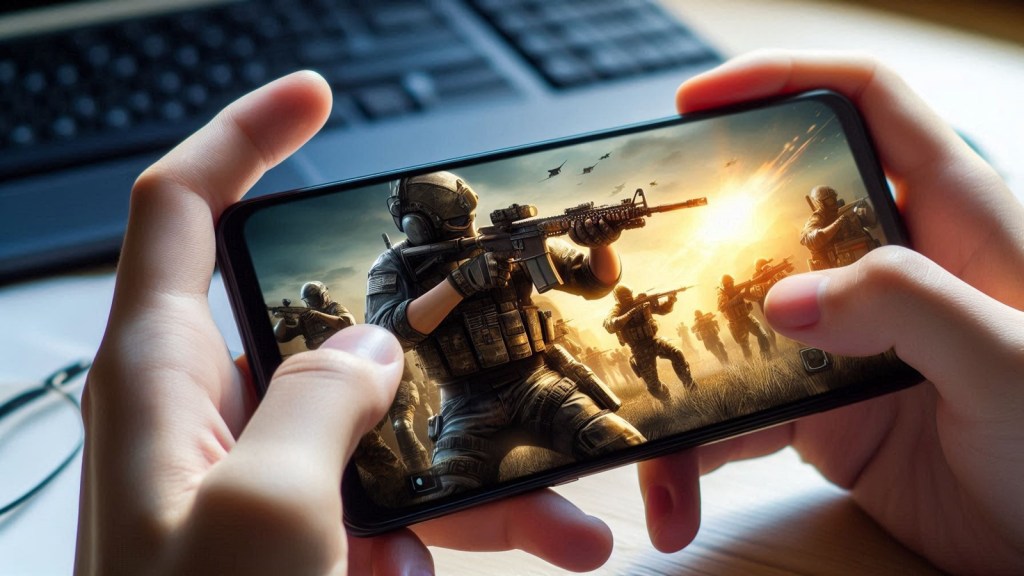

 Some phones let you change the refresh rate for specific apps. (Express Photo)
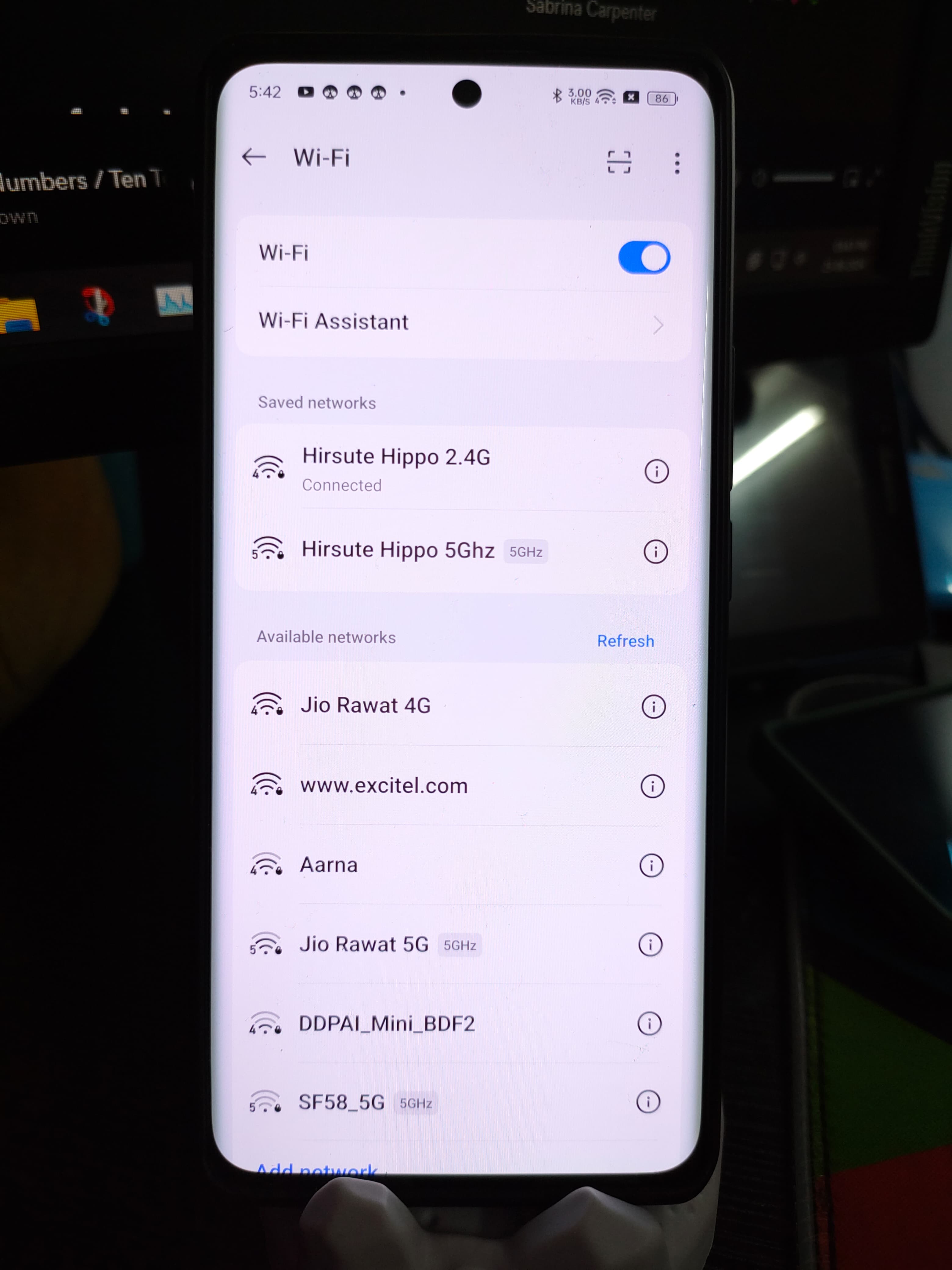 Switching to a 2.4GHz Wi-Fi network can help fix connectivity issues at times. (Express Photo)
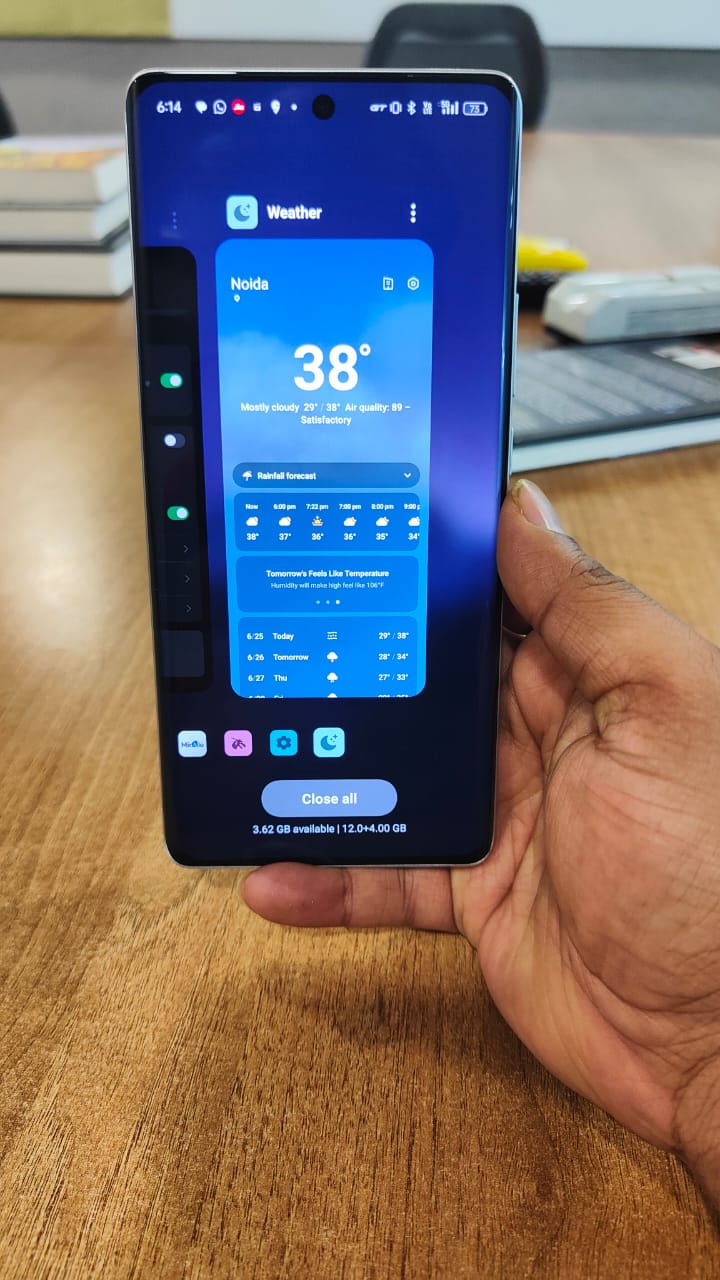 Clearing apps from memory can help you with lags or stutters. (Express Photo)
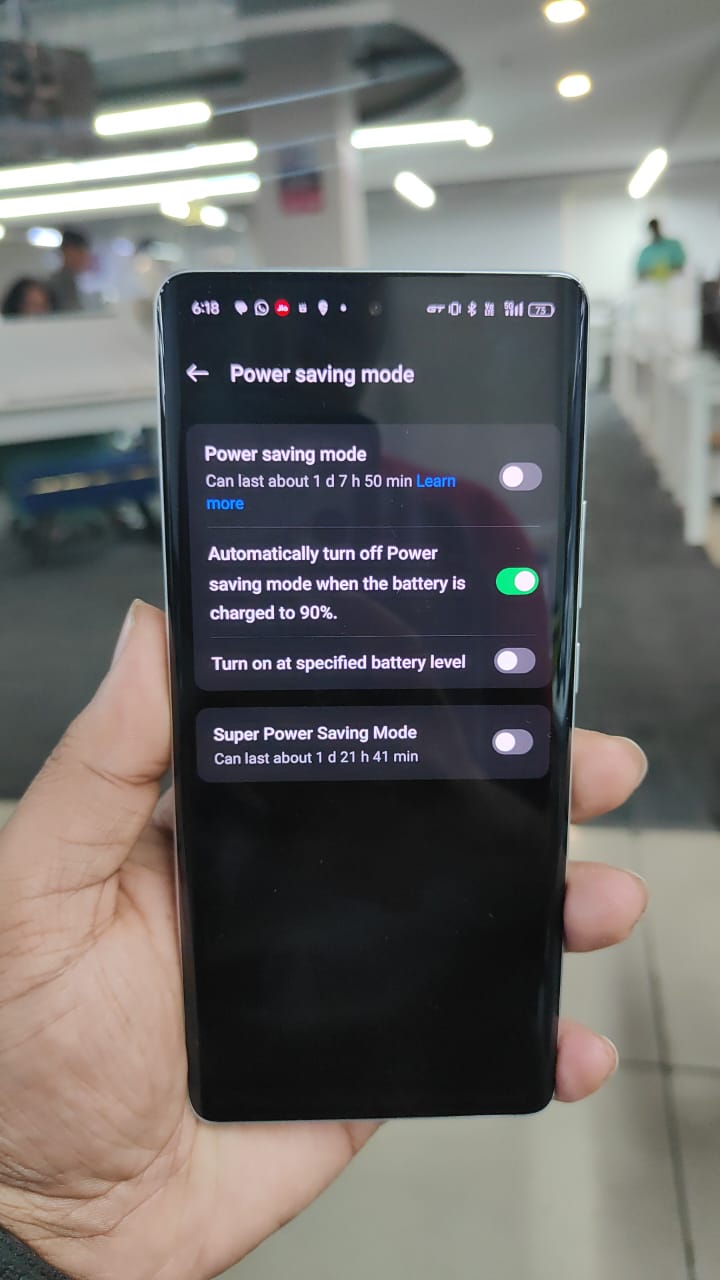 Power Saver mode reduces phone performance and cuts down on system animations. (Express Photo)
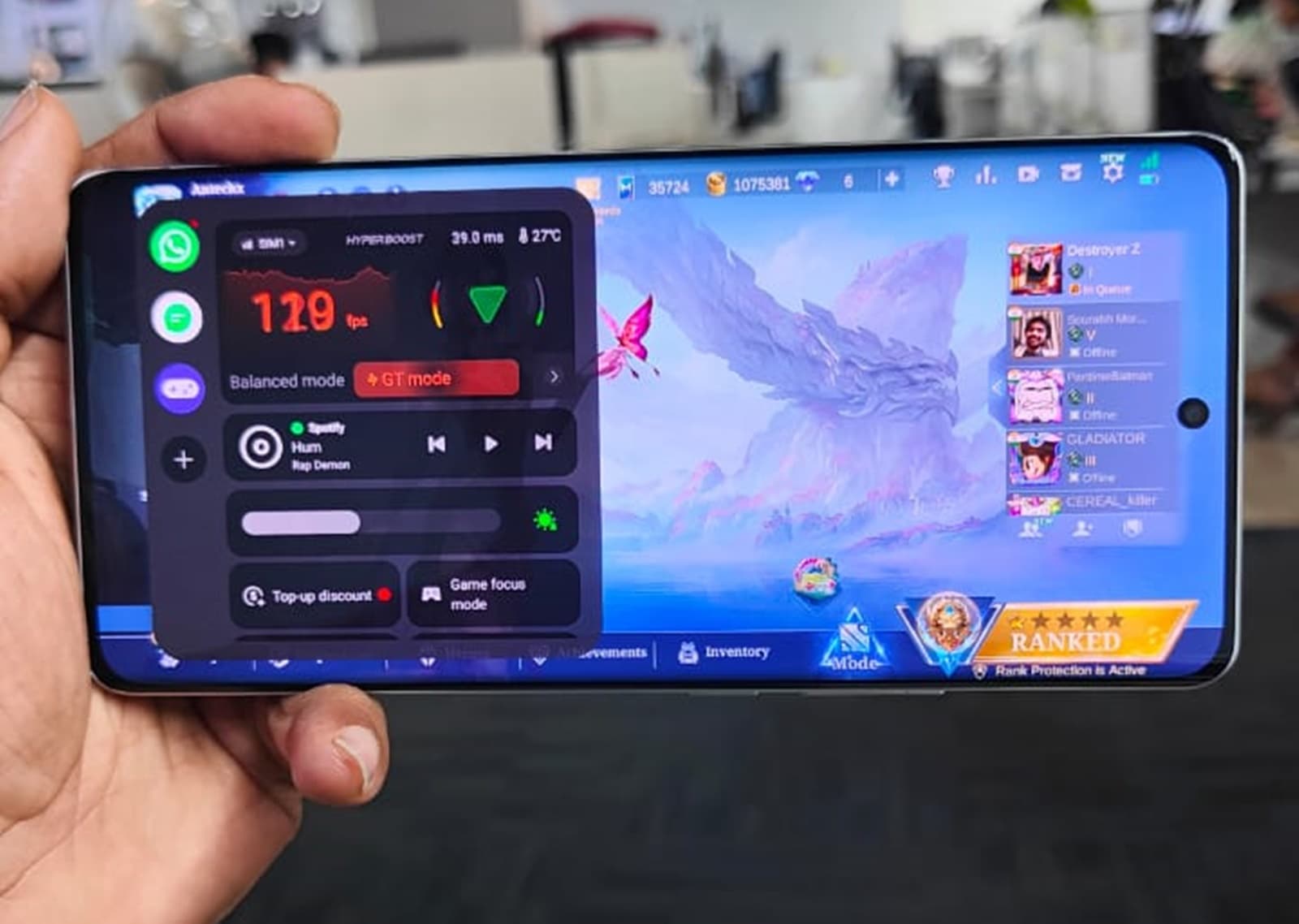 Most Android phones come with a dedicated ‘Game Mode’. (Express Photo)


 Share


